Sign In Start Free Trial
Account

Add to playlist

Create a Playlist

Modal Close icon
You need to login to use this feature.
  • Book Overview & Buying Visual Studio 2010 Best Practices
  • Table Of Contents Toc
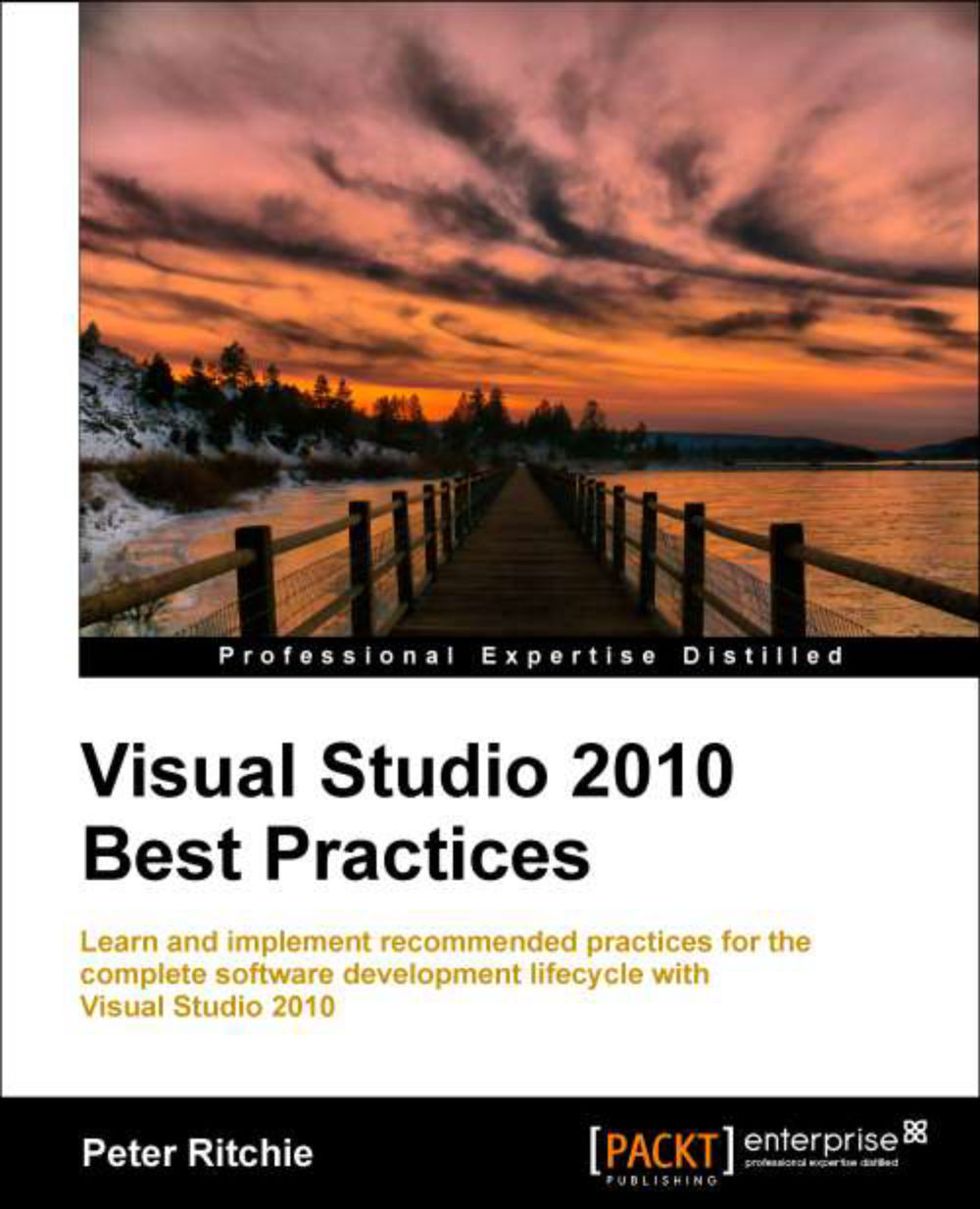
Visual Studio 2010 Best Practices

Visual Studio 2010 Best Practices

By : Peter Ritchie
4.1 (8)
close
close
Visual Studio 2010 Best Practices

Visual Studio 2010 Best Practices

4.1 (8)
By: Peter Ritchie

Overview of this book

When you are developing on the Microsoft platform, Visual Studio 2010 offers you a range of powerful tools and makes the whole process easier and faster. After learning it, if you are think that you can sit back and relax, you cannot be further away from truth. To beat the crowd, you need to be better than others, learn tips and tricks that other don't know yet. This book is a compilation of the best practices of programming with Visual Studio. Visual Studio 2010 best practices will take you through the practices that you need to master programming with .NET Framework. The book goes on to detail several practices involving many aspects of software development with Visual Studio. These practices include debugging and exception handling and design. It details building and maintaining a recommended practices library and the criteria by which to document recommended practices The book begins with practices on source code control (SCC). It includes different types of SCC and discusses how to choose them based on different scenarios. Advanced syntax in C# is then covered with practices covering generics, iterator methods, lambdas, and closures. The next set of practices focus on deployment as well as creating MSI deployments with Windows Installer XML (WiX)óincluding Windows applications and services. The book then takes you through practices for developing with WCF and Web Service. The software development lifecycle is completed with practices on testing like project structure, naming, and the different types of automated tests. Topics like test coverage, continuous testing and deployment, and mocking are included. Although this book uses Visual Studio as example, you can use these practices with any IDE.
Table of Contents (16 chapters)
close
close
Visual Studio 2010 Best Practices
Credits
About the Author
About the Reviewers
www.PacktPub.com
Preface

Not invented here syndrome

Not invented here (NIH) syndrome has become much more understood over the past decade or so. There was a time when there were a handful of developers in the world developing software. Most knew development teams needed to figure out how to write basic data structures such as linked lists, and basic sorting algorithms such as quick sort, or how to perform spell checking. This knowledge wasn't generally available and componentization of software had yet to occur. The value of their project was overshadowed by the sheer complexity of the infrastructure around producing effective software.

Shoot ahead in time slightly into an era of componentized software. Components, libraries, APIs, and frameworks began to appear, that took the infrastructure-like aspects of a software project, and made sharable components that anyone within reason could simply drop into their project and start using. Presumably, the time required to understand and learn the API would be less than having to write that component from scratch.

To a select few people this isn't the case. Their ability to write software is at such a high level that for them to understand and accept an API was a larger friction (they thought) than it was to write their own. Thus, the NIH syndrome began. Because a certain technology, library, API, or framework wasn't invented by a member of the developer team, and therefore under their entire control, it needed to be written from scratch.

In the early days, this wasn't so bad. Writing a linked list implementation was indeed quicker than trying to download, install, and understand someone else's linked list implementation (for most people). These libraries grew to millions of lines of code, and hundreds of person-hours worth of work, but NIH continued. Language frameworks and runtimes became more popular. C++'s STL, Java, .NET, and so on, included standard algorithms (framework) and abstractions to interface with underlying operating systems (runtimes), so it has become harder to ignore these libraries and write everything from scratch. But the sheer magnitude of the detail and complexity of these libraries was difficult to grasp given the detail of the documentation. In order to better utilize these libraries and frameworks, information on how to use them began to be shared. Things like best practices made it easier for teams to accept third-party libraries and frameworks. Lessons learned were being communicated within the community as best practices. "I spent 3 days reading documentation and tweaking code to perform operation Y, here's how I did it" became common.

Practices are a form of componentization. We don't actually get the component, but we get instructions on where, why, and how to make our own component. It can help us keep our software structured and componentized.

CONTINUE READING
83
Tech Concepts
36
Programming languages
73
Tech Tools
Icon Unlimited access to the largest independent learning library in tech of over 8,000 expert-authored tech books and videos.
Icon Innovative learning tools, including AI book assistants, code context explainers, and text-to-speech.
Icon 50+ new titles added per month and exclusive early access to books as they are being written.
Visual Studio 2010 Best Practices
notes
bookmark Notes and Bookmarks search Search in title playlist Add to playlist font-size Font size

Change the font size

margin-width Margin width

Change margin width

day-mode Day/Sepia/Night Modes

Change background colour

Close icon Search
Country selected

Close icon Your notes and bookmarks

Confirmation

Modal Close icon
claim successful

Buy this book with your credits?

Modal Close icon
Are you sure you want to buy this book with one of your credits?
Close
YES, BUY

Submit Your Feedback

Modal Close icon
Modal Close icon
Modal Close icon