Sign In Start Free Trial
Account

Add to playlist

Create a Playlist

Modal Close icon
You need to login to use this feature.
  • Book Overview & Buying Android Security Cookbook
  • Table Of Contents Toc
Android Security Cookbook

Android Security Cookbook

By : Keith Makan
4.8 (6)
close
close
Android Security Cookbook

Android Security Cookbook

4.8 (6)
By: Keith Makan

Overview of this book

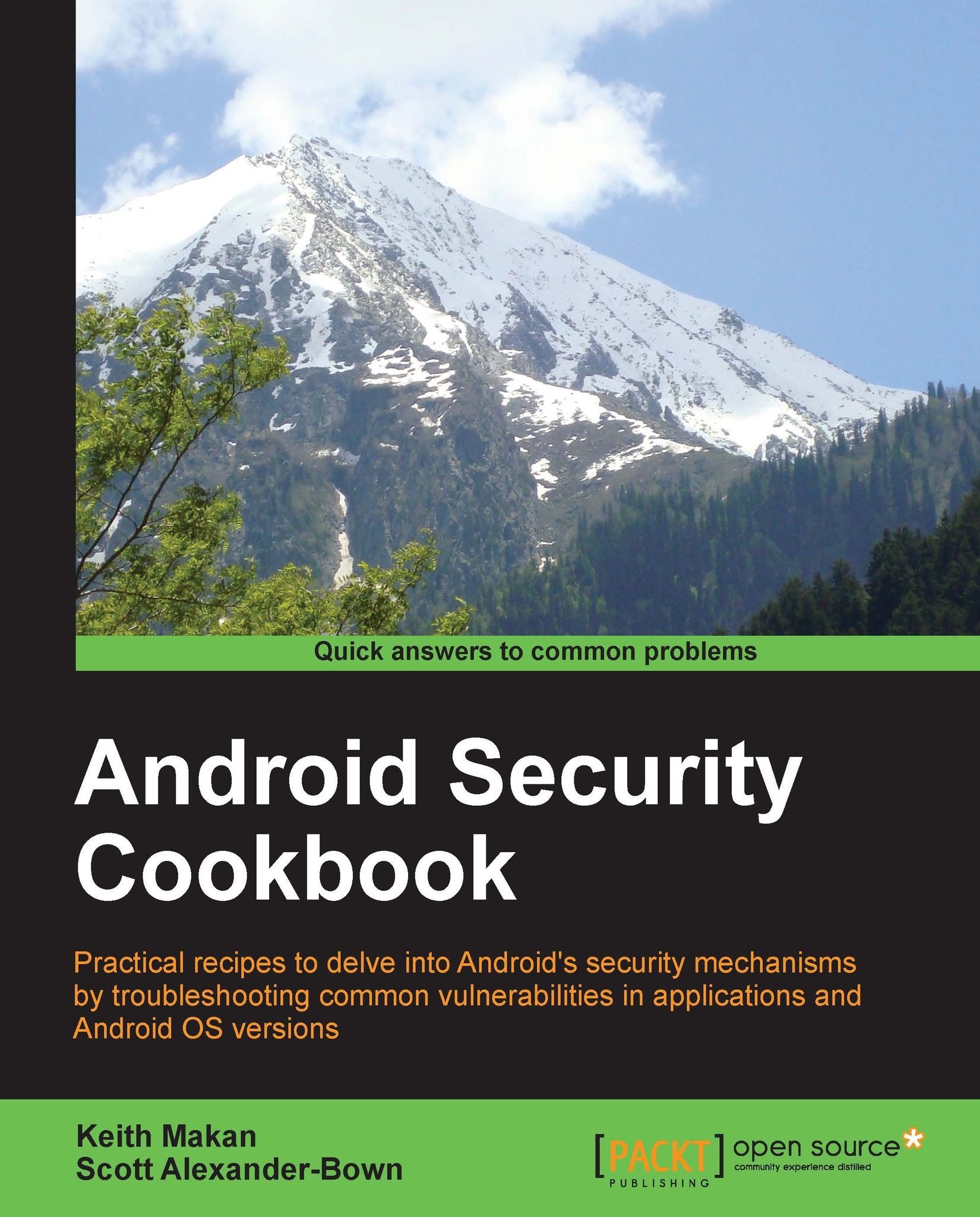
Android Security Cookbook discusses many common vulnerabilities and security related shortcomings in Android applications and operating systems. The book breaks down and enumerates the processes used to exploit and remediate these vulnerabilities in the form of detailed recipes and walkthroughs. The book also teaches readers to use an Android Security Assessment Framework called Drozer and how to develop plugins to customize the framework. Other topics covered include how to reverse-engineer Android applications to find common vulnerabilities, and how to find common memory corruption vulnerabilities on ARM devices. In terms of application protection this book will show various hardening techniques to protect application components, the data stored, secure networking. In summary, Android Security Cookbook provides a practical analysis into many areas of Android application and operating system security and gives the reader the required skills to analyze the security of their Android devices.
Table of Contents (11 chapters)
close
close
10
Index

Information disclosure via logcat


Android applications may leak sensitive information either inherently or as a result of harmful influence. When this happens, it's called an Information disclosure vulnerability. This recipe talks about how to check an application for potential leaks of sensitive information by inspecting the Android logcat, which is used by the application developers as a debugging tool. We will also talk about how you can take advantage of one of Android's built-in benchmarking tools to help make logcat inspection a little more rewarding.

Getting ready

Before we begin, you will need the following:

  • An emulator or an Android device set up and connected to your machine via ADB, this will require USB Debugging to be enabled on your Android device

  • The Android Debug Bridge (ADB)

Before beginning with this recipe, you should have already downloaded and updated your Android SDK. You should have either set up your PATH variables appropriately, or you should be in the working directory...

CONTINUE READING
83
Tech Concepts
36
Programming languages
73
Tech Tools
Icon Unlimited access to the largest independent learning library in tech of over 8,000 expert-authored tech books and videos.
Icon Innovative learning tools, including AI book assistants, code context explainers, and text-to-speech.
Icon 50+ new titles added per month and exclusive early access to books as they are being written.
Android Security Cookbook
notes
bookmark Notes and Bookmarks search Search in title playlist Add to playlist font-size Font size

Change the font size

margin-width Margin width

Change margin width

day-mode Day/Sepia/Night Modes

Change background colour

Close icon Search
Country selected

Close icon Your notes and bookmarks

Confirmation

Modal Close icon
claim successful

Buy this book with your credits?

Modal Close icon
Are you sure you want to buy this book with one of your credits?
Close
YES, BUY

Submit Your Feedback

Modal Close icon
Modal Close icon
Modal Close icon