
Sign In Start Free Trial
Account

Add to playlist

Create a Playlist

Modal Close icon
You need to login to use this feature.
  • Book Overview & Buying Practical Web Penetration Testing
  • Table Of Contents Toc
Practical Web Penetration Testing

Practical Web Penetration Testing

By : Khawaja
4.2 (5)
close
close
Practical Web Penetration Testing

Practical Web Penetration Testing

4.2 (5)
By: Khawaja

Overview of this book

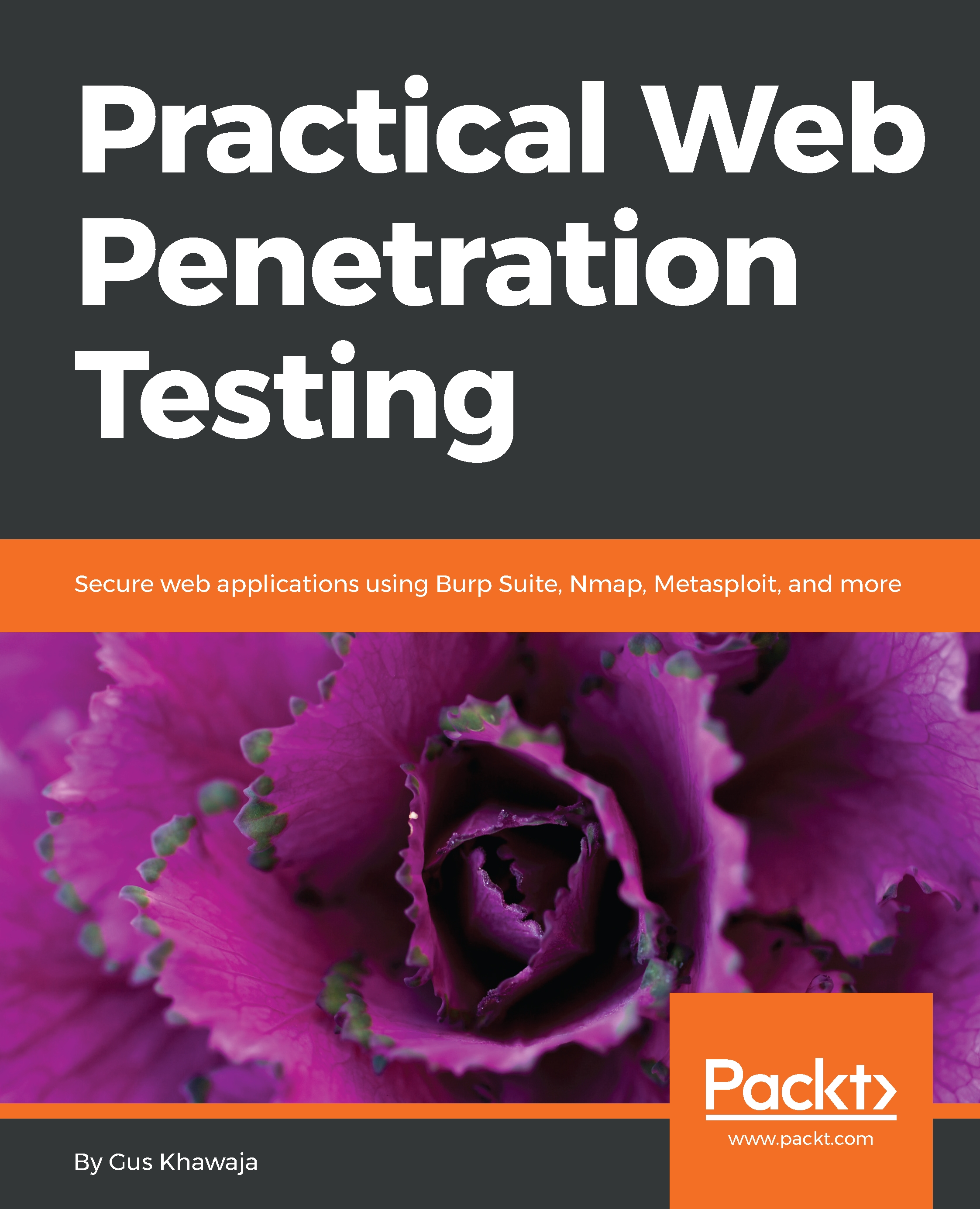
Companies all over the world want to hire professionals dedicated to application security. Practical Web Penetration Testing focuses on this very trend, teaching you how to conduct application security testing using real-life scenarios. To start with, you’ll set up an environment to perform web application penetration testing. You will then explore different penetration testing concepts such as threat modeling, intrusion test, infrastructure security threat, and more, in combination with advanced concepts such as Python scripting for automation. Once you are done learning the basics, you will discover end-to-end implementation of tools such as Metasploit, Burp Suite, and Kali Linux. Many companies deliver projects into production by using either Agile or Waterfall methodology. This book shows you how to assist any company with their SDLC approach and helps you on your journey to becoming an application security specialist. By the end of this book, you will have hands-on knowledge of using different tools for penetration testing.
Table of Contents (18 chapters)
close
close
13
Metasploit Cheat Sheet

Python IDE

You will need a Python Integrated Development Environment (IDE) to develop your own scripts. You're not obliged to use a Python IDE, and instead, you can use any text editor in Kali Linux (for example, nano, vim, or gedit). However, using a professional IDE is a must if you want to easily develop large scripts that allow you to debug errors, format the source code, visualize the output, and detect errors even before the application is run. In this chapter, we will use a very popular and free Python IDE called PyCharm. You can find it at https://www.jetbrains.com/pycharm/.

You can also use the Python interpreter using your Terminal window. Let's say you have an idea and you want to test it quickly. Open your Terminal window in Kali, type python, and then press Enter. Let's look at an example. I will create a variable called ip_address, give it a value...

Visually different images
CONTINUE READING
83
Tech Concepts
36
Programming languages
73
Tech Tools
Icon Unlimited access to the largest independent learning library in tech of over 8,000 expert-authored tech books and videos.
Icon Innovative learning tools, including AI book assistants, code context explainers, and text-to-speech.
Icon 50+ new titles added per month and exclusive early access to books as they are being written.
Practical Web Penetration Testing
notes
bookmark Notes and Bookmarks search Search in title playlist Add to playlist download Download options font-size Font size

Change the font size

margin-width Margin width

Change margin width

day-mode Day/Sepia/Night Modes

Change background colour

Close icon Search
Country selected

Close icon Your notes and bookmarks

Confirmation

Modal Close icon
claim successful

Buy this book with your credits?

Modal Close icon
Are you sure you want to buy this book with one of your credits?
Close
YES, BUY

Submit Your Feedback

Modal Close icon
Modal Close icon
Modal Close icon