
Sign In Start Free Trial
Account

Add to playlist

Create a Playlist

Modal Close icon
You need to login to use this feature.
  • Book Overview & Buying Practical Web Penetration Testing
  • Table Of Contents Toc
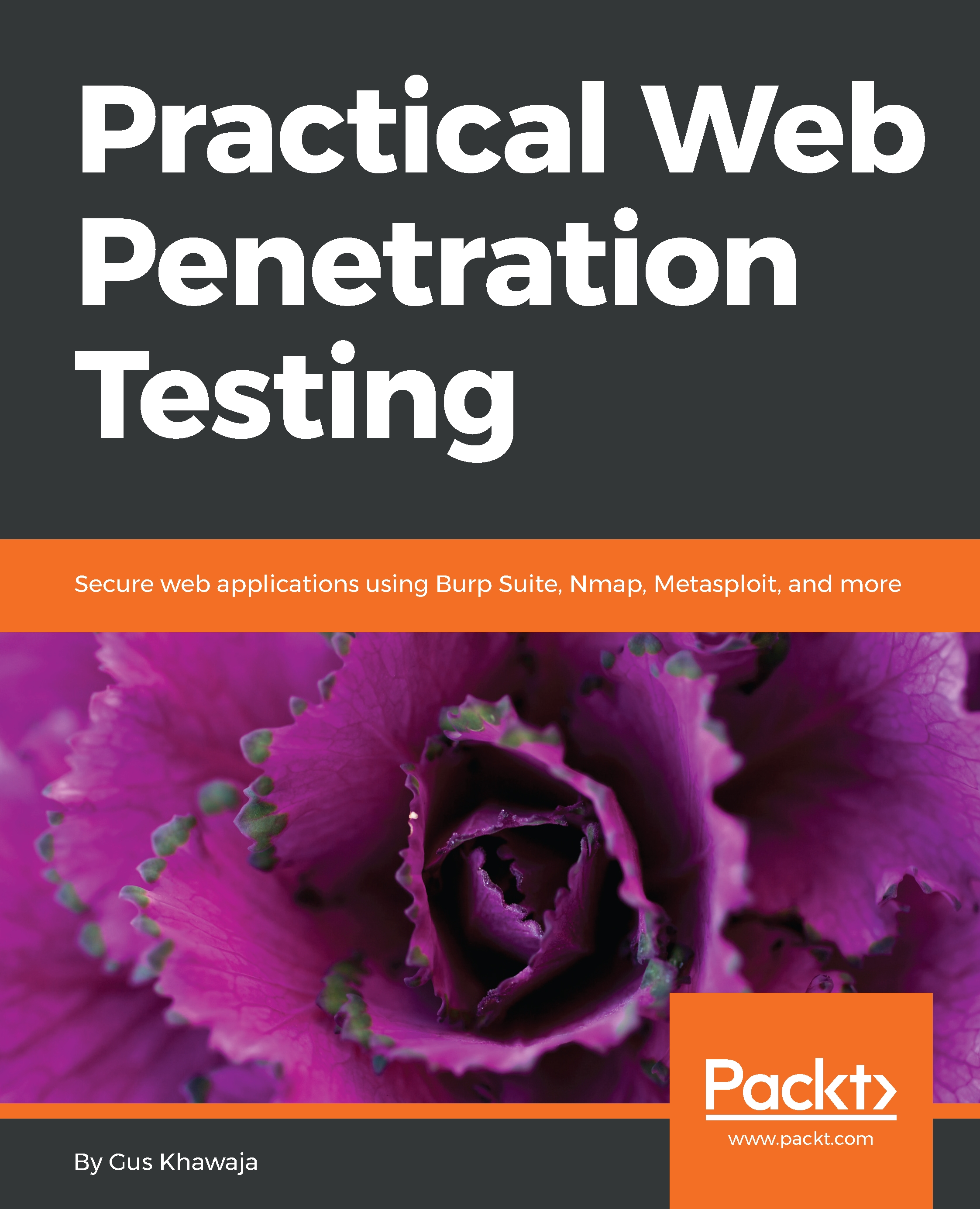
Practical Web Penetration Testing

Practical Web Penetration Testing

By : Gus Khawaja
4.2 (5)
close
close
Practical Web Penetration Testing

Practical Web Penetration Testing

4.2 (5)
By: Gus Khawaja

Overview of this book

Companies all over the world want to hire professionals dedicated to application security. Practical Web Penetration Testing focuses on this very trend, teaching you how to conduct application security testing using real-life scenarios. To start with, you’ll set up an environment to perform web application penetration testing. You will then explore different penetration testing concepts such as threat modeling, intrusion test, infrastructure security threat, and more, in combination with advanced concepts such as Python scripting for automation. Once you are done learning the basics, you will discover end-to-end implementation of tools such as Metasploit, Burp Suite, and Kali Linux. Many companies deliver projects into production by using either Agile or Waterfall methodology. This book shows you how to assist any company with their SDLC approach and helps you on your journey to becoming an application security specialist. By the end of this book, you will have hands-on knowledge of using different tools for penetration testing.
Table of Contents (18 chapters)
close
close
13
Metasploit Cheat Sheet

Visualizing the application structure using Burp Target

In the previous section, you saw how an application can be mapped by using Burp in the Target tab. In this section, I want you to learn how Burp Target works (in a simplified way) so that you can handle the workflow when you're doing the pen tests.

The Burp Target tool offers you the following functionalities (I will only list the important ones):

  1. Visualize the application structure using the Site Map tab.
  2. Define the scope of your target website using Add To Scope.
  3. Spider the web application to discover more contents using Spider this branch.
  4. Search for hidden contents using the Discover Content functionality.
  5. Conduct a passive scan, using Passively Scan this branch to identify some vulnerabilities.
  6. List comments, scripts, and references by using the Engagement Tools menu.
  7. Analyze the web application target to identify...
CONTINUE READING
83
Tech Concepts
36
Programming languages
73
Tech Tools
Icon Unlimited access to the largest independent learning library in tech of over 8,000 expert-authored tech books and videos.
Icon Innovative learning tools, including AI book assistants, code context explainers, and text-to-speech.
Icon 50+ new titles added per month and exclusive early access to books as they are being written.
Practical Web Penetration Testing
notes
bookmark Notes and Bookmarks search Search in title playlist Add to playlist download Download options font-size Font size

Change the font size

margin-width Margin width

Change margin width

day-mode Day/Sepia/Night Modes

Change background colour

Close icon Search
Country selected

Close icon Your notes and bookmarks

Confirmation

Modal Close icon
claim successful

Buy this book with your credits?

Modal Close icon
Are you sure you want to buy this book with one of your credits?
Close
YES, BUY

Submit Your Feedback

Modal Close icon
Modal Close icon
Modal Close icon