


-
Book Overview & Buying
-
Table Of Contents

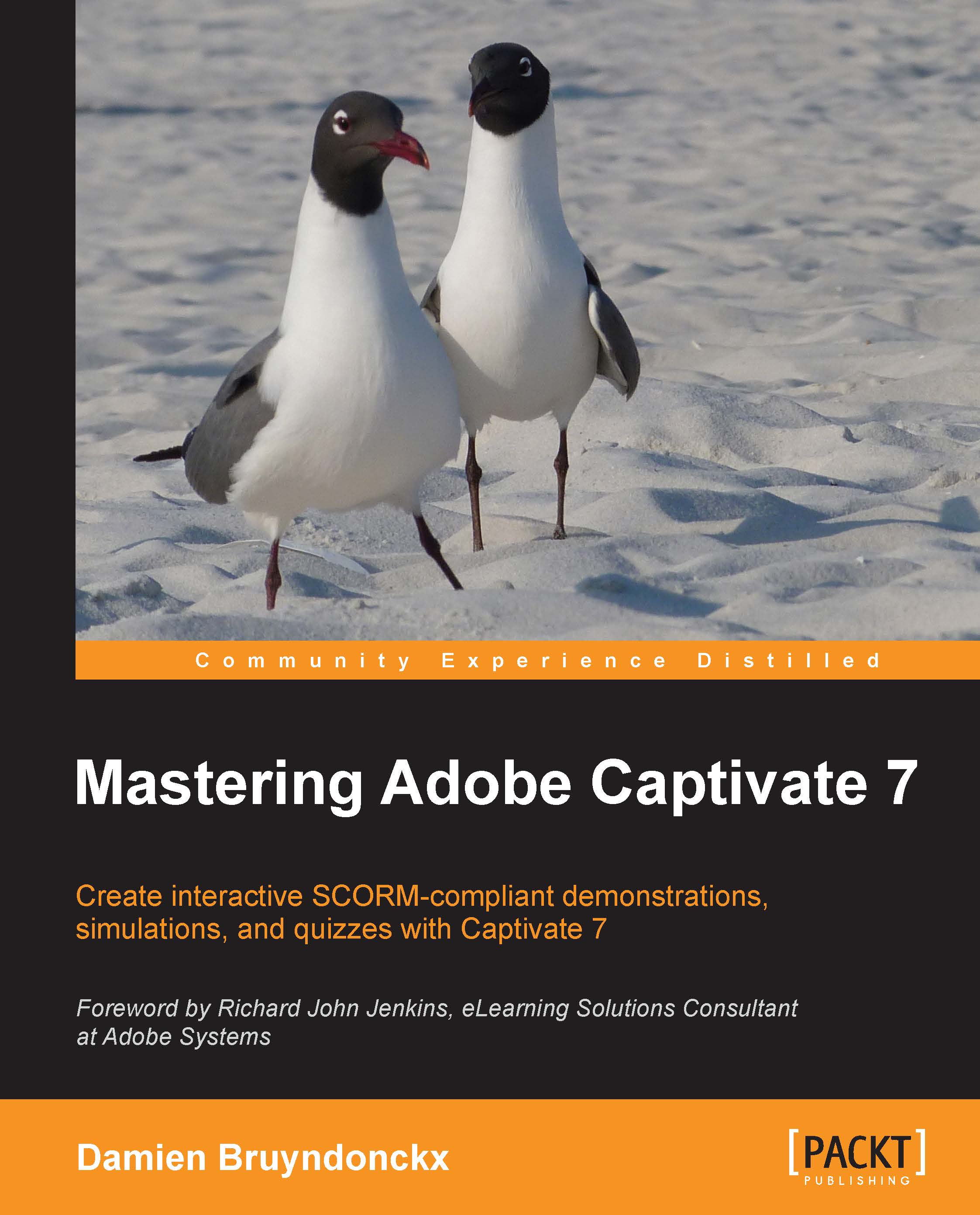
Mastering Adobe Captivate 7 - Second Edition
By :


Mastering Adobe Captivate 7
By:
Overview of this book
A comprehensive tutorial packed with examples, which is divided into small subtopics that follows a clear and logical outline to help you get to grips with Adobe Captivate 7. Readers are also encouraged to develop their understanding of the tool through practical exercises and experimentations in every chapter. A lot of external references and tips and tricks from established e-Learning professionals are also included. If you are a designer, e-Learning developer, or webmaster who wants to construct an interactive and fun-filled e-Learning project using Adobe Captivate 7, this book is ideal for you. Just a basic knowledge of operating system is expected from the developers interested in this book.
Table of Contents (20 chapters)
Mastering Adobe Captivate 7


Credits
Foreword
About the Author
Acknowledgments
About the Reviewers
www.PacktPub.com
Preface
 Free Chapter
Getting Started with Captivate
Capturing the Slides
Working with Standard Objects

Working with Styles, Master Slides, Themes, and Templates
Adding Interactivity to the Project
Working with Audio
Working with Quizzes
Finishing Touches and Publishing
Using Captivate 7 with Other Applications
Reviewing a Captivate Project
Variables, Advanced Actions, and Widgets
Index


