Sign In Start Free Trial
Account

Add to playlist

Create a Playlist

Modal Close icon
You need to login to use this feature.
  • Book Overview & Buying Learning Material Design
  • Table Of Contents Toc
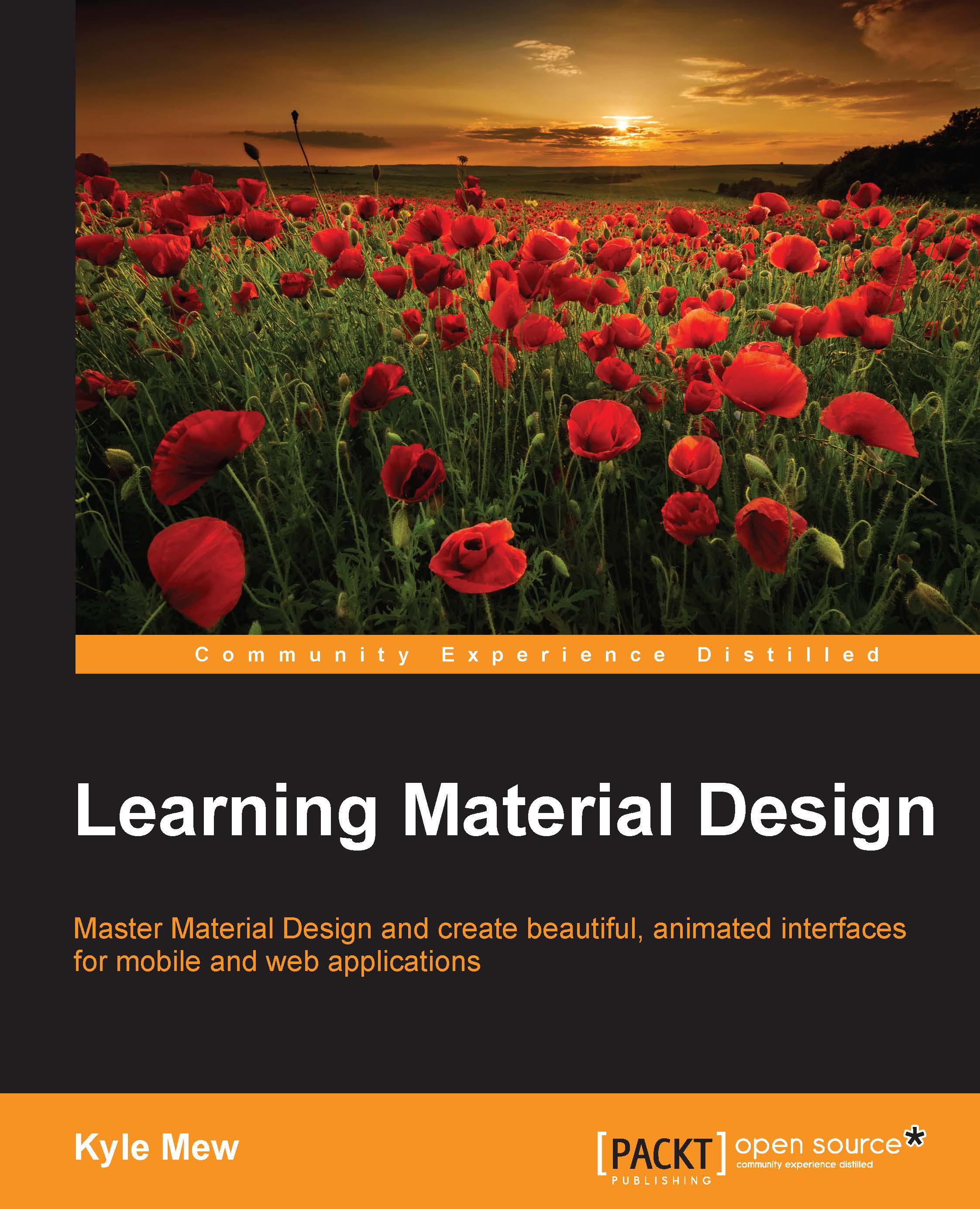
Learning Material Design

Learning Material Design

By : Mew, Nadir Belhaj
2 (1)
close
close
Learning Material Design

Learning Material Design

2 (1)
By: Mew, Nadir Belhaj

Overview of this book

Google's Material Design language has taken the web development and design worlds by storm. Now available on many more platforms than Android, Material Design uses color, light, and movements to not only generate beautiful interfaces, but to provide intuitive navigation for the user. Learning Material Design will teach you the fundamental theories of Material Design using code samples to put these theories into practice. Focusing primarily on Android Studio, you’ll create mobile interfaces using the most widely used and powerful material components, such as sliding drawers and floating action buttons. Each section will introduce the relevant Java classes and APIs required to implement these components. With the rules regarding structure, layout, iconography, and typography covered, we then move into animation and transition, possibly Material Design's most powerful concept, allowing complex hierarchies to be displayed simply and stylishly. With all the basic technologies and concepts mastered, the book concludes by showing you how these skills can be applied to other platforms, in particular web apps, using the powerful Polymer library.
Table of Contents (12 chapters)
close
close

Drawer design

Some of the most useful and frequently used material components are sliding drawers that slide in and out of the screen when needed. The most widely used of these is the NavigationView, which slides in from the left and forms a top level menu, providing access to the rest of the app's content. More often than not, it will contain a header that can display an image and/or pertinent text.

Drawer design

Prior to the design library, components like the NavigationView had to be constructed from other views, and although the library vastly simplifies this process and saves us from having to implement many material principles by hand, there are still several guidelines that we need to be aware of. The best way to appreciate these guidelines is by building a navigation sliding drawer from scratch. This will involve creating the layouts, applying material guidelines regarding component ratios, and connecting all this together with Java.

The layout

Setting up a working sliding drawer with a header...

CONTINUE READING
83
Tech Concepts
36
Programming languages
73
Tech Tools
Icon Unlimited access to the largest independent learning library in tech of over 8,000 expert-authored tech books and videos.
Icon Innovative learning tools, including AI book assistants, code context explainers, and text-to-speech.
Icon 50+ new titles added per month and exclusive early access to books as they are being written.
Learning Material Design
notes
bookmark Notes and Bookmarks search Search in title playlist Add to playlist font-size Font size

Change the font size

margin-width Margin width

Change margin width

day-mode Day/Sepia/Night Modes

Change background colour

Close icon Search
Country selected

Close icon Your notes and bookmarks

Confirmation

Modal Close icon
claim successful

Buy this book with your credits?

Modal Close icon
Are you sure you want to buy this book with one of your credits?
Close
YES, BUY

Submit Your Feedback

Modal Close icon
Modal Close icon
Modal Close icon