
Sign In Start Free Trial
Account

Add to playlist

Create a Playlist

Modal Close icon
You need to login to use this feature.
  • Book Overview & Buying Mastering ASP.NET Web API
  • Table Of Contents Toc
  • Feedback & Rating feedback
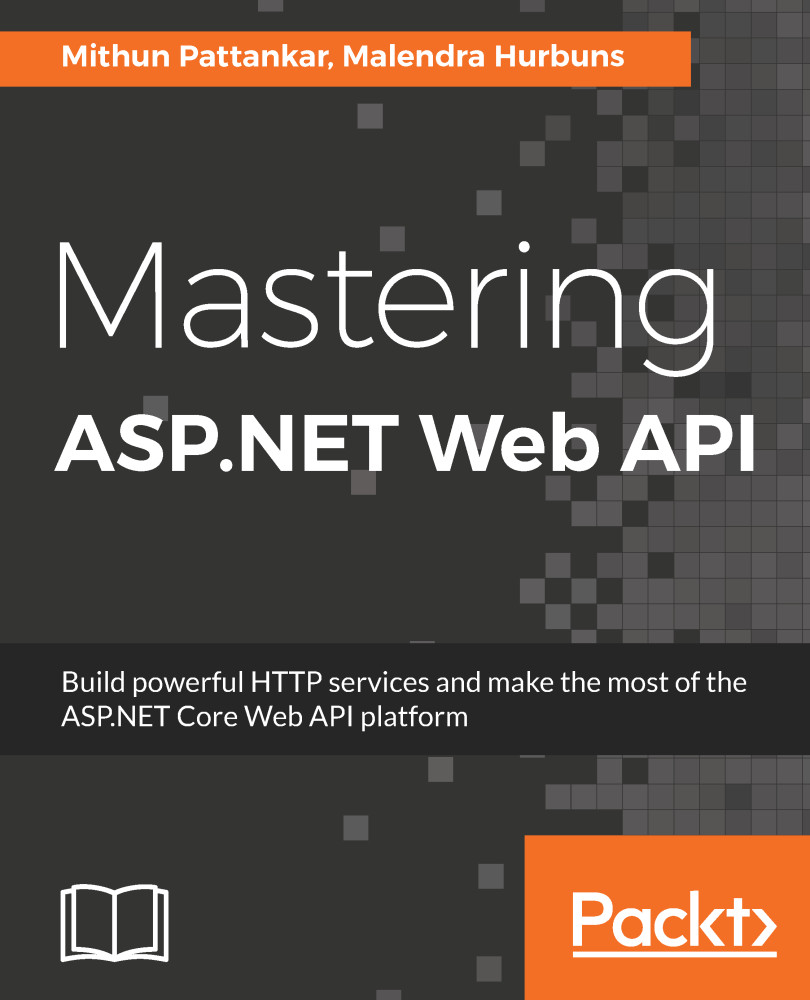
Mastering ASP.NET Web API

Mastering ASP.NET Web API

By : Pattankar
2.8 (4)
close
close
Mastering ASP.NET Web API

Mastering ASP.NET Web API

2.8 (4)
By: Pattankar

Overview of this book

Microsoft has unified their main web development platforms. This unification will help develop web applications using various pieces of the ASP.NET platform that can be deployed on both Windows and LINUX. With ASP.NET Core (Web API), it will become easier than ever to build secure HTTP services that can be used from any client. Mastering ASP.NET Web API starts with the building blocks of the ASP.NET Core, then gradually moves on to implementing various HTTP routing strategies in the Web API. We then focus on the key components of building applications that employ the Web API, such as Kestrel, Middleware, Filters, Logging, Security, and Entity Framework.Readers will be introduced to take the TDD approach to write test cases along with the new Visual Studio 2017 live unit testing feature. They will also be introduced to integrate with the database using ORMs. Finally, we explore how the Web API can be consumed in a browser as well as by mobile applications by utilizing Angular 4, Ionic and ReactJS. By the end of this book, you will be able to apply best practices to develop complex Web API, consume them in frontend applications and deploy these applications to a modern hosting infrastructure.
Table of Contents (14 chapters)
close
close

Basics of Logging in ASP.NET Core

One of ASP.NET Core's features is its in-built logging using ILoggerFactory. Right away, when you create an ASP.NET Core application (empty-, MVC-, or web API-based), you will see that the IWebHost's CreateDefaultBuilder method of the program class does the ground-level work for the Logging functionality to work-it reads the appsettings.json file for the logging section to provide all the necessary infrastructure to log information to debug or console window.

The use of Logging is greatly simplified by ILoggerFactory in two parts--AddProvider and CreateLogger.

The AddProvider method takes in ILoggerProvider to write/store the logging information generated by the application. The provider can either be a console, debug window, file, database, cloud-based storage, or third-party log analysis service (Splunk, Raygun, Loggly, and so on)...

Visually different images
CONTINUE READING
83
Tech Concepts
36
Programming languages
73
Tech Tools
Icon Unlimited access to the largest independent learning library in tech of over 8,000 expert-authored tech books and videos.
Icon Innovative learning tools, including AI book assistants, code context explainers, and text-to-speech.
Icon 50+ new titles added per month and exclusive early access to books as they are being written.
Mastering ASP.NET Web API
notes
bookmark Notes and Bookmarks search Search in title playlist Add to playlist download Download options font-size Font size

Change the font size

margin-width Margin width

Change margin width

day-mode Day/Sepia/Night Modes

Change background colour

Close icon Search
Country selected

Close icon Your notes and bookmarks

Confirmation

Modal Close icon
claim successful

Buy this book with your credits?

Modal Close icon
Are you sure you want to buy this book with one of your credits?
Close
YES, BUY

Submit Your Feedback

Modal Close icon
Modal Close icon
Modal Close icon