
Sign In Start Free Trial
Account

Add to playlist

Create a Playlist

Modal Close icon
You need to login to use this feature.
  • Book Overview & Buying TypeScript 2.x By Example
  • Table Of Contents Toc
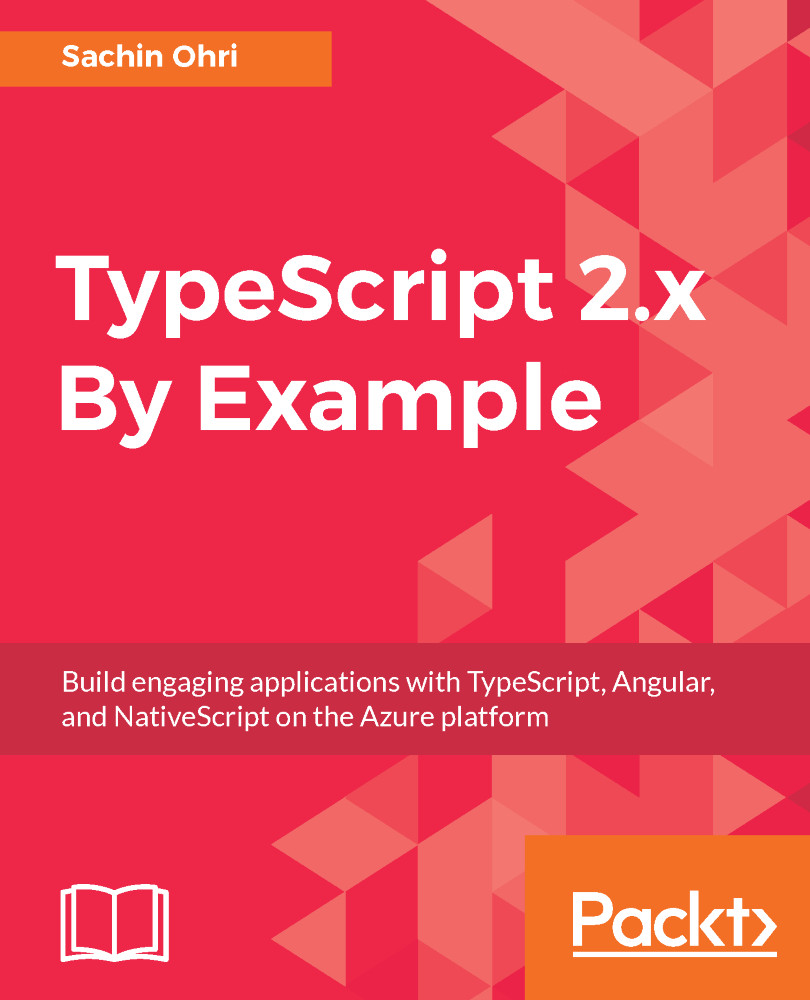
TypeScript 2.x By Example

TypeScript 2.x By Example

By : Sachin Ohri
close
close
TypeScript 2.x By Example

TypeScript 2.x By Example

By: Sachin Ohri

Overview of this book

The TypeScript language, compiler, and open source development toolset brings JavaScript development up to the enterprise level. It allows you to use ES5, ES6, and ES7 JavaScript language features today, including classes, interfaces, generics, modules, and more. Its simple typing syntax enables building large, robust applications using object-oriented techniques and industry-standard design principles. This book aims at teaching you how to get up and running with TypeScript development in the most practical way possible. Taking you through two exciting projects built from scratch, you will learn the basics of TypeScript, before progressing to functions, generics, promises, and callbacks. Then, you’ll get to implement object-oriented programming as well as optimize your applications with effective memory management. You’ll also learn to test and secure your applications, before deploying them. Starting with a basic SPA built using Angular, you will progress on to building, maybe, a Chat application or a cool application. You’ll also learn how to use NativeScript to build a cool mobile application. Each of these applications with be explained in detail, allowing you to grasp the concepts fast. By the end of this book, you will have not only built two amazing projects but you will also have the skills necessary to take your development to the next level.
Table of Contents (11 chapters)
close
close

Generating files for the application

Once we have generated our application, the next step is to add features to our application. The feature can be a component or service or pipe, and Angular CLI provides us with the command, to generate these easily. As with the generate command for the application, these commands also have options for us to configure how we want to generate the files.

The Angular CLI provides one main command for generating the components, pipes, services, and classes as follows:

ng generate <<featureName>> <<fileName>> <<options>>

As we can see, the command is ng generate followed by the feature name, which can be a component, class, service, or pipe, followed by the name of the feature that we want, and then, at the end, the options. It is not mandatory to specify the options and if not specified, Angular CLI will take...

CONTINUE READING
83
Tech Concepts
36
Programming languages
73
Tech Tools
Icon Unlimited access to the largest independent learning library in tech of over 8,000 expert-authored tech books and videos.
Icon Innovative learning tools, including AI book assistants, code context explainers, and text-to-speech.
Icon 50+ new titles added per month and exclusive early access to books as they are being written.
TypeScript 2.x By Example
notes
bookmark Notes and Bookmarks search Search in title playlist Add to playlist download Download options font-size Font size

Change the font size

margin-width Margin width

Change margin width

day-mode Day/Sepia/Night Modes

Change background colour

Close icon Search
Country selected

Close icon Your notes and bookmarks

Confirmation

Modal Close icon
claim successful

Buy this book with your credits?

Modal Close icon
Are you sure you want to buy this book with one of your credits?
Close
YES, BUY

Submit Your Feedback

Modal Close icon
Modal Close icon
Modal Close icon