Sign In Start Free Trial
Account

Add to playlist

Create a Playlist

Modal Close icon
You need to login to use this feature.
  • Book Overview & Buying Mastering Django: Core
  • Table Of Contents Toc
Mastering Django: Core

Mastering Django: Core

By : Nigel George
close
close
Mastering Django: Core

Mastering Django: Core

By: Nigel George

Overview of this book

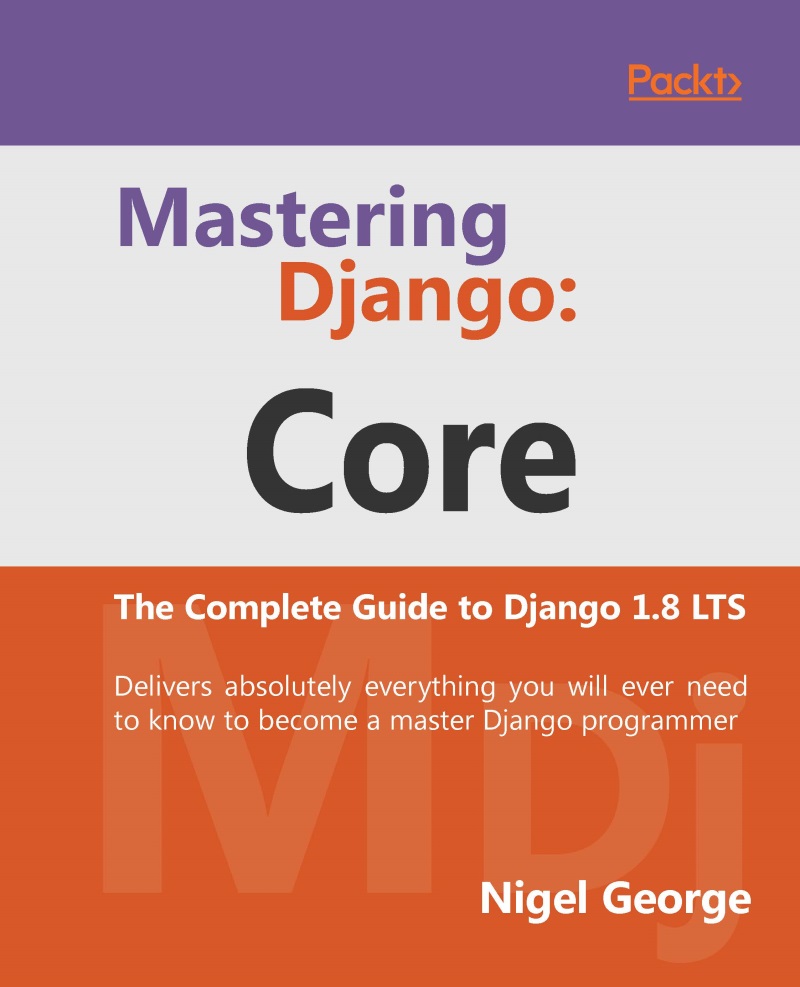
Mastering Django: Core is a completely revised and updated version of the original Django Book, written by Adrian Holovaty and Jacob Kaplan-Moss - the creators of Django. The main goal of this book is to make you a Django expert. By reading this book, you’ll learn the skills needed to develop powerful websites quickly, with code that is clean and easy to maintain. This book is also a programmer’s manual that provides complete coverage of the current Long Term Support (LTS) version of Django. For developers creating applications for commercial and business critical deployments, Mastering Django: Core provides a complete, up-to-date resource for Django 1.8LTS with a stable code-base, security fixes and support out to 2018.
Table of Contents (29 chapters)
close
close
Lock Free Chapter
1
1. Introduction to Django and Getting Started

Using the admin site


When you ran django-admin startproject mysite in Chapter 1, Introduction to Django and Getting Started, Django created and configured the default admin site for you. All that you need to do is create an admin user (superuser) and then you can log into the admin site.

Note

If you are using Visual Studio, you don't need to complete this next step at the command line, you can just add a superuser from the Project menu tab within Visual Studio.

To create an admin user, run the following command:

python manage.py createsuperuser

Enter your desired username and press enter.

Username: admin

You will then be prompted for your desired email address:

Email address: [email protected]

The final step is to enter your password. You will be asked to enter your password twice, the second time as a confirmation of the first.

Password: **********
Password (again): *********
Superuser created successfully.

Start the development server

In Django 1.8, the django admin site is activated by default...

CONTINUE READING
83
Tech Concepts
36
Programming languages
73
Tech Tools
Icon Unlimited access to the largest independent learning library in tech of over 8,000 expert-authored tech books and videos.
Icon Innovative learning tools, including AI book assistants, code context explainers, and text-to-speech.
Icon 50+ new titles added per month and exclusive early access to books as they are being written.
Mastering Django: Core
notes
bookmark Notes and Bookmarks search Search in title playlist Add to playlist font-size Font size

Change the font size

margin-width Margin width

Change margin width

day-mode Day/Sepia/Night Modes

Change background colour

Close icon Search
Country selected

Close icon Your notes and bookmarks

Confirmation

Modal Close icon
claim successful

Buy this book with your credits?

Modal Close icon
Are you sure you want to buy this book with one of your credits?
Close
YES, BUY

Submit Your Feedback

Modal Close icon
Modal Close icon
Modal Close icon