


-
Book Overview & Buying
-
Table Of Contents

Mastering Django: Core
By :


Mastering Django: Core
By:
Overview of this book
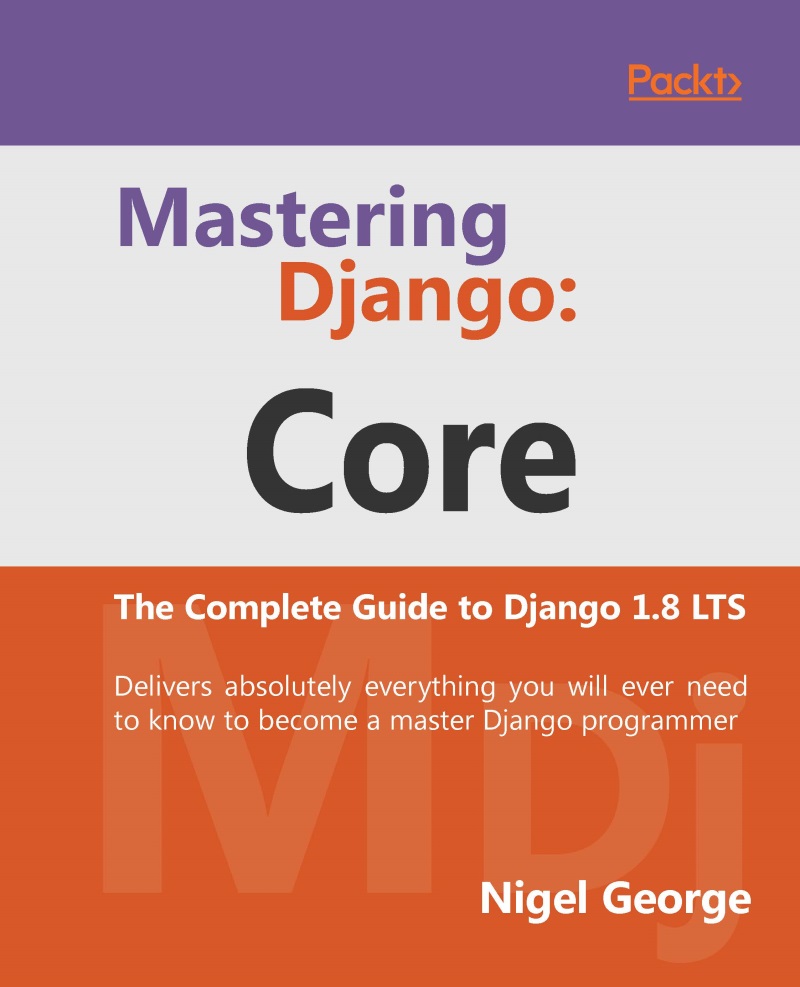
Mastering Django: Core is a completely revised and updated version of the original Django Book, written by Adrian Holovaty and Jacob Kaplan-Moss - the creators of Django.
The main goal of this book is to make you a Django expert. By reading this book, you’ll learn the skills needed to develop powerful websites quickly, with code that is clean and easy to maintain.
This book is also a programmer’s manual that provides complete coverage of the current Long Term Support (LTS) version of Django. For developers creating applications for commercial and business critical deployments, Mastering Django: Core provides a complete, up-to-date resource for Django 1.8LTS with a stable code-base, security fixes and support out to 2018.
Table of Contents (29 chapters)
Preface


2. Views and URLconfs
3. Templates
4. Models
5. The Django Admin Site

6. Forms
7. Advanced Views and URLconfs
8. Advanced Templates
9. Advanced Models
10. Generic Views
11. User Authentication in Django
12. Testing in Django
13. Deploying Django
14. Generating Non-HTML Content
15. Django Sessions
16. Djangos Cache Framework
17. Django Middleware
18. Internationalization
19. Security in Django
20. More on Installing Django
21. Advanced Database Management
A. Model Definition Reference
B. Database API Reference
C. Generic View Reference
D. Settings
E. Built-in Template Tags and Filters
F. Request and Response Objects
G. Developing Django with Visual Studio


