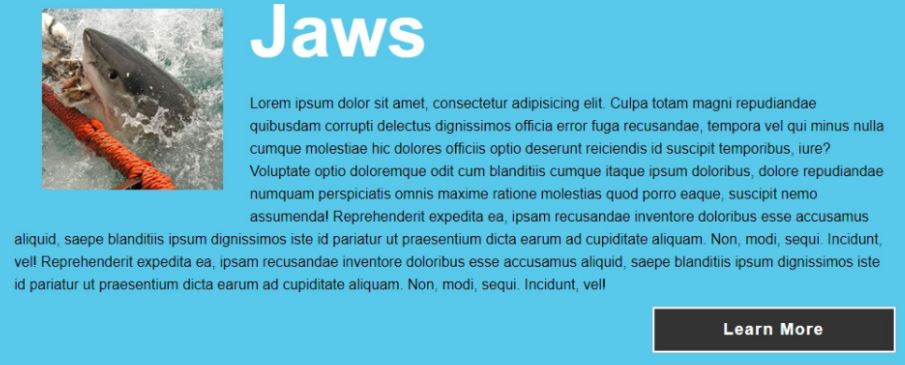
In this section, we'll create buttons with modular CSS classes. We'll find out what exactly modular CSS is and why it's useful. First, let's look at the final site we're going to create and explore the different button types we'll use.
-
Book Overview & Buying
-
Table Of Contents

Mastering CSS
By :


Mastering CSS
By:
Overview of this book
Rich Finelli trains you in CSS deep learning and shows you the techniques you need to work in the world of responsive, feature-rich web applications. Based on his bestselling Mastering CSS training video, you can now learn with Rich in this book! Rich shares with you his skills in creating advanced layouts, and the critical CSS insights you need for responsive web designs, fonts, transitions, animations, and using flexbox.
Rich begins your CSS training with a review of CSS best practices, such as using a good text editor to automate your authoring and setting up a CSS baseline. You then move on to create a responsive layout making use of floats and stylable drop-down menus, with Rich guiding you toward a modular-organized approach to CSS.
Your training with Rich Finelli then dives into detail about working with CSS and the best solutions to make your websites work. You'll go with him into CSS3 properties, transforms, transitions, and animations. You’ll gain his understanding of responsive web designs, web fonts, icon fonts, and the techniques used to support retina devices. Rich expands your knowledge of CSS so you can master one of the most valuable tools in modern web design.
Table of Contents (12 chapters)
Preface

 Free Chapter
CSS Foundations
Ramping Up
Creating a Page Layout with Floats
Creating Buttons with Modular, Reusable CSS Classes, and CSS3

Creating the Main Navigation and Drop-Down Menu
Becoming Responsive
Web Fonts
Workflow for HiDPI Devices
Flexbox, Part 1
Flexbox, Part 2
Wrapping Up