
Sign In Start Free Trial
Account

Add to playlist

Create a Playlist

Modal Close icon
You need to login to use this feature.
  • Book Overview & Buying Hands-On Microservices with C#
  • Table Of Contents Toc
  • Feedback & Rating feedback
Hands-On Microservices with C#

Hands-On Microservices with C#

By : Matt Cole
1 (1)
close
close
Hands-On Microservices with C#

Hands-On Microservices with C#

1 (1)
By: Matt Cole

Overview of this book

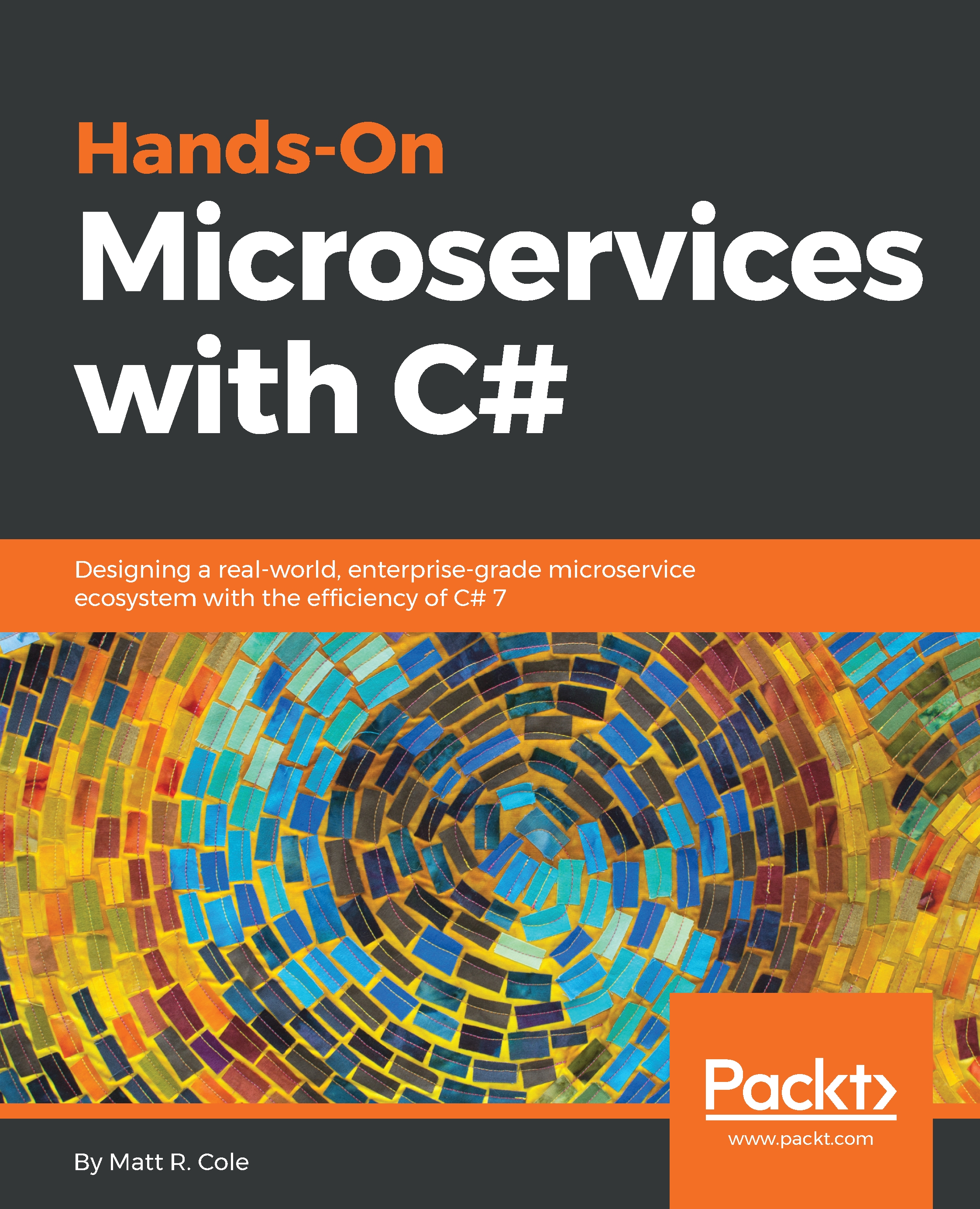
C# is a powerful language when it comes to building applications and software architecture using rich libraries and tools such as .NET. This book will harness the strength of C# in developing microservices architectures and applications. This book shows developers how to develop an enterprise-grade, event-driven, asynchronous, message-based microservice framework using C#, .NET, and various open source tools. We will discuss how to send and receive messages, how to design many types of microservice that are truly usable in a corporate environment. We will also dissect each case and explain the code, best practices, pros and cons, and more. Through our journey, we will use many open source tools, and create file monitors, a machine learning microservice, a quantitative financial microservice that can handle bonds and credit default swaps, a deployment microservice to show you how to better manage your deployments, and memory, health status, and other microservices. By the end of this book, you will have a complete microservice ecosystem you can place into production or customize in no time.
Table of Contents (16 chapters)
close
close
11
Trello Microservice – Board Status Updating
12
Microservice Manager – The Nexus

Message queues

Throughout this book, we will be dealing a lot with message queues. You will also see it prevalent in the software we are developing. Messaging queues are how our ecosystem communicates, maintains separation of concerns, and allows for fluid and fast development. With that being said, before we get too far along into something else, let's spend some time discussing exactly what message queues are and what they do.

Let's think about the functionality of a message queue. They are two sided components; messages enter from one side and exit from the other one. Thus, each message queue can establish connections on both sides; on the input side, a queue fetches messages from one or more exchanges, while on the output side, the queue can be connected to one or more consumers. From the single queue point of view being connected to more than one exchange with the same routing key, this is transparent, since the only thing that concerns the message queue itself are the incoming messages:

Put another way...

The basic architecture of a message queue is simple. There are client applications called producers that create messages and deliver them to the broker (the message queue). Other applications, called consumers, connect to the queue and subscribe to the messages to be processed. A software can be a producer, or consumer, or both a consumer and a producer of messages. Messages placed onto the queue are stored until the consumer retrieves them:

And, breaking that down even further:

The preceding diagram illustrates the following process:

  1. The user sends a PDF creation request to the web application
  2. The web application (the producer) sends a message to RabbitMQ, including data from the request, such as name and email
  3. An exchange accepts the messages from a producer application and routes them to correct message queues for PDF creation
  4. The PDF processing worker (the consumer) receives the task and starts the processing of the PDF

Let's now look at some of the different message queue configurations that we can use. For now, let's think of a queue as an ordered collection or list of messages. In the diagrams that follow, we're going to use P to represent a producer, C to represent a consumer, and the red rectangles to represent a queue.

Here's our legend:

Producer consumer queue

Let's start by taking the simplest of all possible scenarios. We have a single producer, which sends one or more messages (each message is one red block) to a single consumer, such as in the following:

Our next step up the difficulty ladder would be to have a single producer publish one or more messages to multiple consumers, such as in the following diagram. This is distributing tasks (work) among different workers, also sometimes referred to as the competing consumers pattern. This means that each consumer will take one or more messages. Depending upon how the message queues are set up, the consumers may each receive a copy of every message, or alternate in their reception based upon availability. So, in one scenario, consumer one may take ten messages, consumer two may take five, then consumer one takes another ten. Alternatively, the messages that consumer one takes, consumer two does not get and vice versa:

Next, we have the ever so famous publish/subscribe paradigm, where messages are sent to various consumers at once. Each consumer will get a copy of the message, unlike the scenario shown previously where consumers may have to compete for each message:

Our next scenario provides us with the ability for a client to selectively decide which message(s) they are interested in, and only receive those. Using a direct exchange, the consumers are able to ask for the type of message that they wish to receive:

If we were to expand this direct exchange map out a little bit, here's what our system might look like:

A direct exchange delivers messages to queues based on a message routing key. The routing key is a message attribute added into the message header by the producer. The routing key can be seen as an address that the exchange is using to decide how to route the message. A message goes to the queue(s) whose binding key exactly matches the routing key of the message.

The direct exchange type is useful when you would like to distinguish between messages published to the same exchange using a simple string identifier.

Next, as you will see me use quite heavily in this book, our consumers can receive selected messages based upon patterns (topics) with what is known as a topic queue. Users subscribe to the topic(s) that they wish to receive, and those messages will be sent to them. Note that this is not a competing consumers pattern where only one microservice will receive the message. Any microservice that is subscribed will receive the selected messages:

If we expand this one out a little bit, we can see what our system might look like:

The topic exchanges route messages to queues based on wildcard matches between the routing key and routing pattern specified by the queue binding. Messages are routed to one or many queues based on a matching between a message routing key and this pattern. The routing key must be a list of words, delimited by a period (.). The routing patterns may contain an asterisk (*) to match a word in a specific position of the routing key (for example, a routing pattern of agreements.*.*.b.* will only match routing keys where the first word is agreements and the fourth word is b). A pound symbol (#) indicates a match on zero or more words (for example, a routing pattern of agreements.eu.berlin.# matches any routing keys beginning with agreements.eu.berlin).

The consumers indicate which topics they are interested in (such as subscribing to a feed for an individual tag). The consumer creates a queue and sets up a binding with a given routing pattern to the exchange. All messages with a routing key that match the routing pattern will be routed to the queue and stay there until the consumer consumes the message.

Finally, we have the request/reply pattern. This scenario will have a client subscribing to a message, but rather than consume the message and end there, a reply message is required, usually containing the status result of the operation that took place. The loop and chain of custody is not complete until the final response is received and acknowledged:

Now that you know all you need to know about message queues and how they work, let's fill in our initial visual diagram a bit more so it's a bit more reflective of what we are doing, what we hope to accomplish, and how we expect our ecosystem to function. Although we will primarily be focusing on topic exchanges, we may occasionally switch to fanouts, direct, and others. In the end, the visual that we are after for our ecosystem is this:

Visually different images
CONTINUE READING
83
Tech Concepts
36
Programming languages
73
Tech Tools
Icon Unlimited access to the largest independent learning library in tech of over 8,000 expert-authored tech books and videos.
Icon Innovative learning tools, including AI book assistants, code context explainers, and text-to-speech.
Icon 50+ new titles added per month and exclusive early access to books as they are being written.
Hands-On Microservices with C#
notes
bookmark Notes and Bookmarks search Search in title playlist Add to playlist download Download options font-size Font size

Change the font size

margin-width Margin width

Change margin width

day-mode Day/Sepia/Night Modes

Change background colour

Close icon Search
Country selected

Close icon Your notes and bookmarks

Confirmation

Modal Close icon
claim successful

Buy this book with your credits?

Modal Close icon
Are you sure you want to buy this book with one of your credits?
Close
YES, BUY

Submit Your Feedback

Modal Close icon
Modal Close icon
Modal Close icon