Sign In Start Free Trial
Account

Add to playlist

Create a Playlist

Modal Close icon
You need to login to use this feature.
  • Book Overview & Buying Flask Framework Cookbook
  • Table Of Contents Toc
Flask Framework Cookbook

Flask Framework Cookbook - Second Edition

By : Shalabh Aggarwal
3.5 (11)
close
close
Flask Framework Cookbook

Flask Framework Cookbook

3.5 (11)
By: Shalabh Aggarwal

Overview of this book

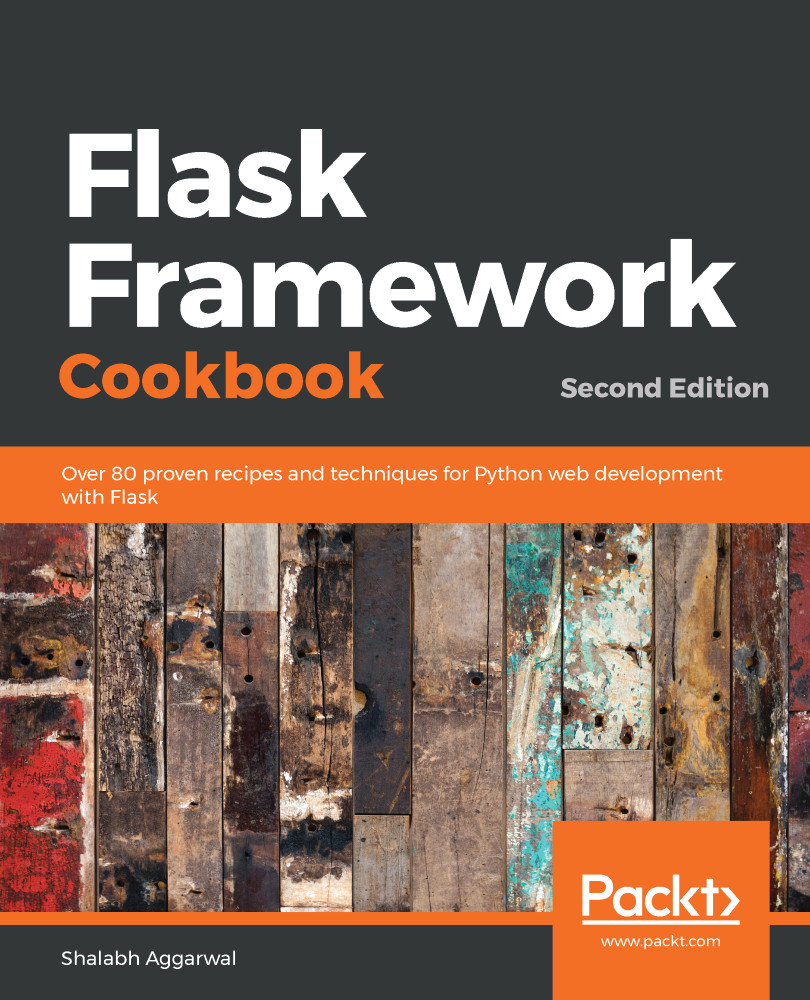
Flask, the lightweight Python web framework, is popular thanks to its powerful modular design that lets you build scalable web apps. With this recipe-based guide, you’ll explore modern solutions and best practices for Flask web development. Updated to the latest version of Flask and Python 3, this second edition of Flask Framework Cookbook moves away from some of the old and obsolete libraries and introduces new recipes on cutting-edge technologies. You’ll discover different ways of using Flask to create, deploy, and manage microservices. This Flask Python book starts by covering the different configurations that a Flask application can make use of, and then helps you work with templates and learn about the ORM and view layers. You’ll also be able to write an admin interface and get to grips with debugging and logging errors. Finally, you’ll learn a variety of deployment and post-deployment techniques for platforms such as Apache, Tornado, and Heroku. By the end of this book, you’ll have gained all the knowledge you need to confidently write Flask applications and scale them using standard industry practices.
Table of Contents (15 chapters)
close
close

Handling basic configurations

When we configure a Flask application, we're able to do so as per the need. So, in this recipe, we will try to understand the different ways in which Flask can be configured, including how to load a configuration from environment variables, Python files, or even a config object.

Getting ready

In Flask, a configuration is done on an attribute named config of the Flask object. The config attribute is a subclass of a dictionary, and we can modify it just like any dictionary.

How to do it...

To run our application in the debug mode, for instance, we can write the following:

app = Flask(__name__) 
app.config['DEBUG'] = True 
The debug Boolean can also be set at the Flask object level rather than at the config level, as follows:
app.debug = True
Alternatively, we can pass debug as a named argument to app.run, as follows:
app.run(debug=True)
In new versions of Flask, the debug mode can also set on an environment variable, FLASK_DEBUG=1, and then run the app using flask run or Python's -m switch:
$ export FLASK_DEBUG=1
Enabling the debug mode will make the server reload itself in the event of any code changes, and it also provides the very helpful Werkzeug debugger when something goes wrong.

There are a bunch of configuration values provided by Flask. We will come across them in relevant recipes throughout this chapter.

As an application grows larger, there is a need to manage the application's configuration in a separate file, as shown in the following example. Mostly specific to machine-based setups, it is unlikely that this will be a part of the version-control system. For this, Flask provides us with multiple ways to fetch configurations. The most frequently used methods are as follows:

  • From a Python configuration file (*.cfg), the configuration can be fetched using the following command:
app.config.from_pyfile('myconfig.cfg') 
  • From an object, the configuration can be fetched using the following command:
app.config.from_object('myapplication.default_settings') 
  • Alternatively, to load from the same file from which this command is run, we can also use the following command:
app.config.from_object(__name__)
  • From the environment variable, the configuration can be fetched using the following command:
app.config.from_envvar('PATH_TO_CONFIG_FILE') 

How it works...

Flask is intelligent enough to pick up only configuration variables that are written in uppercase. This allows us to define any local variables in our configuration files and objects and leave the rest to Flask.

The best practice when using configurations is to have a bunch of default settings in app.py, or via any object in the application itself, and to then override the same by loading it from the configuration file. So, the code will look as follows:

app = Flask(__name__) 
DEBUG = True 
TESTING = True 
app.config.from_object(__name__) 
app.config.from_pyfile('/path/to/config/file') 
CONTINUE READING
83
Tech Concepts
36
Programming languages
73
Tech Tools
Icon Unlimited access to the largest independent learning library in tech of over 8,000 expert-authored tech books and videos.
Icon Innovative learning tools, including AI book assistants, code context explainers, and text-to-speech.
Icon 50+ new titles added per month and exclusive early access to books as they are being written.
Flask Framework Cookbook
notes
bookmark Notes and Bookmarks search Search in title playlist Add to playlist download Download options font-size Font size

Change the font size

margin-width Margin width

Change margin width

day-mode Day/Sepia/Night Modes

Change background colour

Close icon Search
Country selected

Close icon Your notes and bookmarks

Confirmation

Modal Close icon
claim successful

Buy this book with your credits?

Modal Close icon
Are you sure you want to buy this book with one of your credits?
Close
YES, BUY

Submit Your Feedback

Modal Close icon
Modal Close icon
Modal Close icon