
Sign In Start Free Trial
Account

Add to playlist

Create a Playlist

Modal Close icon
You need to login to use this feature.
  • Book Overview & Buying Flask Framework Cookbook
  • Table Of Contents Toc
Flask Framework Cookbook

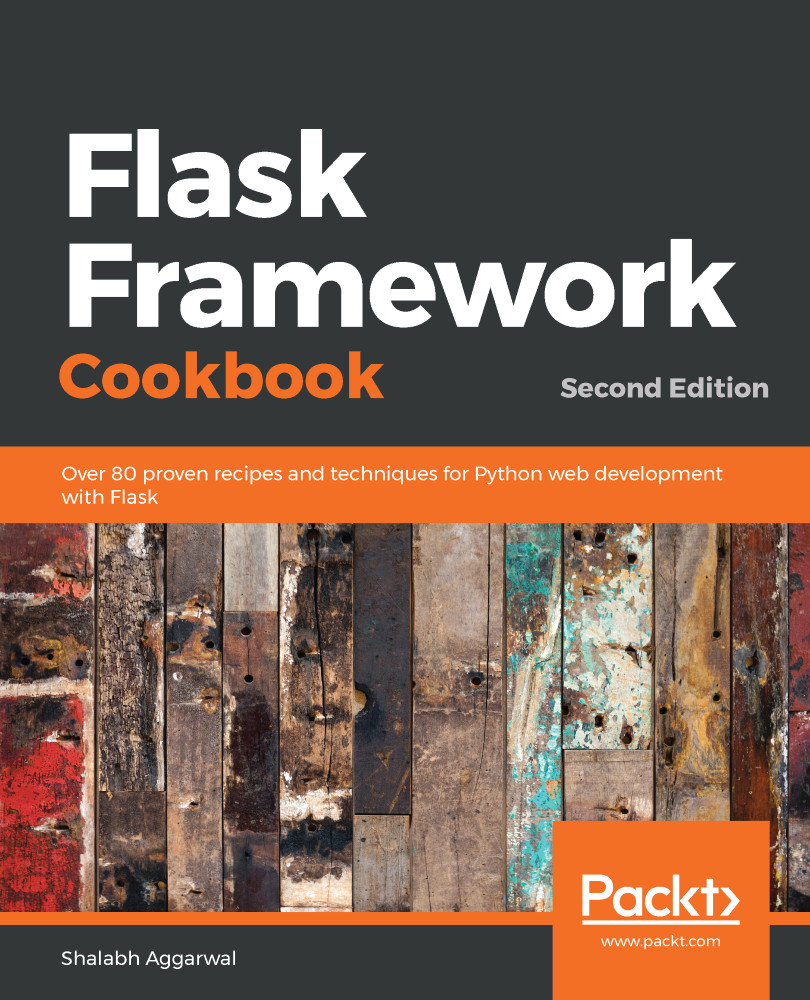
Flask Framework Cookbook - Second Edition

By : Shalabh Aggarwal
3.5 (11)
close
close
Flask Framework Cookbook

Flask Framework Cookbook

3.5 (11)
By: Shalabh Aggarwal

Overview of this book

Flask, the lightweight Python web framework, is popular thanks to its powerful modular design that lets you build scalable web apps. With this recipe-based guide, you’ll explore modern solutions and best practices for Flask web development. Updated to the latest version of Flask and Python 3, this second edition of Flask Framework Cookbook moves away from some of the old and obsolete libraries and introduces new recipes on cutting-edge technologies. You’ll discover different ways of using Flask to create, deploy, and manage microservices. This Flask Python book starts by covering the different configurations that a Flask application can make use of, and then helps you work with templates and learn about the ORM and view layers. You’ll also be able to write an admin interface and get to grips with debugging and logging errors. Finally, you’ll learn a variety of deployment and post-deployment techniques for platforms such as Apache, Tornado, and Heroku. By the end of this book, you’ll have gained all the knowledge you need to confidently write Flask applications and scale them using standard industry practices.
Table of Contents (15 chapters)
close
close

Creating a custom widget

Just like we can create custom fields and validators, we can also create custom widgets. These widgets allow us to control how our fields will look at the frontend. Each field type has a widget associated with it. WTForms, by itself, provides a lot of basic and HTML5 widgets. In this recipe, to understand how to write a custom widget, we will convert our custom selection field for Category into a radio field. I agree with those of you who would argue that we can directly use the radio field provided by WTForms. Here, we are just trying to understand how to do it ourselves.

The widgets provided by default by WTForms can be found at https://wtforms.readthedocs.org/en/latest/widgets.html.

How to do it...

...
CONTINUE READING
83
Tech Concepts
36
Programming languages
73
Tech Tools
Icon Unlimited access to the largest independent learning library in tech of over 8,000 expert-authored tech books and videos.
Icon Innovative learning tools, including AI book assistants, code context explainers, and text-to-speech.
Icon 50+ new titles added per month and exclusive early access to books as they are being written.
Flask Framework Cookbook
notes
bookmark Notes and Bookmarks search Search in title playlist Add to playlist download Download options font-size Font size

Change the font size

margin-width Margin width

Change margin width

day-mode Day/Sepia/Night Modes

Change background colour

Close icon Search
Country selected

Close icon Your notes and bookmarks

Confirmation

Modal Close icon
claim successful

Buy this book with your credits?

Modal Close icon
Are you sure you want to buy this book with one of your credits?
Close
YES, BUY

Submit Your Feedback

Modal Close icon
Modal Close icon
Modal Close icon