Sign In Start Free Trial
Account

Add to playlist

Create a Playlist

Modal Close icon
You need to login to use this feature.
  • Book Overview & Buying Django 4 By Example
  • Table Of Contents Toc
  • Feedback & Rating feedback
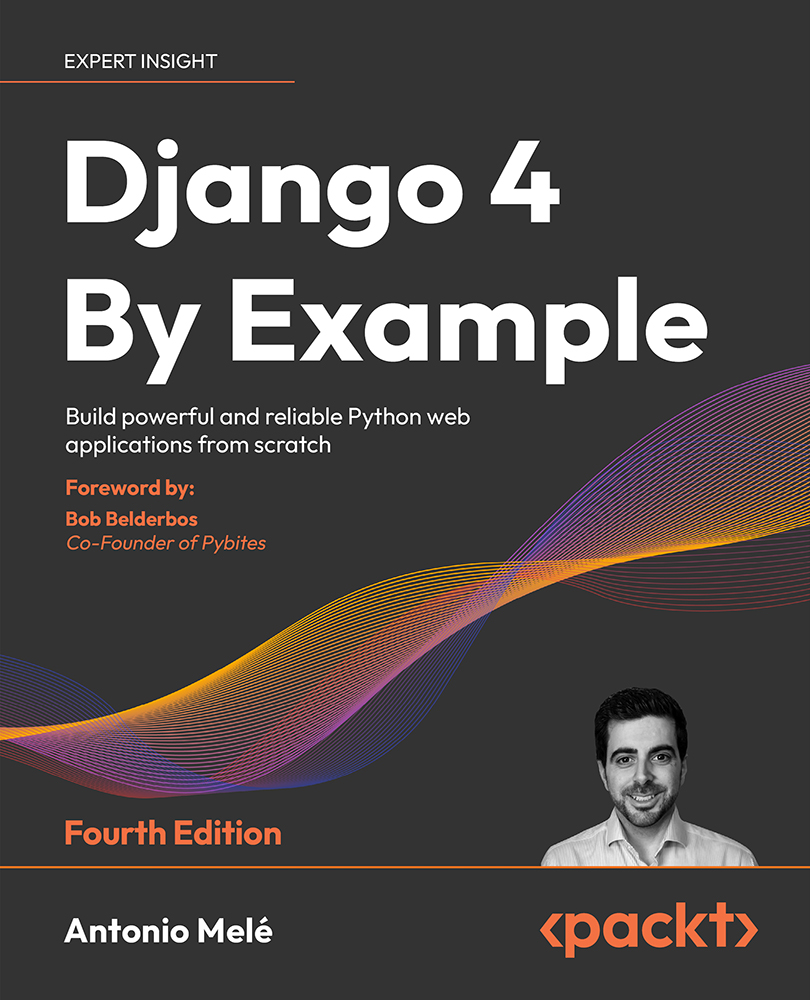
Django 4 By Example

Django 4 By Example - Fourth Edition

By : Antonio Melé
4.7 (43)
close
close
Django 4 By Example

Django 4 By Example

4.7 (43)
By: Antonio Melé

Overview of this book

Django 4 By Example is the 4th edition of the best-selling franchise that helps you build web apps. This book will walk you through the creation of real-world applications, solving common problems, and implementing best practices using a step-by-step approach. You'll cover a wide range of web app development topics as you build four different apps: A blog application: Create data models, views, and URLs and implement an admin site for your blog. Create sitemaps and RSS feeds and implement a full-text search engine with PostgreSQL. A social website: Implement authentication with Facebook, Twitter, and Google. Create user profiles, image thumbnails, a bookmarklet, and an activity stream. Implement a user follower system and add infinite scroll pagination to your website. An e-commerce application: Build a product catalog, a shopping cart, and asynchronous tasks with Celery and RabbitMQ. Process payments with Stripe and manage payment notifications via webhooks. Build a product recommendation engine with Redis. Create PDF invoices and export orders to CSV. An e-learning platform: Create a content management system to manage polymorphic content. Cache content with Memcached and Redis. Build and consume a RESTful API. Implement a real-time chat using WebSockets with ASGI. Create a production environment using NGINX, uWSGI and Daphne with Docker Compose. This is a practical book that will have you creating web apps quickly.
Table of Contents (20 chapters)
close
close
18
Other Books You May Enjoy
19
Index

Creating a Python virtual environment

When you write Python applications, you will usually use packages and modules that are not included in the standard Python library. You may have Python applications that require a different version of the same module. However, only a specific version of a module can be installed system-wide. If you upgrade a module version for an application, you might end up breaking other applications that require an older version of that module.

To address this issue, you can use Python virtual environments. With virtual environments, you can install Python modules in an isolated location rather than installing them globally. Each virtual environment has its own Python binary and can have its own independent set of installed Python packages in its site directories.

Since version 3.3, Python comes with the venv library, which provides support for creating lightweight virtual environments. By using the Python venv module to create isolated Python environments, you can use different package versions for different projects. Another advantage of using venv is that you won’t need any administration privileges to install Python packages.

If you are using Linux or macOS, create an isolated environment with the following command:

python -m venv my_env

Remember to use python3 instead of python if your system comes with Python 2 and you installed Python 3.

If you are using Windows, use the following command instead:

py -m venv my_env

This will use the Python launcher in Windows.

The previous command will create a Python environment in a new directory named my_env/. Any Python libraries you install while your virtual environment is active will go into the my_env/lib/python3.10/site-packages directory.

If you are using Linux or macOS, run the following command to activate your virtual environment:

source my_env/bin/activate

If you are using Windows, use the following command instead:

.\my_env\Scripts\activate

The shell prompt will include the name of the active virtual environment enclosed in parentheses like this:

(my_env) zenx@pc:~ zenx$

You can deactivate your environment at any time with the deactivate command. You can find more information about venv at https://docs.python.org/3/library/venv.html.

Visually different images
CONTINUE READING
83
Tech Concepts
36
Programming languages
73
Tech Tools
Icon Unlimited access to the largest independent learning library in tech of over 8,000 expert-authored tech books and videos.
Icon Innovative learning tools, including AI book assistants, code context explainers, and text-to-speech.
Icon 50+ new titles added per month and exclusive early access to books as they are being written.
Django 4 By Example
notes
bookmark Notes and Bookmarks search Search in title playlist Add to playlist download Download options font-size Font size

Change the font size

margin-width Margin width

Change margin width

day-mode Day/Sepia/Night Modes

Change background colour

Close icon Search
Country selected

Close icon Your notes and bookmarks

Confirmation

Modal Close icon
claim successful

Buy this book with your credits?

Modal Close icon
Are you sure you want to buy this book with one of your credits?
Close
YES, BUY

Submit Your Feedback

Modal Close icon
Modal Close icon
Modal Close icon