


-
Book Overview & Buying
-
Table Of Contents

Django 4 By Example - Fourth Edition
By :


Django 4 By Example
By:
Overview of this book
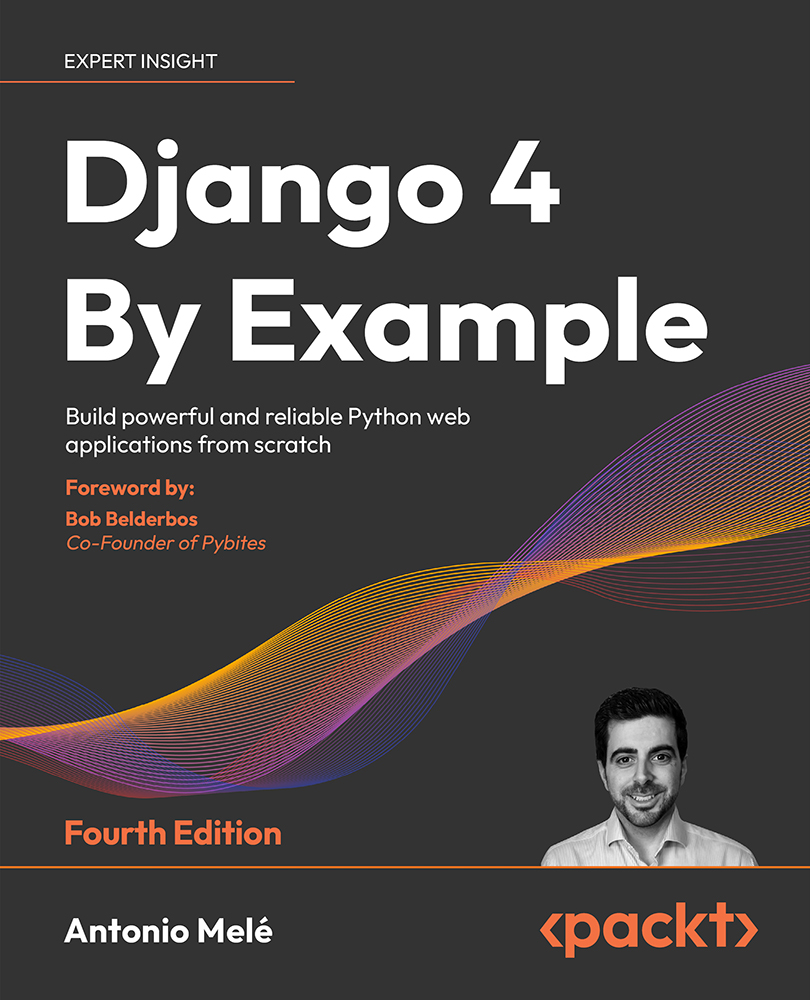
Django 4 By Example is the 4th edition of the best-selling franchise that helps you build web apps. This book will walk you through the creation of real-world applications, solving common problems, and implementing best practices using a step-by-step approach.
You'll cover a wide range of web app development topics as you build four different apps:
A blog application: Create data models, views, and URLs and implement an admin site for your blog. Create sitemaps and RSS feeds and implement a full-text search engine with PostgreSQL.
A social website: Implement authentication with Facebook, Twitter, and Google. Create user profiles, image thumbnails, a bookmarklet, and an activity stream. Implement a user follower system and add infinite scroll pagination to your website.
An e-commerce application: Build a product catalog, a shopping cart, and asynchronous tasks with Celery and RabbitMQ. Process payments with Stripe and manage payment notifications via webhooks. Build a product recommendation engine with Redis. Create PDF invoices and export orders to CSV.
An e-learning platform: Create a content management system to manage polymorphic content. Cache content with Memcached and Redis. Build and consume a RESTful API. Implement a real-time chat using WebSockets with ASGI. Create a production environment using NGINX, uWSGI and Daphne with Docker Compose.
This is a practical book that will have you creating web apps quickly.
Table of Contents (20 chapters)
Preface


 Free Chapter
Building a Blog Application
Enhancing Your Blog with Advanced Features
Extending Your Blog Application
Building a Social Website
Implementing Social Authentication
Sharing Content on Your Website

Tracking User Actions
Building an Online Shop
Managing Payments and Orders
Extending Your Shop
Adding Internationalization to Your Shop
Building an E-Learning Platform
Creating a Content Management System
Rendering and Caching Content
Building an API
Building a Chat Server
Going Live
Other Books You May Enjoy
Index


