Sign In Start Free Trial
Account

Add to playlist

Create a Playlist

Modal Close icon
You need to login to use this feature.
  • Book Overview & Buying Test-Driven Development with C++
  • Table Of Contents Toc
Test-Driven Development with C++

Test-Driven Development with C++

By : Abdul Wahid Tanner
4.5 (2)
close
close
Test-Driven Development with C++

Test-Driven Development with C++

4.5 (2)
By: Abdul Wahid Tanner

Overview of this book

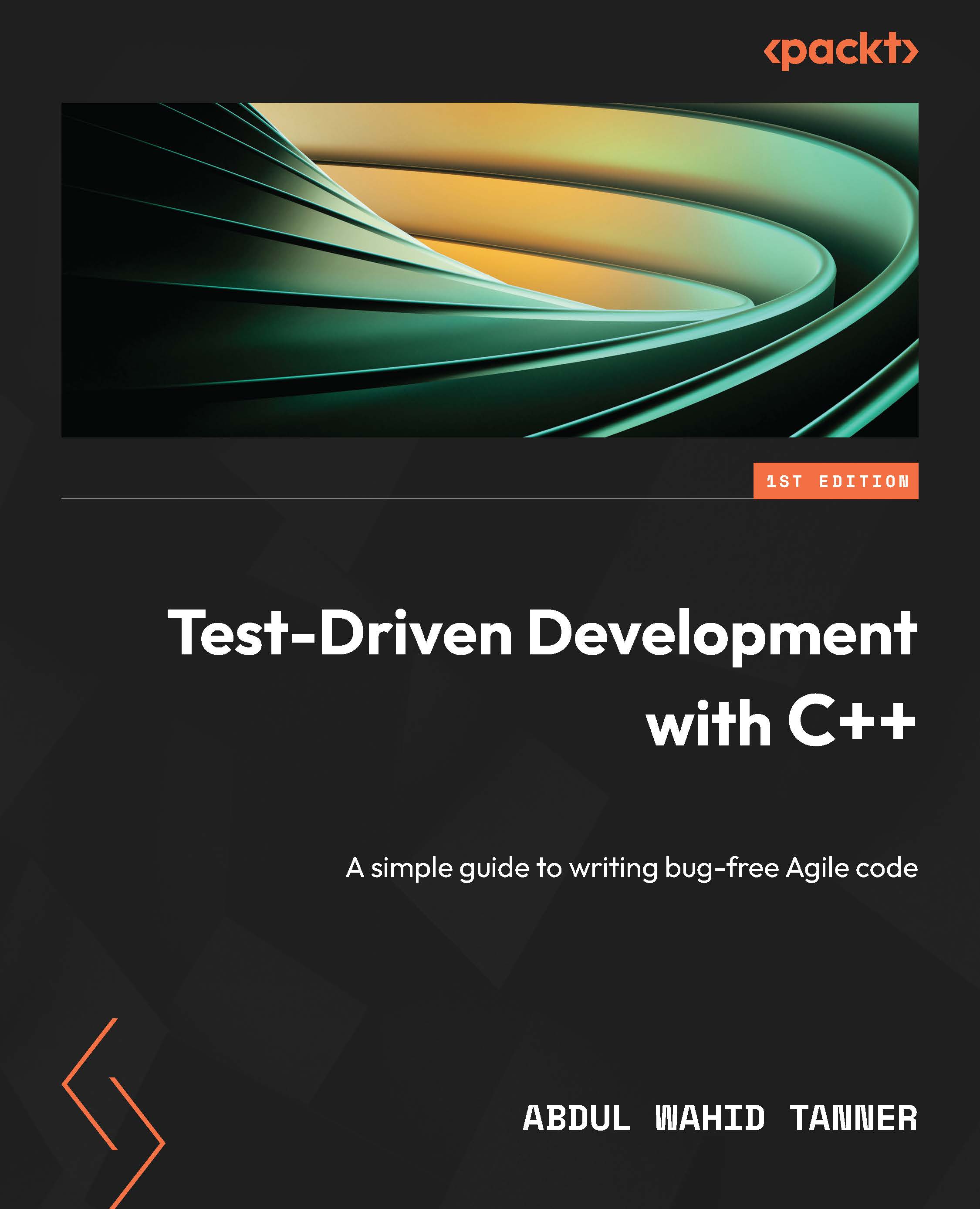
Modern, standard C++ is all that is needed to create a small and practical testing framework that will improve the design of any project. This allows you to think about how the code will be used, which is the first step in designing intuitive interfaces. TDD is a modern balanced software development approach that helps to create maintainable applications, provide modularity in design, and write minimal code that drastically reduces defects. With the help of this book, you'll be able to continue adding value when designs need to change by ensuring that the changes don't break existing tests. In this book, you will use test-driven development (TDD) to gain practical skills by writing a simple testing framework and then using it to drive the design of a logging library. The book will help you enhance your software development skills with test cases. You'll understand how to design and implement test cases. The chapters will also show you how to utilize the TDD approach to be more productive in software development than attempting to code in large unstructured steps. By the end of this book, you'll have gained knowledge of TDD and testing and also built a working logging library with unique features not found in other libraries.
Table of Contents (21 chapters)
close
close
1
Part 1: Testing MVP
10
Part 2: Using TDD to Create a Logging Library
14
Part 3: Extending the TDD Library to Support the Growing Needs of the Logging Library

What information does a test need?

The current test function doesn’t really know its name. We want the test to have a name so that it can be identified but does that name really need to be the name of the function? It would be better if the name was available as data so it could be displayed without hardcoding the name inside the test body.

Equally, the current test function doesn’t have any idea of success or failure. We purposefully ignored the test result until now, but let’s think about it. Is it enough for a test function to return the status? Maybe it needs a bool return type where true would mean success and false would mean the test failed.

That might be a bit too simplistic. Sure, it would be enough for now, but if a test fails, it might be good to know why. A bool return type won’t be enough later. Instead of designing the entire solution, we just need to figure out what to do that will meet the expected needs.

Since we already know that we need some data to hold the test name, what if we now add simple bool result data in the same place? This would let us keep the test function return type as void, and it leaves room for a more advanced solution later.

Let’s change the test function into a functor as follows so that we can add member data for the name and result. This new design moves away from using a simple function for a test. We need a class to hold the data for the name and result. A functor is a class that can be called like a function using operator(), as this code shows:

#include <iostream>
#include <string_view>
class Test
{
public:
    Test (std::string_view name)
    : mName(name), mResult(true)
    {}
    void operator () ()
    {
        std::cout << mName << std::endl;
    }
private:
    std::string mName;
    bool mResult;
};
Test test("testCanBeCreated");
int main ()
{
    test();
    return 0;
}

The biggest problem with this is that we no longer have a simple way to write a test as if it was a simple function. By providing operator (), or function call operator, we created a functor that will let us call the class as if it was a function from within the main function. However, it’s more code to write. It solves the problem of the test name, gives us a simple solution for the result, which can be expanded later, and also solves another problem that wasn’t obvious before.

When we called the test function in main before, we had to call it by the function name. That’s how functions are called in code, right? This new design eliminates that coupling by creating an instance of the Test functor called test. Now, main doesn’t care about the test name. It only refers to the instance of the functor. The only place in which the name of the test now appears in the code is when the functor instance is created.

We can fix the problem of all the extra code needed to write a test by using a macro. Macros are not needed in C++ as they used to be and some people might even think that they should be removed from the language entirely. They do have a couple of good uses left and wrapping up code into a macro is one of them.

We’ll eventually put the macro definition into a separate header file, which will become the test library. What we want to do is wrap up all the functor code in the macro but leave the implementation of the actual test function body to be written as if everything was a normal function.

First, we’ll make a simple change to move the implementation of the test function body outside of the class definition, like this. The function call operator is the method that needs to be moved outside:

class Test
{
public:
    Test (std::string_view name)
    : mName(name), mResult(true)
    {}
    void operator () ();
private:
    std::string mName;
    bool mResult;
};
Test test("testCanBeCreated");
void Test::operator () ()
{
    std::cout << mName << std::endl;
}

Then, the class definition, instance declaration, and first line of the function call operator can be turned into a macro. Compare the following code with the previous code to see how the Test class is turned into the TEST macro. By itself, this macro would not compile because it leaves the function call operator in an unfinished state. That’s exactly what we want because it lets the code use the macro like a function signature declaration and finish it up by providing the code inside the curly braces:

#define TEST class Test \
{ \
public: \
    Test (std::string_view name) \
    : mName(name), mResult(true) \
    {} \
    void operator () (); \
private: \
    std::string mName; \
    bool mResult; \
}; \
Test test("testCanBeCreated"); \
void Test::operator () ()
TEST
{
    std::cout << mName << std::endl;
}

Because the macro is defined over multiple lines, each line except the last needs to end with a backslash. The macro is a little more compact because the empty lines have been removed. This is a personal choice and you can leave the empty lines if you want. An empty line still needs the backslash though, which defeats the purpose of having an empty line.

The code uses the TEST macro with the unfinished function call operator just like a function definition, but then it completes the code by providing the curly braces and method implementation needed.

We’re making progress! It might be hard to see it because everything is in a single file. Let’s fix that by creating a new file called Test.h and moving the macro definition to the new file, like this:

#ifndef TEST_H
#define TEST_H
#include <string_view>
#define TEST class Test \
{ \
public: \
    Test (std::string_view name) \
    : mName(name), mResult(true) \
    {} \
    void operator () (); \
private: \
    std::string mName; \
    bool mResult; \
}; \
Test test("testCanBeCreated"); \
void Test::operator () ()
#endif // TEST_H

Now, we can go back to simpler code in main.cpp, like this next block of code shows. All we need to do is include Test.h and we can use the macro:

#include "Test.h"
#include <iostream>
TEST
{
    std::cout << mName << std::endl;
}
int main ()
{
    test();
    return 0;
}

We now have something that’s beginning to look like the simple function we started with, but there’s a lot of code hidden inside the TEST macro to make it seem simple.

In the next section, we’ll fix the need for main to call test() directly. The name of the functor, test, is a detail that should not be known outside of the macro, and we definitely shouldn’t need to call a test directly to run it, no matter what it’s called.

CONTINUE READING
83
Tech Concepts
36
Programming languages
73
Tech Tools
Icon Unlimited access to the largest independent learning library in tech of over 8,000 expert-authored tech books and videos.
Icon Innovative learning tools, including AI book assistants, code context explainers, and text-to-speech.
Icon 50+ new titles added per month and exclusive early access to books as they are being written.
Test-Driven Development with C++
notes
bookmark Notes and Bookmarks search Search in title playlist Add to playlist download Download options font-size Font size

Change the font size

margin-width Margin width

Change margin width

day-mode Day/Sepia/Night Modes

Change background colour

Close icon Search
Country selected

Close icon Your notes and bookmarks

Confirmation

Modal Close icon
claim successful

Buy this book with your credits?

Modal Close icon
Are you sure you want to buy this book with one of your credits?
Close
YES, BUY

Submit Your Feedback

Modal Close icon
Modal Close icon
Modal Close icon