Sign In Start Free Trial
Account

Add to playlist

Create a Playlist

Modal Close icon
You need to login to use this feature.
  • Book Overview & Buying Learn React with TypeScript
  • Table Of Contents Toc
  • Feedback & Rating feedback
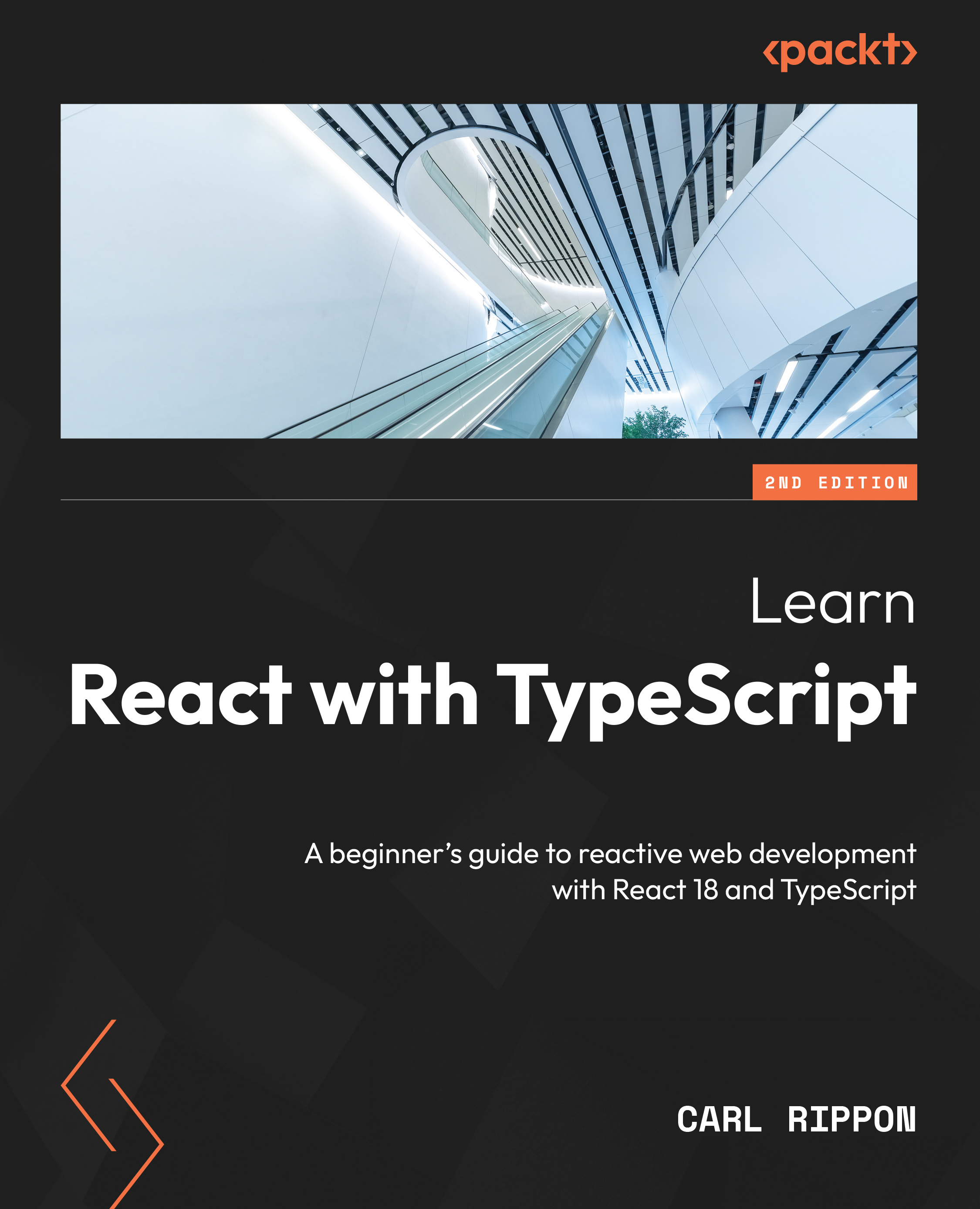
Learn React with TypeScript

Learn React with TypeScript - Second Edition

By : Carl Rippon
4.5 (20)
close
close
Learn React with TypeScript

Learn React with TypeScript

4.5 (20)
By: Carl Rippon

Overview of this book

Reading, navigating, and debugging a large frontend codebase is a major issue faced by frontend developers. This book is designed to help web developers like you learn about ReactJS and TypeScript, both of which power large-scale apps for many organizations. This second edition of Learn React with TypeScript is updated, enhanced, and improved to cover new features of React 18 including hooks, state management libraries, and features of TypeScript 4. The book will enable you to create well-structured and reusable React components that are easy to read and maintain, leveraging modern design patterns. You’ll be able to ensure that all your components are type-safe, making the most of TypeScript features, including some advanced types. You’ll also learn how to manage complex states using Redux and how to interact with a GraphQL web API. Finally, you’ll discover how to write robust unit tests for React components using Jest. By the end of the book, you’ll be well-equipped to use both React and TypeScript.
Table of Contents (19 chapters)
close
close
1
Part 1: Introduction
6
Part 2: App Fundamentals
10
Part 3: Data
14
Part 4: Advanced React

Implementing lazy loading

Currently, all the JavaScript for our app is loaded when the app first loads. This can be problematic in large apps. In this section, we will learn how to only load the JavaScript for components when their route becomes active. This pattern is often referred to as lazy loading. In our app, we will create a lazily loaded admin page.

Understanding React lazy loading

By default, all React components are bundled together and loaded when the app first loads. This is inefficient for large apps – particularly when a user does not use many components. Lazily loading React components addresses this issue because lazy components aren’t included in the initial bundle that is loaded; instead, their JavaScript is fetched and loaded when rendered.

There are two main steps to lazy loading React components. First, the component must be dynamically imported as follows:

const LazyPage = lazy(() => import('./LazyPage'));

In the code...

Visually different images
CONTINUE READING
83
Tech Concepts
36
Programming languages
73
Tech Tools
Icon Unlimited access to the largest independent learning library in tech of over 8,000 expert-authored tech books and videos.
Icon Innovative learning tools, including AI book assistants, code context explainers, and text-to-speech.
Icon 50+ new titles added per month and exclusive early access to books as they are being written.
Learn React with TypeScript
notes
bookmark Notes and Bookmarks search Search in title playlist Add to playlist download Download options font-size Font size

Change the font size

margin-width Margin width

Change margin width

day-mode Day/Sepia/Night Modes

Change background colour

Close icon Search
Country selected

Close icon Your notes and bookmarks

Confirmation

Modal Close icon
claim successful

Buy this book with your credits?

Modal Close icon
Are you sure you want to buy this book with one of your credits?
Close
YES, BUY

Submit Your Feedback

Modal Close icon
Modal Close icon
Modal Close icon