


-
Book Overview & Buying
-
Table Of Contents

Node.js Cookbook - Fifth Edition
By :


Node.js Cookbook
By:
Overview of this book
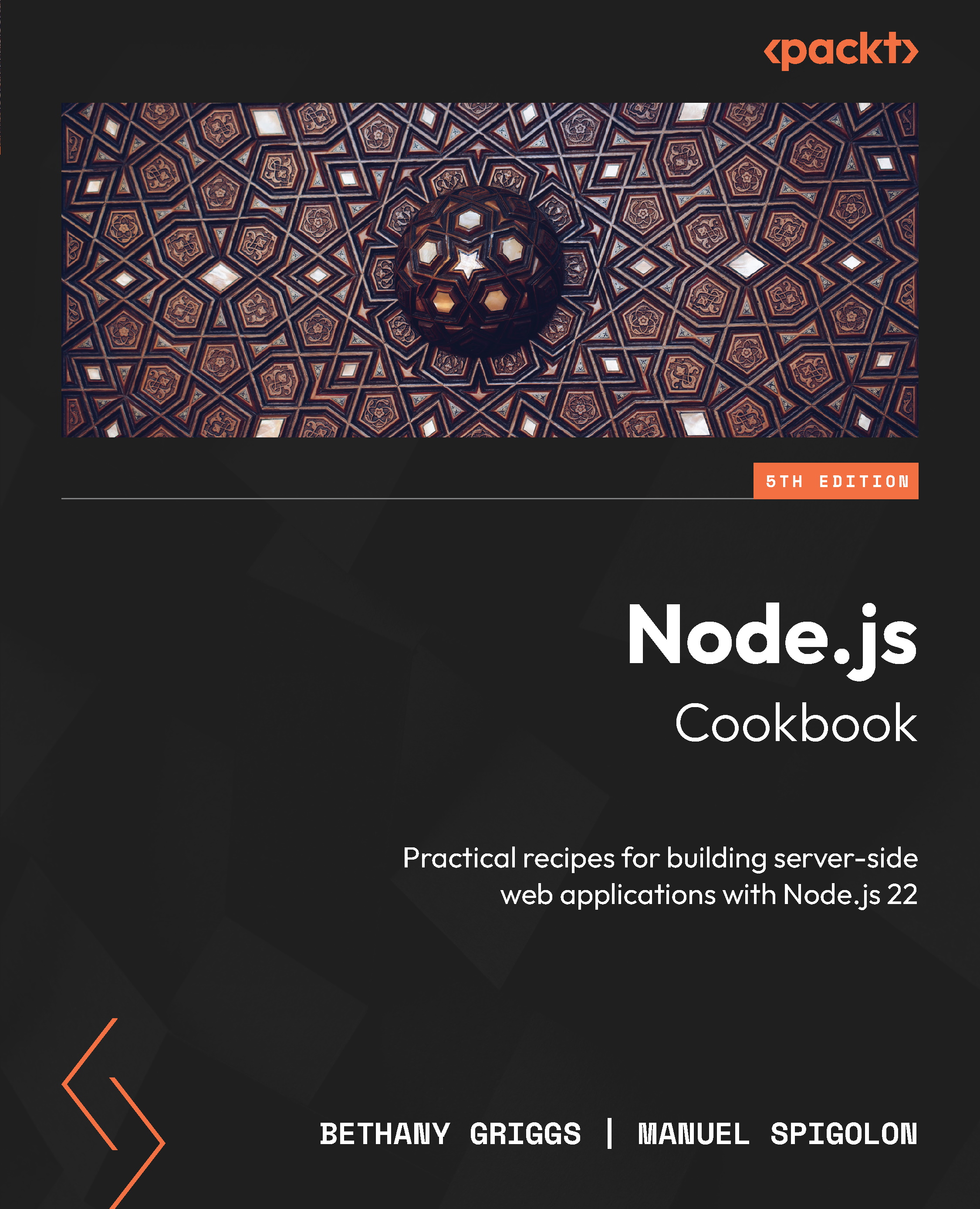
Node.js is a game-changing technology for building modern web applications and tooling, bringing the power of JavaScript to the server and enabling full-stack development in a unified language. This updated edition of this Node.js cookbook, featuring Node.js 22, equips you with the latest advancements and enhancements in the Node.js framework ecosystem.
From Bethany Griggs, who has served on the Node.js Technical Steering Committee and participated in the Node.js Release Working Group, and Manuel Spigolon, a core maintainer of Fastify, comes this fifth edition of the Node.js Cookbook to help you master Node.js 22. This book guides you step by step through crafting reusable code with Node.js modules, streamlining development using the Fastify web framework, and implementing data persistence in databases and rigorous testing practices for robust applications. You’ll address security concerns, optimize performance with worker threads, deploy Node.js microservices using containerization and orchestration, and tackle troubleshooting with effective debugging strategies.
Packed with real-world examples, this guide empowers you to harness Node.js 22's full potential for creating secure, performant, and dynamic applications.
Table of Contents (15 chapters)
Preface


Chapter 1: Introducing Node.js 22
 Free Chapter
Chapter 2: Interacting with the File System
Chapter 3: Working with Streams
Chapter 4: Using Web Protocols
Chapter 5: Developing Node.js Modules
Chapter 6: Working with Fastify – The Web Framework
Chapter 7: Persisting to Databases
Chapter 8: Testing with Node.js
Chapter 9: Dealing with Security
Chapter 10: Optimizing Performance
Chapter 11: Deploying Node.js Microservices
Chapter 12: Debugging Node.js

Index


