Sign In Start Free Trial
Account

Add to playlist

Create a Playlist

Modal Close icon
You need to login to use this feature.
  • Book Overview & Buying Windows Server 2016 Cookbook
  • Table Of Contents Toc
  • Feedback & Rating feedback
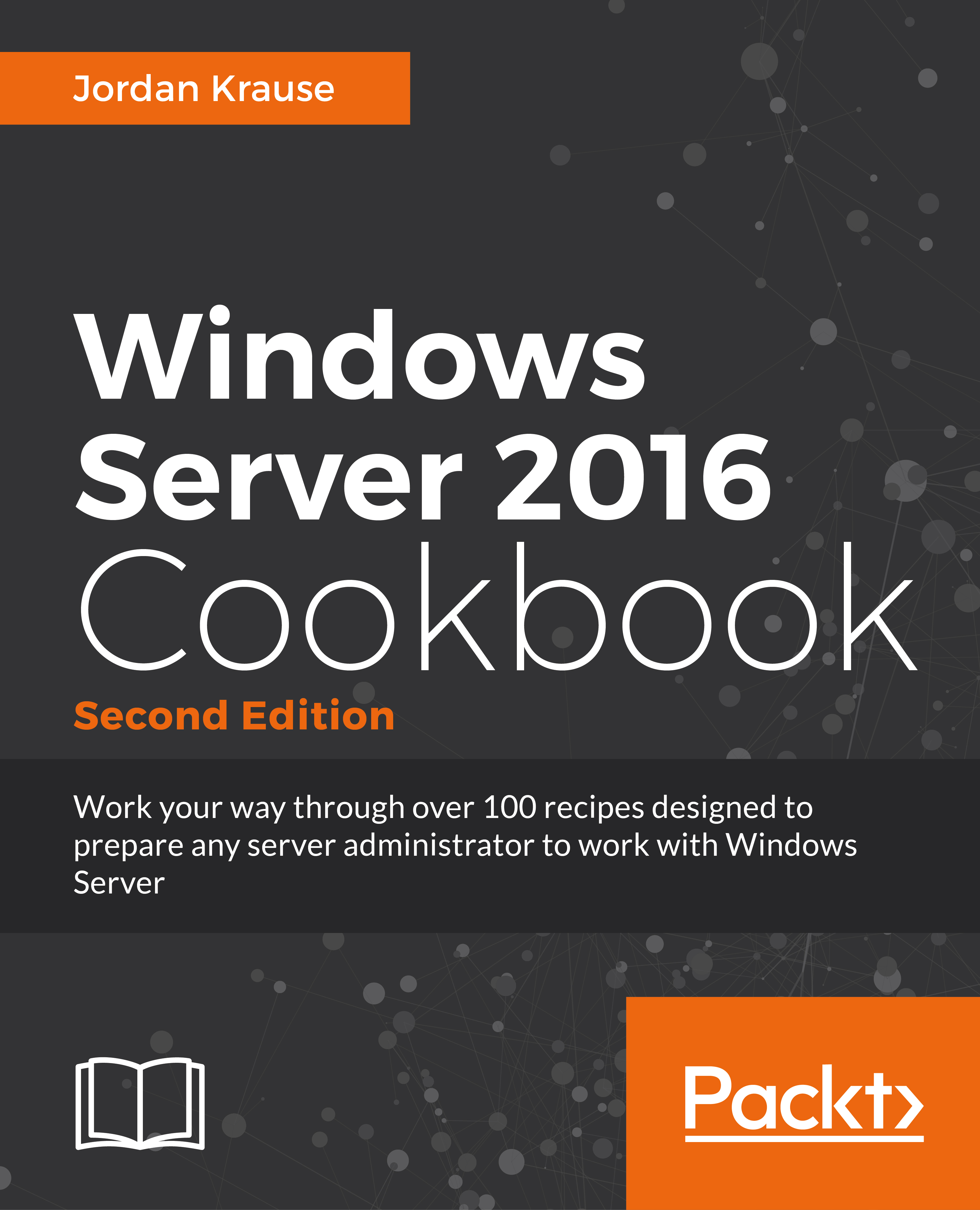
Windows Server 2016 Cookbook

Windows Server 2016 Cookbook

By : Jordan Krause
3.5 (2)
close
close
Windows Server 2016 Cookbook

Windows Server 2016 Cookbook

3.5 (2)
By: Jordan Krause

Overview of this book

This hands-on Cookbook is stuffed full of practical recipes that will help you handle the essential administrative tasks in Windows Server 2016. You’ll start by familiarizing yourself with the look and feel of Windows Server 2016, and will then learn how to navigate through some daily tasks using the graphical interface. You will see how to compose optimal Group Policies and facilitate task automation with PowerShell 5.0 scripting. We will also take a look at the functions available to provide remote network access to your traveling users, and explore the much anticipated Nano Server and Hyper-V built-in integration support that is brand new in Windows Server 2016. By the end of this book, you will know how to take your Windows Server 2016-powered server and turn it into any common infrastructure role that might be required in your company.
Table of Contents (13 chapters)
close
close

Searching for PowerShell cmdlets with Get-Help

With this recipe, let's take a minute to use Get-Help inside PowerShell in order to, well, get some help! I see both new and experienced PowerShell administrators going to the Web a lot in order to find commands and the parameters of those commands. The Internet is great, and there is a ton of data out there about how to use PowerShell, but in many cases the information that you are looking for resides right inside PowerShell itself. By using the Get-Help cmdlet combined with the functions you are running or searching for, you might not have to open that web browser after all.

Getting ready

We will be running some commands from inside PowerShell on a Windows Server 2016 machine.

How to do it…

To use the Get-Help function inside PowerShell, run the following steps:

  1. Launch a PowerShell prompt.
  2. Type Get-Help.
  3. You're finished! No, I'm just kidding. Using Get-Help by itself will present you with some helpful data about the Get-Help command, but that's not really what we are looking for, is it? How about using Get-Help with a search parameter, like this:
          Get-Help Computer
    

    How to do it…

    Cool! That searched the available cmdlets and presented us with a list of the ones that contain the word Computer. Nice.

  4. Now, what if we wanted to find out some more particular information about one of these cmdlets? Maybe about Restart-Computer; that sounds like something we might use often. Use the following command:
          Get-Help Restart-Computer
    

    How to do it…

    Now we're really cooking! This is wonderful information. Basically, this is exactly what you would find if you were looking for information about the Restart-Computer cmdlet and went searching on TechNet for it.

How it works…

The Get-Help cmdlet in PowerShell can be used with virtually any command in order to find out more information about that particular function. I often use it when the specific name of a cmdlet that I want to use escapes my memory. By using Get-Help as a search function, it will present a list of available cmdlets that include the keyword you specified. This is a brilliant addition to PowerShell, and makes it so much more powerful than Command Prompt.

Also included with the Get-Help files are all of the special syntax and parameter options for each cmdlet that you might be working with. This saves you having to go to the Web in order to search for these functions, and it is just way more fun doing it at the command line than in a web browser.

Visually different images
CONTINUE READING
83
Tech Concepts
36
Programming languages
73
Tech Tools
Icon Unlimited access to the largest independent learning library in tech of over 8,000 expert-authored tech books and videos.
Icon Innovative learning tools, including AI book assistants, code context explainers, and text-to-speech.
Icon 50+ new titles added per month and exclusive early access to books as they are being written.
Windows Server 2016 Cookbook
notes
bookmark Notes and Bookmarks search Search in title playlist Add to playlist font-size Font size

Change the font size

margin-width Margin width

Change margin width

day-mode Day/Sepia/Night Modes

Change background colour

Close icon Search
Country selected

Close icon Your notes and bookmarks

Confirmation

Modal Close icon
claim successful

Buy this book with your credits?

Modal Close icon
Are you sure you want to buy this book with one of your credits?
Close
YES, BUY

Submit Your Feedback

Modal Close icon
Modal Close icon
Modal Close icon