
Sign In Start Free Trial
Account

Add to playlist

Create a Playlist

Modal Close icon
You need to login to use this feature.
  • Book Overview & Buying Zabbix 4 Network Monitoring
  • Table Of Contents Toc
Zabbix 4 Network Monitoring

Zabbix 4 Network Monitoring - Third Edition

By : Patrik Uytterhoeven
5 (2)
close
close
Zabbix 4 Network Monitoring

Zabbix 4 Network Monitoring

5 (2)
By: Patrik Uytterhoeven

Overview of this book

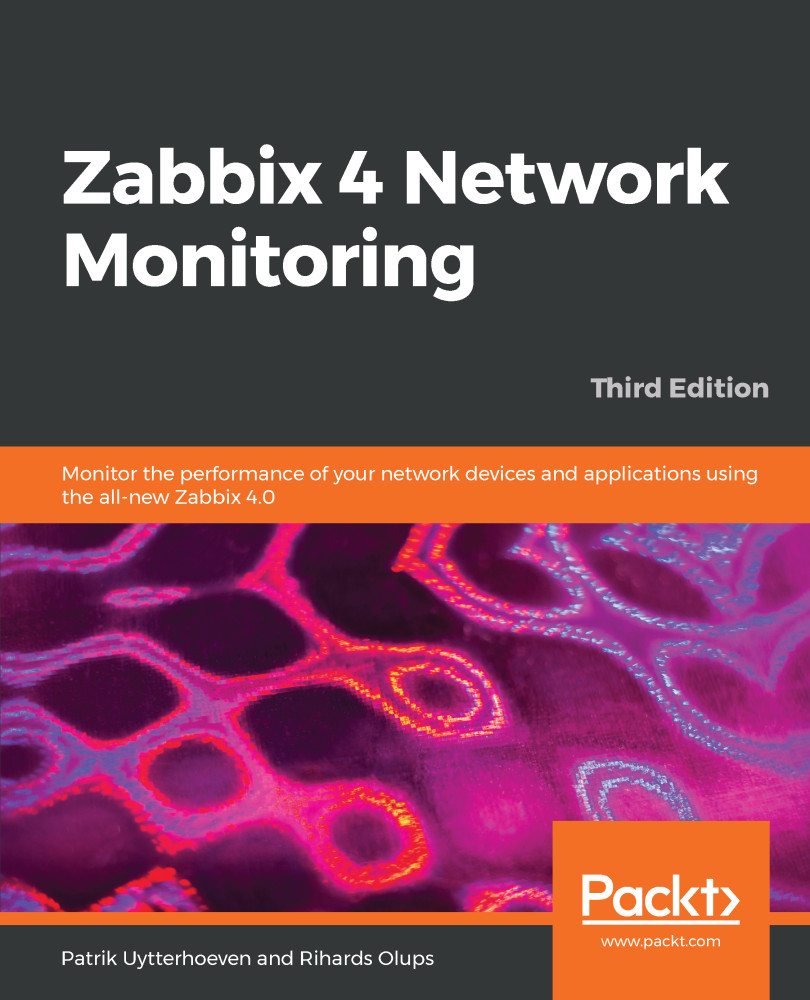
Zabbix 4 Network Monitoring is the perfect starting point for monitoring the performance of your network devices and applications with Zabbix. Even if you’ve never used a monitoring solution before, this book will get you up and running quickly. You’ll learn to monitor more sophisticated operations with ease and soon feel in complete control of your network, ready to meet any challenges you might face. Starting with the installation, you will discover the new features in Zabbix 4.0. You will then get to grips with native Zabbix agents and Simple Network Management Protocol (SNMP) devices. You will also explore Zabbix's integrated functionality for monitoring Java application servers and VMware. This book also covers notifications, permission management, system maintenance, and troubleshooting, so you can be confident that every potential challenge and task is under your control. If you're working with larger environments, you'll also be able to find out more about distributed data collection using Zabbix proxies. Once you're confident and ready to put these concepts into practice, you will understand how to optimize and improve performance. Troubleshooting network issues is vital for anyone working with Zabbix, so the book also helps you work through any technical snags and glitches you might face. By the end of this book, you will have learned more advanced techniques to fine-tune your system and make sure it is in a healthy state.
Table of Contents (25 chapters)
close
close

Global scripts

Looking at values and graphs on the frontend is nice and useful, but there are cases when extra information might be needed right away, or there might be a need to manually invoke an action, such as starting an upgrade process, rebooting the system, or performing some other administrative task. Zabbix allows us to execute commands directly from the frontend—this feature is called global scripts. Let's see what is available out of the box. Navigate to Monitoring | Problems and click on the hostname in any of the entries:

The second part of this menu has convenience links to various sections in the frontend. The first part, labeled SCRIPTS, is what we are after. Currently, Zabbix ships with three preconfigured scripts—Detect operating system, Ping, and Traceroute. We will discuss them in a bit more detail later, but for now just click on Ping....

CONTINUE READING
83
Tech Concepts
36
Programming languages
73
Tech Tools
Icon Unlimited access to the largest independent learning library in tech of over 8,000 expert-authored tech books and videos.
Icon Innovative learning tools, including AI book assistants, code context explainers, and text-to-speech.
Icon 50+ new titles added per month and exclusive early access to books as they are being written.
Zabbix 4 Network Monitoring
notes
bookmark Notes and Bookmarks search Search in title playlist Add to playlist font-size Font size

Change the font size

margin-width Margin width

Change margin width

day-mode Day/Sepia/Night Modes

Change background colour

Close icon Search
Country selected

Close icon Your notes and bookmarks

Confirmation

Modal Close icon
claim successful

Buy this book with your credits?

Modal Close icon
Are you sure you want to buy this book with one of your credits?
Close
YES, BUY

Submit Your Feedback

Modal Close icon
Modal Close icon
Modal Close icon