Sign In Start Free Trial
Account

Add to playlist

Create a Playlist

Modal Close icon
You need to login to use this feature.
  • Book Overview & Buying Mastering PowerShell Scripting
  • Table Of Contents Toc
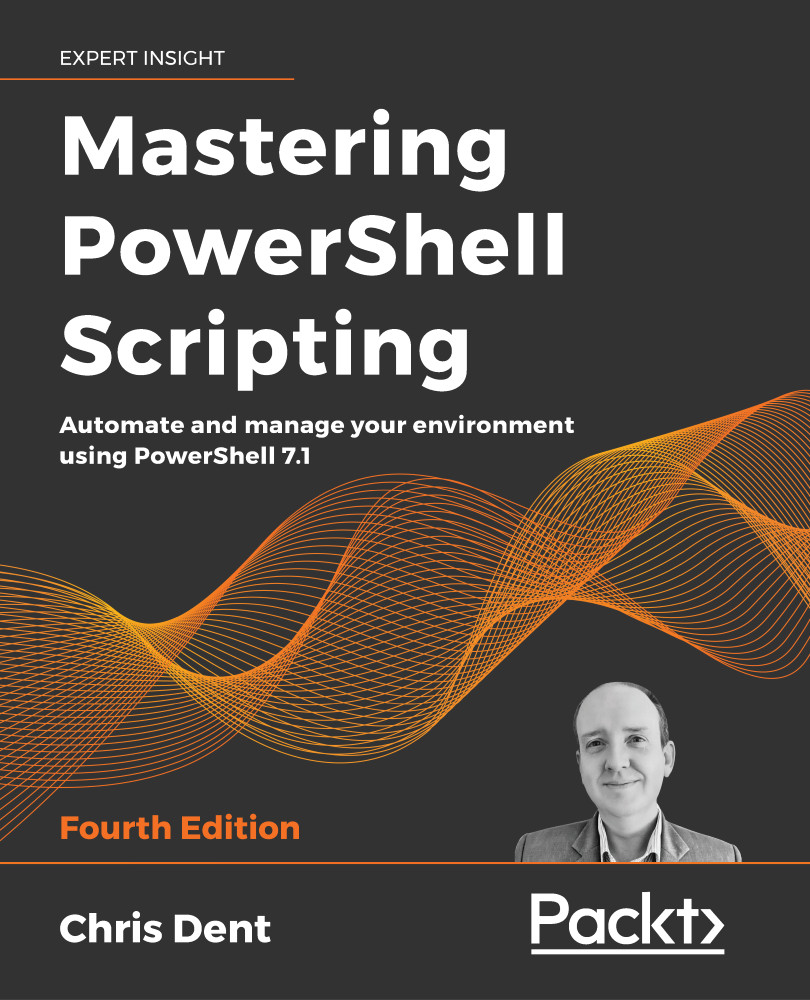
Mastering PowerShell Scripting

Mastering PowerShell Scripting - Fourth Edition

By : Chris Dent
4 (19)
close
close
Mastering PowerShell Scripting

Mastering PowerShell Scripting

4 (19)
By: Chris Dent

Overview of this book

PowerShell scripts offer a convenient way to automate various tasks, but working with them can be daunting. Mastering PowerShell Scripting takes away the fear and helps you navigate through PowerShell's capabilities.This extensively revised edition includes new chapters on debugging and troubleshooting and creating GUIs (online chapter). Learn the new features of PowerShell 7.1 by working with parameters, objects, and .NET classes from within PowerShell 7.1. This comprehensive guide starts with the basics before moving on to advanced topics, including asynchronous processing, desired state configuration, using more complex scripts and filters, debugging issues, and error-handling techniques. Explore how to efficiently manage substantial amounts of data and interact with other services using PowerShell 7.1. This book will help you to make the most of PowerShell's automation features, using different methods to parse data, manipulate regular expressions, and work with Windows Management Instrumentation (WMI).
Table of Contents (26 chapters)
close
close
24
Other Books You May Enjoy
25
Index

Modules and Snap-Ins

Modules are packaged collections of commands that may be loaded inside PowerShell, allowing PowerShell to interact with new systems and services. Modules come from a wide variety of different sources.

PowerShell itself is installed with a small number of modules, including ThreadJob and PSReadline.

You can install modules by adding Windows features or enabling capabilities, for example, the ActiveDirectory and GroupPolicy modules.

Some applications include modules; for example, Microsoft Local Administrator Password Solution (LAPS) includes a PowerShell module in the installer that you can use to manage some of the features of the application.

The Windows platform itself includes many modules, most of these having been included since Windows 8 was released.

Finally, you can install modules from the PowerShell Gallery or another registered repository. The PowerShell Gallery can include updated versions of PowerShell installed modules.

The PowerShell Gallery is therefore a valuable source of modules published by Microsoft, VMware, Amazon Web Services, and many others.

Snap-ins were included in PowerShell 1 and largely replaced with modules with the release of PowerShell 2. PowerShell 7 does not support snap-ins; snap-ins are limited to Windows PowerShell.

The chapter covers the following topics:

  • Introducing modules
  • Using Windows PowerShell modules in PowerShell 7
  • PowerShellGet 3.0
  • PowerShell repositories
  • About snap-ins
CONTINUE READING
83
Tech Concepts
36
Programming languages
73
Tech Tools
Icon Unlimited access to the largest independent learning library in tech of over 8,000 expert-authored tech books and videos.
Icon Innovative learning tools, including AI book assistants, code context explainers, and text-to-speech.
Icon 50+ new titles added per month and exclusive early access to books as they are being written.
Mastering PowerShell Scripting
notes
bookmark Notes and Bookmarks search Search in title playlist Add to playlist download Download options font-size Font size

Change the font size

margin-width Margin width

Change margin width

day-mode Day/Sepia/Night Modes

Change background colour

Close icon Search
Country selected

Close icon Your notes and bookmarks

Confirmation

Modal Close icon
claim successful

Buy this book with your credits?

Modal Close icon
Are you sure you want to buy this book with one of your credits?
Close
YES, BUY

Submit Your Feedback

Modal Close icon
Modal Close icon
Modal Close icon