


-
Book Overview & Buying
-
Table Of Contents

Mastering PowerShell Scripting - Fourth Edition
By :


Mastering PowerShell Scripting
By:
Overview of this book
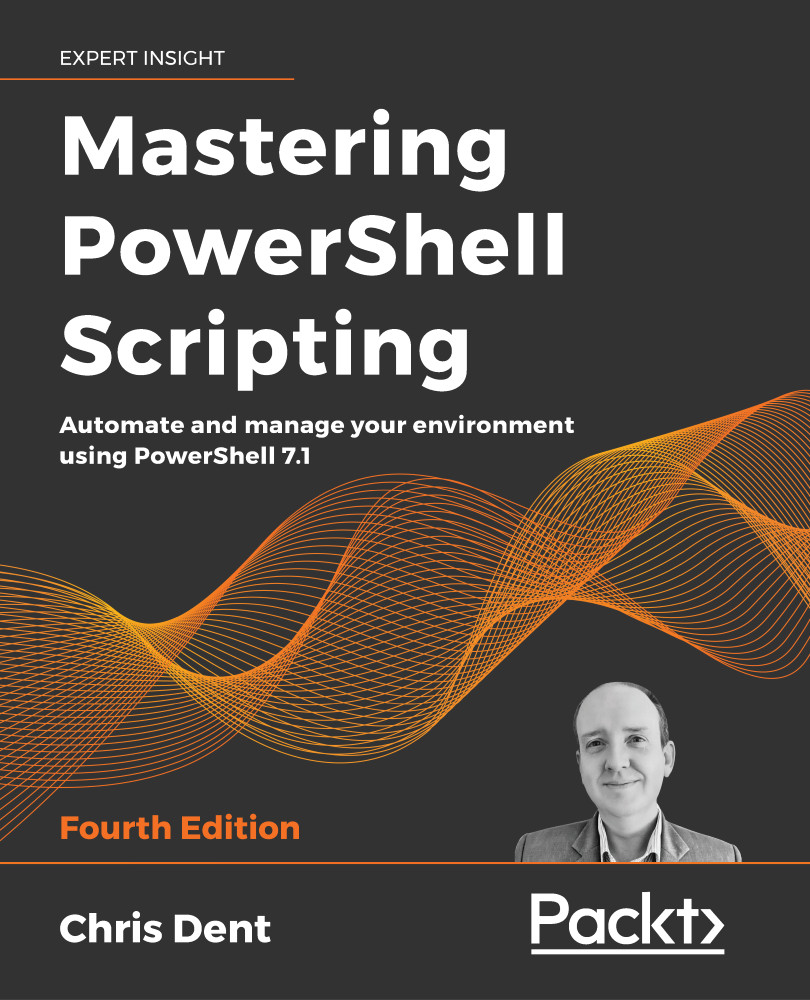
PowerShell scripts offer a convenient way to automate various tasks, but working with them can be daunting. Mastering PowerShell Scripting takes away the fear and helps you navigate through PowerShell's capabilities.This extensively revised edition includes new chapters on debugging and troubleshooting and creating GUIs (online chapter). Learn the new features of PowerShell 7.1 by working with parameters, objects, and .NET classes from within PowerShell 7.1.
This comprehensive guide starts with the basics before moving on to advanced topics, including asynchronous processing, desired state configuration, using more complex scripts and filters, debugging issues, and error-handling techniques. Explore how to efficiently manage substantial amounts of data and interact with other services using PowerShell 7.1. This book will help you to make the most of PowerShell's automation features, using different methods to parse data, manipulate regular expressions, and work with Windows Management Instrumentation (WMI).
Table of Contents (26 chapters)
Preface


Introduction to PowerShell
 Free Chapter
Modules and Snap-Ins
Working with Objects in PowerShell
Operators
Variables, Arrays, and Hashtables

Conditional Statements and Loops
Working with .NET
Strings, Numbers, and Dates
Regular Expressions
Files, Folders, and the Registry
Windows Management Instrumentation
Working with HTML, XML, and JSON
Web Requests and Web Services
Remoting and Remote Management
Asynchronous Processing
Graphical User Interfaces
Scripts, Functions, and Script Blocks
Parameters, Validation, and Dynamic Parameters
Classes and Enumerations
Building Modules
Error Handling
Debugging and Troubleshooting
Other Books You May Enjoy
Index


