Sign In Start Free Trial
Account

Add to playlist

Create a Playlist

Modal Close icon
You need to login to use this feature.
  • Book Overview & Buying Windows Server Automation with PowerShell Cookbook, Fifth Edition
  • Table Of Contents Toc
  • Feedback & Rating feedback
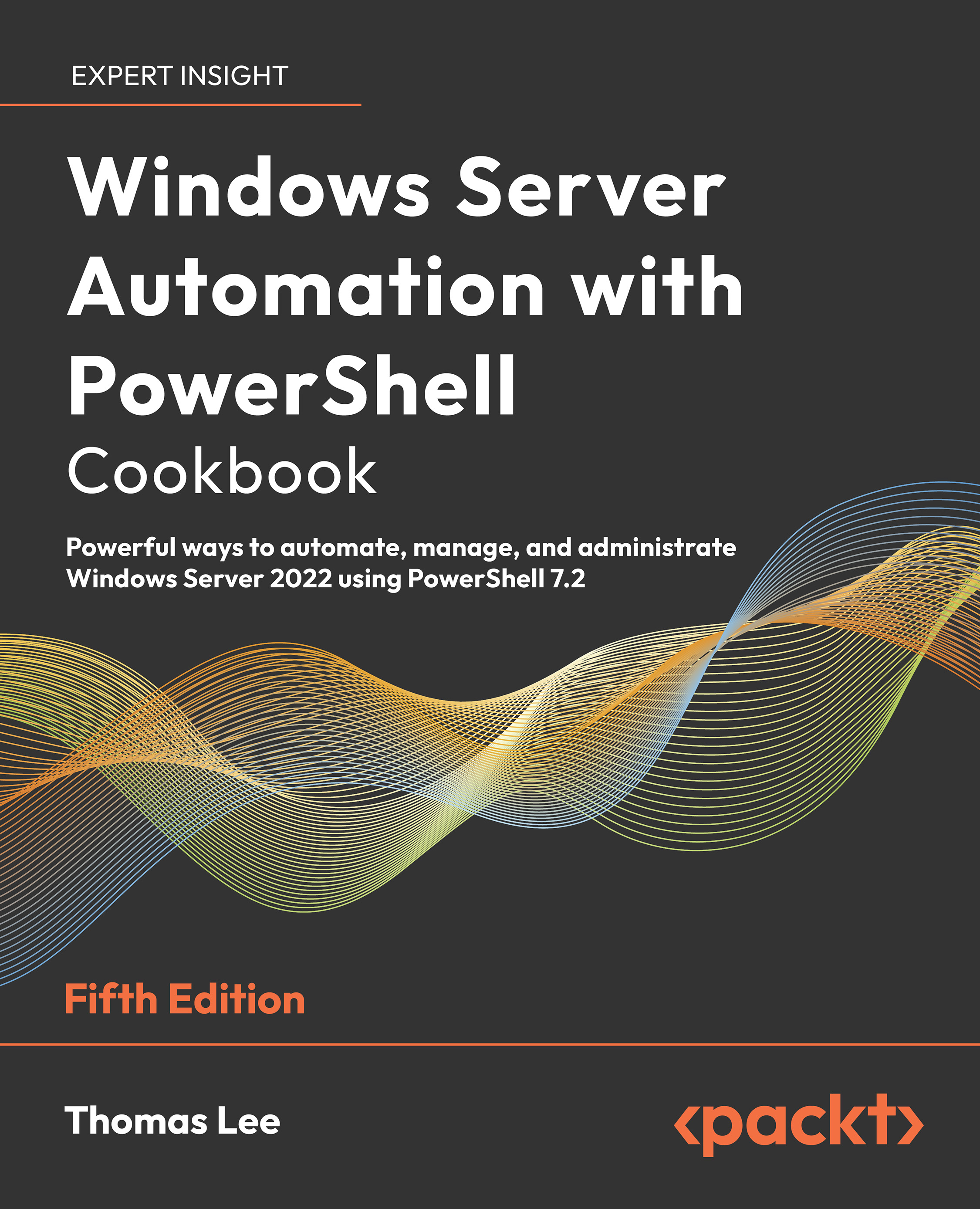
Windows Server Automation with PowerShell Cookbook, Fifth Edition

Windows Server Automation with PowerShell Cookbook, Fifth Edition - Fifth Edition

By : Thomas Lee
4.7 (20)
close
close
Windows Server Automation with PowerShell Cookbook, Fifth Edition

Windows Server Automation with PowerShell Cookbook, Fifth Edition

4.7 (20)
By: Thomas Lee

Overview of this book

The Windows Server Automation with PowerShell Cookbook is back with a new edition, featuring over 100 PowerShell recipes that will make your day-to-day work easier. This book is designed to help you learn how to install, configure and use PowerShell 7.2 effectively. To start with, we’ll look at how to install and configure PowerShell 7.2, along with useful new features and optimizations, and show you how the PowerShell compatibility solution bridges the gap to older versions of PowerShell. We’ll also be covering a wide range of fundamental and more advanced use cases, including how to create a VM and set up an Azure VPN, as well as looking at how to back up to Azure. As you progress, you’ll explore topics such as using PowerShell to manage networking and DHCP in Windows Server, objects in Active Directory, Hyper-V, and Azure. We’ll also take a closer look at WSUS, containers and see how to handle modules that are not directly compatible with PowerShell 7. Finally, you’ll also learn how to use some powerful tools to diagnose and resolve issues with Windows Server. By the end of this PowerShell book, you’ll know how to use PowerShell 7.2 to automate tasks on Windows Server 2022 with ease, helping your Windows environment to run faster and smoother.
Table of Contents (17 chapters)
close
close
15
Other Books You May Enjoy
16
Index

Deploying sample containers

Once you have a container host configured, you should check that you have set up your environment successfully and your container host can utilize containers. A really simple way to check that your container host is fully able to run containers is by downloading and running a simple container image. Docker publishes a useful Hello-World container image you can use. Or you can download and run one of the standard OS images.

Before you can run a container, you must acquire a container image. There are several ways to obtain images, as you see in this chapter. Using the docker command, you can search and download images either to use directly or to use as the basis of a custom-built container. Docker maintains an online registry that contains a variety of container images for you to leverage.

This recipe demonstrates using the Docker registry to obtain images and then using those images locally. This recipe looks at some basic container management tasks and shows...

Visually different images
CONTINUE READING
83
Tech Concepts
36
Programming languages
73
Tech Tools
Icon Unlimited access to the largest independent learning library in tech of over 8,000 expert-authored tech books and videos.
Icon Innovative learning tools, including AI book assistants, code context explainers, and text-to-speech.
Icon 50+ new titles added per month and exclusive early access to books as they are being written.
Windows Server Automation with PowerShell Cookbook, Fifth Edition
notes
bookmark Notes and Bookmarks search Search in title playlist Add to playlist download Download options font-size Font size

Change the font size

margin-width Margin width

Change margin width

day-mode Day/Sepia/Night Modes

Change background colour

Close icon Search
Country selected

Close icon Your notes and bookmarks

Confirmation

Modal Close icon
claim successful

Buy this book with your credits?

Modal Close icon
Are you sure you want to buy this book with one of your credits?
Close
YES, BUY

Submit Your Feedback

Modal Close icon
Modal Close icon
Modal Close icon