Sign In Start Free Trial
Account

Add to playlist

Create a Playlist

Modal Close icon
You need to login to use this feature.
  • Book Overview & Buying Terraform Cookbook
  • Table Of Contents Toc
  • Feedback & Rating feedback
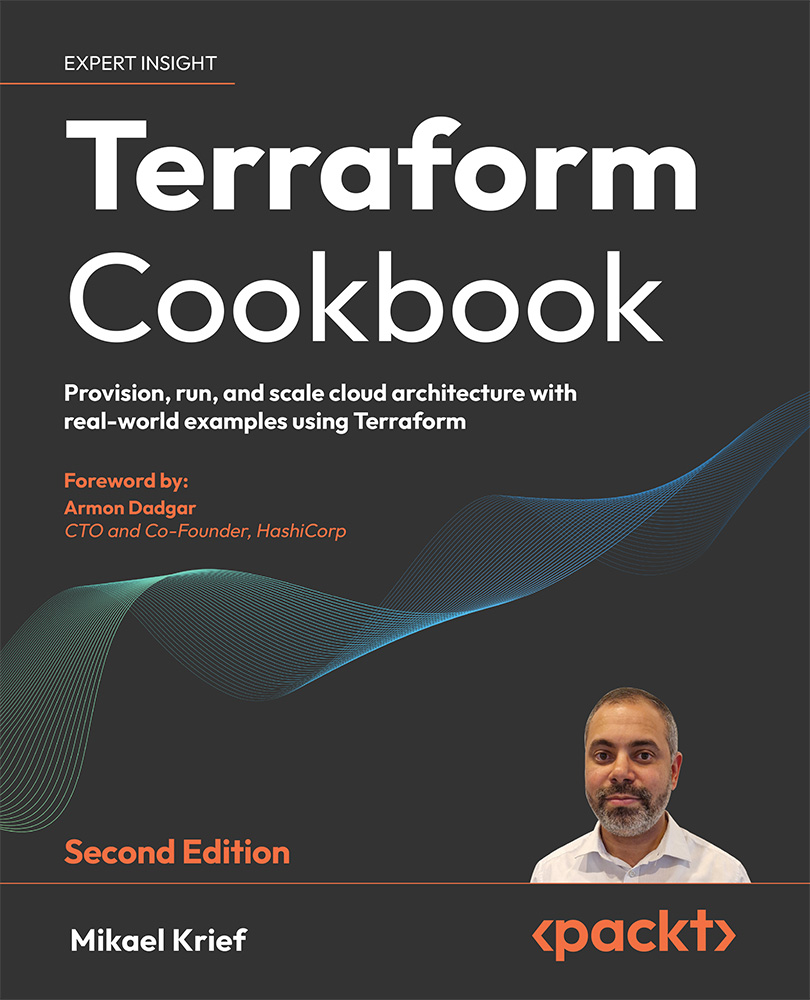
Terraform Cookbook

Terraform Cookbook - Second Edition

By : Mikael Krief
4.7 (50)
close
close
Terraform Cookbook

Terraform Cookbook

4.7 (50)
By: Mikael Krief

Overview of this book

Imagine effortlessly provisioning complex cloud infrastructure across various cloud platforms, all while ensuring robustness, reusability, and security. Introducing the Terraform Cookbook, Second Edition - your go-to guide for mastering Infrastructure as Code (IaC) effortlessly. This new edition is packed with real-world examples for provisioning robust Cloud infrastructure mainly across Azure but also with a dedicated chapter for AWS and GCP. You will delve into manual and automated testing with Terraform configurations, creating and managing a balanced, efficient, reusable infrastructure with Terraform modules. You will learn how to automate the deployment of Terraform configurations through continuous integration and continuous delivery (CI/CD), unleashing Terraform's full potential. New chapters have been added that describe the use of Terraform for Docker and Kubernetes, and explain how to test Terraform configurations using different tools to check code and security compliance. The book devotes an entire chapter to achieving proficiency in Terraform Cloud, covering troubleshooting strategies for common issues and offering resolutions to frequently encountered errors. Get the insider knowledge to boost productivity with Terraform - the indispensable guide for anyone adopting Infrastructure as Code solutions.
Table of Contents (20 chapters)
close
close
16
Other Books You May Enjoy
17
Index

Calling Terraform’s built-in functions

When provisioning infrastructure or handling resources with Terraform, it is sometimes necessary to use transformations or combinations of elements provided in the Terraform configuration.

For this purpose, the language supplied with Terraform includes functions that are built in and can be used in any Terraform configuration.

In this recipe, we will discuss how to use built-in functions to apply transformations to code.

Getting ready

To complete this recipe, we will start from scratch regarding the Terraform configuration, which will be used to provision a resource group in Azure. This resource group will be named according to the following naming convention:

RG-<APP NAME>-<ENVIRONMENT>

The result of this transformation will return a name that should be entirely in uppercase.

The source code for this recipe is available at https://github.com/PacktPublishing/Terraform-Cookbook-Second-Edition/tree/main/CHAP02/fct.

How to do it…

Perform the following steps:

  1. In a new local folder, create a file called main.tf.
  2. In this main.tf file, write the following code:
    variable "app_name" {
      description = "Name of application"
    }
    variable "environement" {
      description = "Environement Name"
    }
    
  3. Finally, in this main.tf file, write the following Terraform configuration:
    resource "azurerm_resource_group" "rg-app" {
      name     = upper(format("RG-%s-%s",var.app-name,var.environement))
      location = "westeurope"
    }
    

How it works…

In Step 3, we defined the property name of the resource with a Terraform format function, which allows us to format text. In this function, we used the %s verb to indicate that it is a character string that will be replaced, in order, by the name of the application and the name of the environment.

Furthermore, to capitalize everything inside, we encapsulate the format function in the upper function, which capitalizes all its contents.

The result of executing these Terraform commands on this code can be seen in the following screenshot:

Figure 2.12: Terraform built-in function to capitalize text

Thus, thanks to these functions, it is possible to control the properties that will be used in the Terraform configuration. This also allows us to apply transformations automatically, without having to impose constraints on the user using the Terraform configuration.

See also

There are a multitude of predefined functions in Terraform. The full list can be found at https://www.terraform.io/docs/configuration/functions.html (navigate with the left menu to see all built-in functions):

Visually different images
CONTINUE READING
83
Tech Concepts
36
Programming languages
73
Tech Tools
Icon Unlimited access to the largest independent learning library in tech of over 8,000 expert-authored tech books and videos.
Icon Innovative learning tools, including AI book assistants, code context explainers, and text-to-speech.
Icon 50+ new titles added per month and exclusive early access to books as they are being written.
Terraform Cookbook
notes
bookmark Notes and Bookmarks search Search in title playlist Add to playlist download Download options font-size Font size

Change the font size

margin-width Margin width

Change margin width

day-mode Day/Sepia/Night Modes

Change background colour

Close icon Search
Country selected

Close icon Your notes and bookmarks

Confirmation

Modal Close icon
claim successful

Buy this book with your credits?

Modal Close icon
Are you sure you want to buy this book with one of your credits?
Close
YES, BUY

Submit Your Feedback

Modal Close icon
Modal Close icon
Modal Close icon