Sign In Start Free Trial
Account

Add to playlist

Create a Playlist

Modal Close icon
You need to login to use this feature.
  • Book Overview & Buying Deep Learning with Theano
  • Table Of Contents Toc
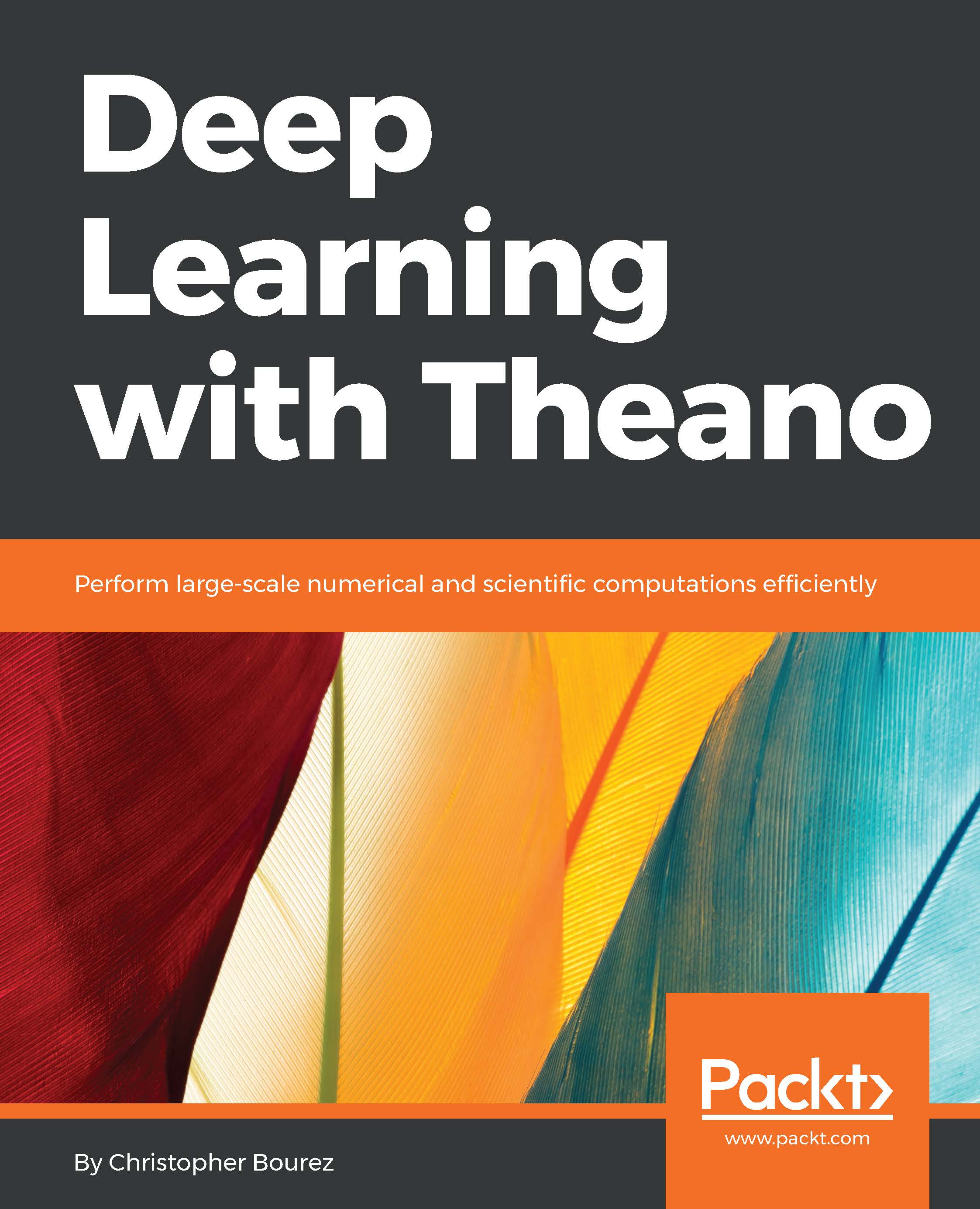
Deep Learning with Theano

Deep Learning with Theano

By : Christopher Bourez
3.7 (3)
close
close
Deep Learning with Theano

Deep Learning with Theano

3.7 (3)
By: Christopher Bourez

Overview of this book

This book offers a complete overview of Deep Learning with Theano, a Python-based library that makes optimizing numerical expressions and deep learning models easy on CPU or GPU. The book provides some practical code examples that help the beginner understand how easy it is to build complex neural networks, while more experimented data scientists will appreciate the reach of the book, addressing supervised and unsupervised learning, generative models, reinforcement learning in the fields of image recognition, natural language processing, or game strategy. The book also discusses image recognition tasks that range from simple digit recognition, image classification, object localization, image segmentation, to image captioning. Natural language processing examples include text generation, chatbots, machine translation, and question answering. The last example deals with generating random data that looks real and solving games such as in the Open-AI gym. At the end, this book sums up the best -performing nets for each task. While early research results were based on deep stacks of neural layers, in particular, convolutional layers, the book presents the principles that improved the efficiency of these architectures, in order to help the reader build new custom nets.
Table of Contents (15 chapters)
close
close
14
Index

Memory and variables

It is good practice to always cast float arrays to the theano.config.floatX type:

  • Either at the array creation with numpy.array(array, dtype=theano.config.floatX)
  • Or by casting the array as array.as_type(theano.config.floatX) so that when compiling on the GPU, the correct type is used

For example, let's transfer the data manually to the GPU (for which the default context is None), and for that purpose, we need to use float32 values:

>>> theano.config.floatX = 'float32'

>>> a = T.matrix()

>>> b = a.transfer(None)

>>> b.eval({a:numpy.ones((2,2)).astype(theano.config.floatX)})
gpuarray.array([[ 1.  1.]
 [ 1.  1.]], dtype=float32)

 >>> theano.printing.debugprint(b)
GpuFromHost<None> [id A] ''   
 |<TensorType(float32, matrix)> [id B]

The transfer(device) functions, such as transfer('cpu'), enable us to move the data from one device to another one. It is particularly useful when parts of the graph have to be executed on different devices. Otherwise, Theano adds the transfer functions automatically to the GPU in the optimization phase:

>>> a = T.matrix('a')

>>> b = a ** 2

>>> sq = theano.function([a],b)

>>> theano.printing.debugprint(sq)
HostFromGpu(gpuarray) [id A] ''   2
 |GpuElemwise{Sqr}[(0, 0)]<gpuarray> [id B] ''   1
   |GpuFromHost<None> [id C] ''   0
     |a [id D]

Using the transfer function explicitly, Theano removes the transfer back to CPU. Leaving the output tensor on the GPU saves a costly transfer:

>>> b = b.transfer(None)

>>> sq = theano.function([a],b)

>>> theano.printing.debugprint(sq)
GpuElemwise{Sqr}[(0, 0)]<gpuarray> [id A] ''   1
 |GpuFromHost<None> [id B] ''   0
   |a [id C]

The default context for the CPU is cpu:

>>> b = a.transfer('cpu')

>>> theano.printing.debugprint(b)
<TensorType(float32, matrix)> [id A]

A hybrid concept between numerical values and symbolic variables is the shared variables. They can also lead to better performance on the GPU by avoiding transfers. Initializing a shared variable with the scalar zero:

>>> state = shared(0)

>>> state

<TensorType(int64, scalar)>

>>> state.get_value()
array(0)

>>> state.set_value(1)

>>> state.get_value()
array(1)

Shared values are designed to be shared between functions. They can also be seen as an internal state. They can be used indifferently from the GPU or the CPU compile code. By default, shared variables are created on the default device (here, cuda), except for scalar integer values (as is the case in the previous example).

It is possible to specify another context, such as cpu. In the case of multiple GPU instances, you'll define your contexts in the Python command line, and decide on which context to create the shared variables:

PATH=/usr/local/cuda-8.0-cudnn-5.1/bin:$PATH THEANO_FLAGS="contexts=dev0->cuda0;dev1->cuda1,floatX=float32,gpuarray.preallocate=0.8" python
>>> from theano import theano
Using cuDNN version 5110 on context dev0
Preallocating 9151/11439 Mb (0.800000) on cuda0
Mapped name dev0 to device cuda0: Tesla K80 (0000:83:00.0)
Using cuDNN version 5110 on context dev1
Preallocating 9151/11439 Mb (0.800000) on cuda1
Mapped name dev1 to device cuda1: Tesla K80 (0000:84:00.0)

>>> import theano.tensor as T

>>> import numpy

>>> theano.shared(numpy.random.random((1024, 1024)).astype('float32'),target='dev1')
<GpuArrayType<dev1>(float32, (False, False))>
CONTINUE READING
83
Tech Concepts
36
Programming languages
73
Tech Tools
Icon Unlimited access to the largest independent learning library in tech of over 8,000 expert-authored tech books and videos.
Icon Innovative learning tools, including AI book assistants, code context explainers, and text-to-speech.
Icon 50+ new titles added per month and exclusive early access to books as they are being written.
Deep Learning with Theano
notes
bookmark Notes and Bookmarks search Search in title playlist Add to playlist download Download options font-size Font size

Change the font size

margin-width Margin width

Change margin width

day-mode Day/Sepia/Night Modes

Change background colour

Close icon Search
Country selected

Close icon Your notes and bookmarks

Confirmation

Modal Close icon
claim successful

Buy this book with your credits?

Modal Close icon
Are you sure you want to buy this book with one of your credits?
Close
YES, BUY

Submit Your Feedback

Modal Close icon
Modal Close icon
Modal Close icon