
Sign In Start Free Trial
Account

Add to playlist

Create a Playlist

Modal Close icon
You need to login to use this feature.
  • Book Overview & Buying Mastering Numerical Computing with NumPy
  • Table Of Contents Toc
  • Feedback & Rating feedback
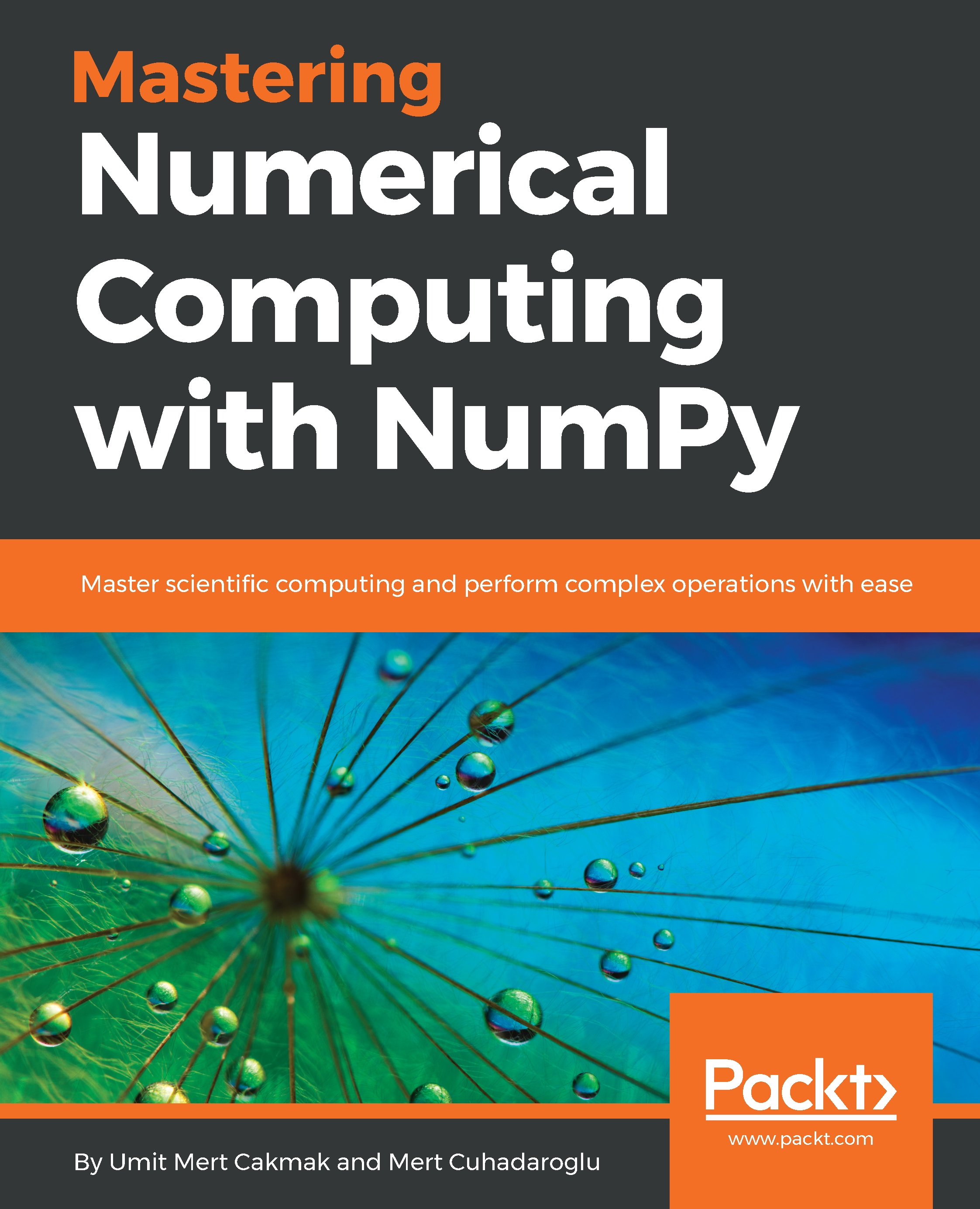
Mastering Numerical Computing with NumPy

Mastering Numerical Computing with NumPy

By : Mert Cakmak, Tiago Antao, Cuhadaroglu
5 (1)
close
close
Mastering Numerical Computing with NumPy

Mastering Numerical Computing with NumPy

5 (1)
By: Mert Cakmak, Tiago Antao, Cuhadaroglu

Overview of this book

NumPy is one of the most important scientific computing libraries available for Python. Mastering Numerical Computing with NumPy teaches you how to achieve expert level competency to perform complex operations, with in-depth coverage of advanced concepts. Beginning with NumPy's arrays and functions, you will familiarize yourself with linear algebra concepts to perform vector and matrix math operations. You will thoroughly understand and practice data processing, exploratory data analysis (EDA), and predictive modeling. You will then move on to working on practical examples which will teach you how to use NumPy statistics in order to explore US housing data and develop a predictive model using simple and multiple linear regression techniques. Once you have got to grips with the basics, you will explore unsupervised learning and clustering algorithms, followed by understanding how to write better NumPy code while keeping advanced considerations in mind. The book also demonstrates the use of different high-performance numerical computing libraries and their relationship with NumPy. You will study how to benchmark the performance of different configurations and choose the best for your system. By the end of this book, you will have become an expert in handling and performing complex data manipulations.
Table of Contents (11 chapters)
close
close

Implementing our algorithm for a single variable

Let's implement the k-means algorithm for a single variable. You will start with one dimensional vector, which has 20 records, as shown here:

data = [1,2,3,2,1,3,9,8,11,12,10,11,14,25,26,24,30,22,24,27] 
 
trace1 = go.Scatter( 
    x=data, 
    y=[0 for x in data], 
    mode='markers', 
    name='Data', 
    marker=dict( 
        size=12 
    ) 
) 
 
layout = go.Layout( 
title='1D vector',
)

traces = [trace1]

fig = go.Figure(data=traces, layout=layout)

plot(fig)

This will output following plot, as shown in this diagram:

Our aim is to find 3 clusters which are visible in the data. In order to start implementing the k-means algorithm, you need to initialize cluster centers by choosing random indexes, as shown here:

n_clusters = 3

c_centers = np.random.choice(X, n_clusters)

print(c_centers)

# [ 1 22 26...
Visually different images
CONTINUE READING
83
Tech Concepts
36
Programming languages
73
Tech Tools
Icon Unlimited access to the largest independent learning library in tech of over 8,000 expert-authored tech books and videos.
Icon Innovative learning tools, including AI book assistants, code context explainers, and text-to-speech.
Icon 50+ new titles added per month and exclusive early access to books as they are being written.
Mastering Numerical Computing with NumPy
notes
bookmark Notes and Bookmarks search Search in title playlist Add to playlist download Download options font-size Font size

Change the font size

margin-width Margin width

Change margin width

day-mode Day/Sepia/Night Modes

Change background colour

Close icon Search
Country selected

Close icon Your notes and bookmarks

Confirmation

Modal Close icon
claim successful

Buy this book with your credits?

Modal Close icon
Are you sure you want to buy this book with one of your credits?
Close
YES, BUY

Submit Your Feedback

Modal Close icon
Modal Close icon
Modal Close icon