
Sign In Start Free Trial
Account

Add to playlist

Create a Playlist

Modal Close icon
You need to login to use this feature.
  • Book Overview & Buying Hands-On Data Science with the Command Line
  • Table Of Contents Toc
  • Feedback & Rating feedback
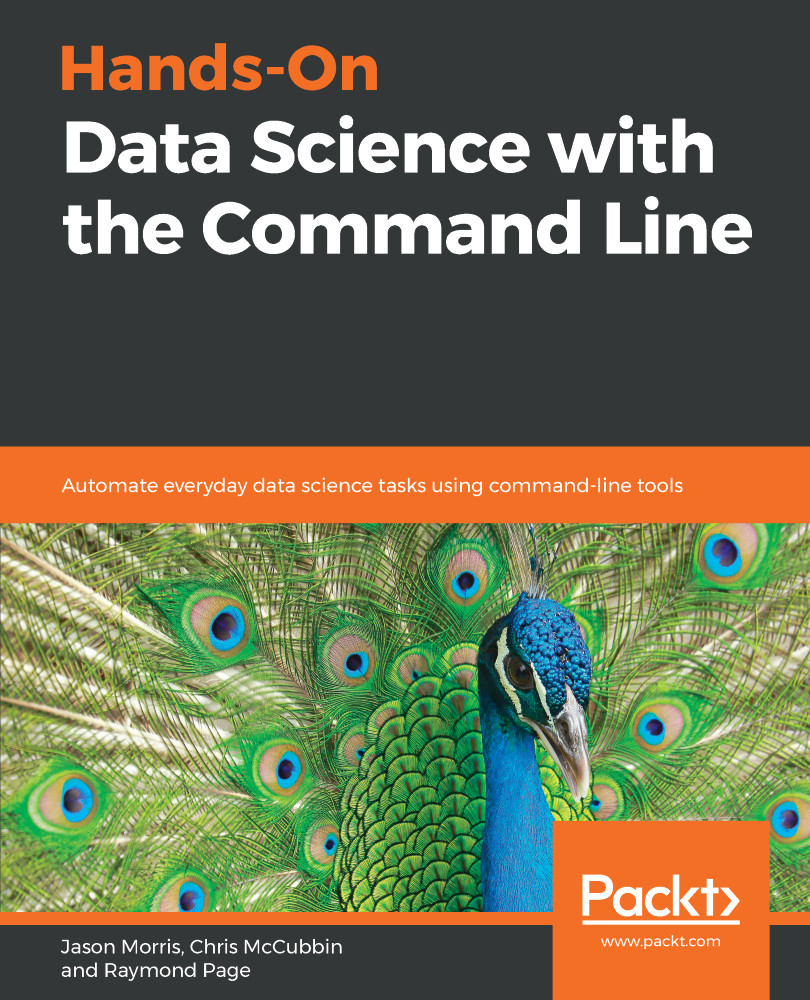
Hands-On Data Science with the Command Line

Hands-On Data Science with the Command Line

By : Morris, McCubbin, Page
5 (3)
close
close
Hands-On Data Science with the Command Line

Hands-On Data Science with the Command Line

5 (3)
By: Morris, McCubbin, Page

Overview of this book

The Command Line has been in existence on UNIX-based OSes in the form of Bash shell for over 3 decades. However, very little is known to developers as to how command-line tools can be OSEMN (pronounced as awesome and standing for Obtaining, Scrubbing, Exploring, Modeling, and iNterpreting data) for carrying out simple-to-advanced data science tasks at speed. This book will start with the requisite concepts and installation steps for carrying out data science tasks using the command line. You will learn to create a data pipeline to solve the problem of working with small-to medium-sized files on a single machine. You will understand the power of the command line, learn how to edit files using a text-based and an. You will not only learn how to automate jobs and scripts, but also learn how to visualize data using the command line. By the end of this book, you will learn how to speed up the process and perform automated tasks using command-line tools.
Table of Contents (8 chapters)
close
close

Bash Functions and Data Visualization

So far, we've been working with bash interactively and had to rely on the bash history for what we've done. Wouldn't it be nice if you had a portable way to share and store the commands you want to run? Well, that functionality exists in the form of shell scripts composed of shell functions.

We're going to extend the history we covered in Chapter 1, Data Science at the Command Line and Setting It Up. Terminals originated as text-only devices and evolved graphical support for simple drawing primitives, such as rendering enclosed cells in tabular data. The pinnacle of Terminal graphics was made by DEC with canvas and vector-graphic support in the form of SIXEL and REGIS graphics, respectively. As physical Terminals became a thing of the past, lightweight Terminal emulators regressed to being text-only. A renaissance in graphics...

Visually different images
CONTINUE READING
83
Tech Concepts
36
Programming languages
73
Tech Tools
Icon Unlimited access to the largest independent learning library in tech of over 8,000 expert-authored tech books and videos.
Icon Innovative learning tools, including AI book assistants, code context explainers, and text-to-speech.
Icon 50+ new titles added per month and exclusive early access to books as they are being written.
Hands-On Data Science with the Command Line
notes
bookmark Notes and Bookmarks search Search in title playlist Add to playlist download Download options font-size Font size

Change the font size

margin-width Margin width

Change margin width

day-mode Day/Sepia/Night Modes

Change background colour

Close icon Search
Country selected

Close icon Your notes and bookmarks

Confirmation

Modal Close icon
claim successful

Buy this book with your credits?

Modal Close icon
Are you sure you want to buy this book with one of your credits?
Close
YES, BUY

Submit Your Feedback

Modal Close icon
Modal Close icon
Modal Close icon