
Sign In Start Free Trial
Account

Add to playlist

Create a Playlist

Modal Close icon
You need to login to use this feature.
  • Book Overview & Buying Hands-On Data Visualization with Bokeh
  • Table Of Contents Toc
Hands-On Data Visualization with Bokeh

Hands-On Data Visualization with Bokeh

By : Jolly
3.7 (6)
close
close
Hands-On Data Visualization with Bokeh

Hands-On Data Visualization with Bokeh

3.7 (6)
By: Jolly

Overview of this book

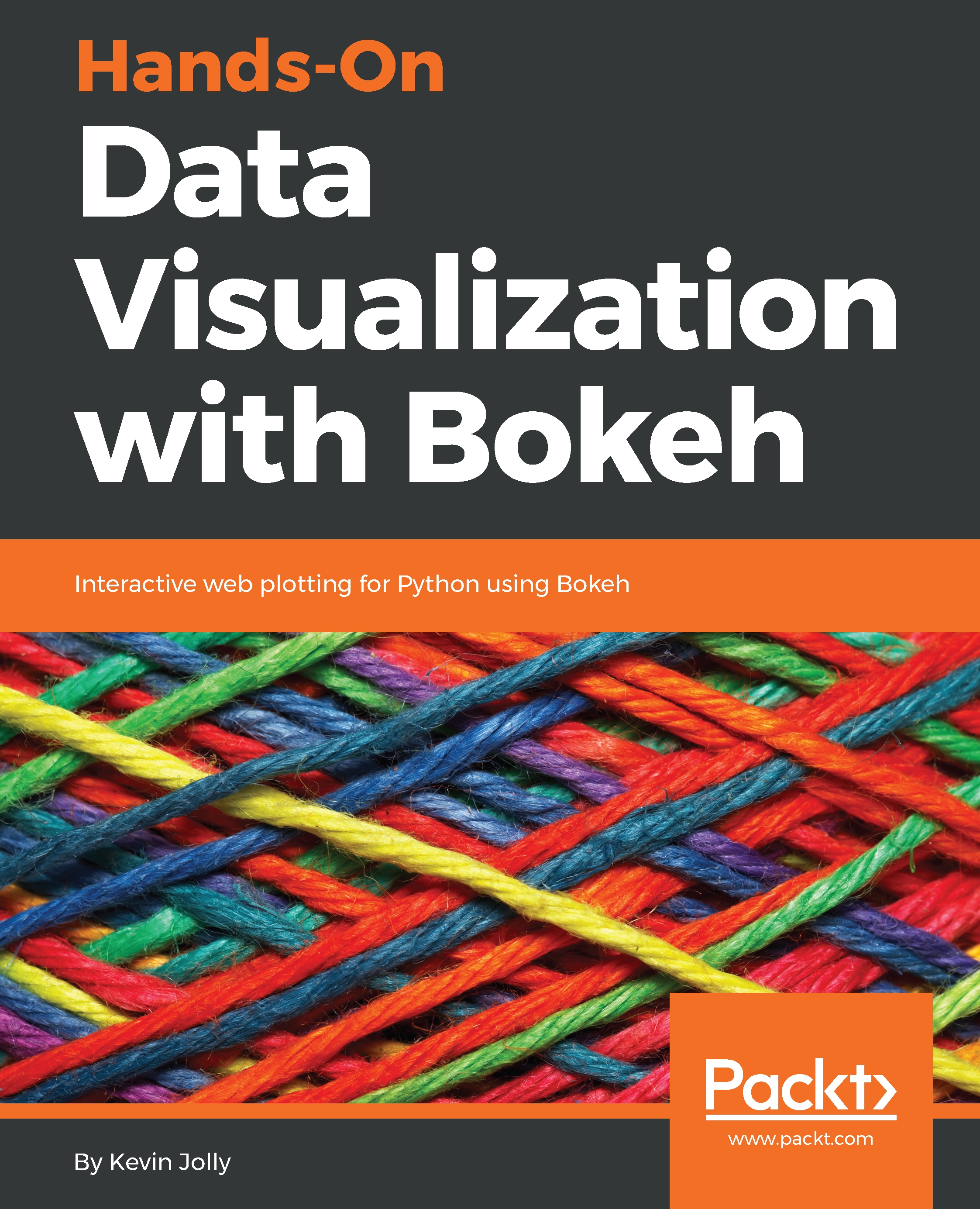
Adding a layer of interactivity to your plots and converting these plots into applications hold immense value in the field of data science. The standard approach to adding interactivity would be to use paid software such as Tableau, but the Bokeh package in Python offers users a way to create both interactive and visually aesthetic plots for free. This book gets you up to speed with Bokeh - a popular Python library for interactive data visualization. The book starts out by helping you understand how Bokeh works internally and how you can set up and install the package in your local machine. You then use a real world data set which uses stock data from Kaggle to create interactive and visually stunning plots. You will also learn how to leverage Bokeh using some advanced concepts such as plotting with spatial and geo data. Finally you will use all the concepts that you have learned in the previous chapters to create your very own Bokeh application from scratch. By the end of the book you will be able to create your very own Bokeh application. You will have gone through a step by step process that starts with understanding what Bokeh actually is and ends with building your very own Bokeh application filled with interactive and visually aesthetic plots.
Table of Contents (10 chapters)
close
close

Using Layouts for Effective Presentation

While plotting multiple plots, it is always best to make use of layouts in order to display the plots side by side, or vertically on top of each other, in order to make statistical comparisons between the two plots and make them visually appealing at the same time.

The use of layouts, tabs, and grids effectively while creating plots with Bokeh will also allow you to link multiple plots together by making use of the same axes. This makes the comparison of multiple plots much more accurate than if you were to create the plots in separate cells in your Jupyter Notebook.

In this chapter, you will learn how to:

  • Create multiple plots along the same row
  • Create multiple plots along the same column
  • Create multiple plots in a row and column
  • Create multiple plots using a tabbed layout
  • Create a robust grid layout
  • Link multiple plots together
...
CONTINUE READING
83
Tech Concepts
36
Programming languages
73
Tech Tools
Icon Unlimited access to the largest independent learning library in tech of over 8,000 expert-authored tech books and videos.
Icon Innovative learning tools, including AI book assistants, code context explainers, and text-to-speech.
Icon 50+ new titles added per month and exclusive early access to books as they are being written.
Hands-On Data Visualization with Bokeh
notes
bookmark Notes and Bookmarks search Search in title playlist Add to playlist download Download options font-size Font size

Change the font size

margin-width Margin width

Change margin width

day-mode Day/Sepia/Night Modes

Change background colour

Close icon Search
Country selected

Close icon Your notes and bookmarks

Confirmation

Modal Close icon
claim successful

Buy this book with your credits?

Modal Close icon
Are you sure you want to buy this book with one of your credits?
Close
YES, BUY

Submit Your Feedback

Modal Close icon
Modal Close icon
Modal Close icon