
Sign In Start Free Trial
Account

Add to playlist

Create a Playlist

Modal Close icon
You need to login to use this feature.
  • Book Overview & Buying Mastering Vim
  • Table Of Contents Toc
Mastering Vim

Mastering Vim

By : Ruslan Osipov
4.4 (9)
close
close
Mastering Vim

Mastering Vim

4.4 (9)
By: Ruslan Osipov

Overview of this book

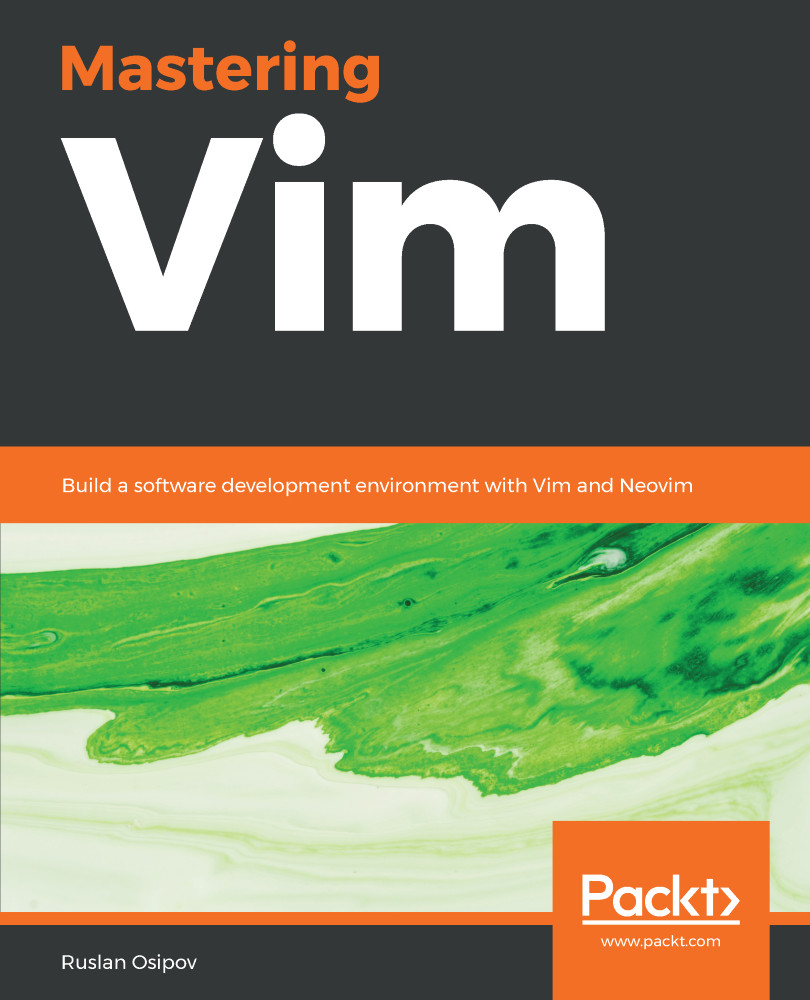
Vim is a ubiquitous text editor that can be used for all programming languages. It has an extensive plugin system and integrates with many tools. Vim offers an extensible and customizable development environment for programmers, making it one of the most popular text editors in the world. Mastering Vim begins with explaining how the Vim editor will help you build applications efficiently. With the fundamentals of Vim, you will be taken through the Vim philosophy. As you make your way through the chapters, you will learn about advanced movement, text operations, and how Vim can be used as a Python (or any other language for that matter) IDE. The book will then cover essential tasks, such as refactoring, debugging, building, testing, and working with a version control system, as well as plugin configuration and management. In the concluding chapters, you will be introduced to additional mindset guidelines, learn to personalize your Vim experience, and go above and beyond with Vimscript. By the end of this book, you will be sufficiently confident to make Vim (or its fork, Neovim) your first choice when writing applications in Python and other programming languages.
Table of Contents (12 chapters)
close
close

Summary

The original Vi was developed to work through remote terminals, when bandwidth and speed were limited. These limitations guided Vi towards establishing an efficient and deliberate editing process, which is what's at the core of Vim—Vi Improved today.

In this chapter, you've learned how to install and update Vim and it's graphical counterpart—GVim, on every major platform (in more ways than you will ever need).

You've learned to configure your Vim through tinkering with .vimrc, which is something you will often go back to as you customize the editor for your own needs.

You've picked up the basics of working with files, moving around Vim, and making changes. Vim's concept of text objects (letters, words, paragraphs) and composite commands (like d2w - delete 2 words) empower precise text operations.

And if there's one thing you could take away from this chapter, it would be :help. Vim's internal help system is incredibly detailed, and it can answer most, if not every, question you might have, as long as you know what you're looking for.

In the next chapter, we'll be looking into getting more out of Vim. You'll learn how to navigate files and get better at editing text.

CONTINUE READING
83
Tech Concepts
36
Programming languages
73
Tech Tools
Icon Unlimited access to the largest independent learning library in tech of over 8,000 expert-authored tech books and videos.
Icon Innovative learning tools, including AI book assistants, code context explainers, and text-to-speech.
Icon 50+ new titles added per month and exclusive early access to books as they are being written.
Mastering Vim
notes
bookmark Notes and Bookmarks search Search in title playlist Add to playlist download Download options font-size Font size

Change the font size

margin-width Margin width

Change margin width

day-mode Day/Sepia/Night Modes

Change background colour

Close icon Search
Country selected

Close icon Your notes and bookmarks

Confirmation

Modal Close icon
claim successful

Buy this book with your credits?

Modal Close icon
Are you sure you want to buy this book with one of your credits?
Close
YES, BUY

Submit Your Feedback

Modal Close icon
Modal Close icon
Modal Close icon