Sign In Start Free Trial
Account

Add to playlist

Create a Playlist

Modal Close icon
You need to login to use this feature.
  • Book Overview & Buying Mastering Vim
  • Table Of Contents Toc
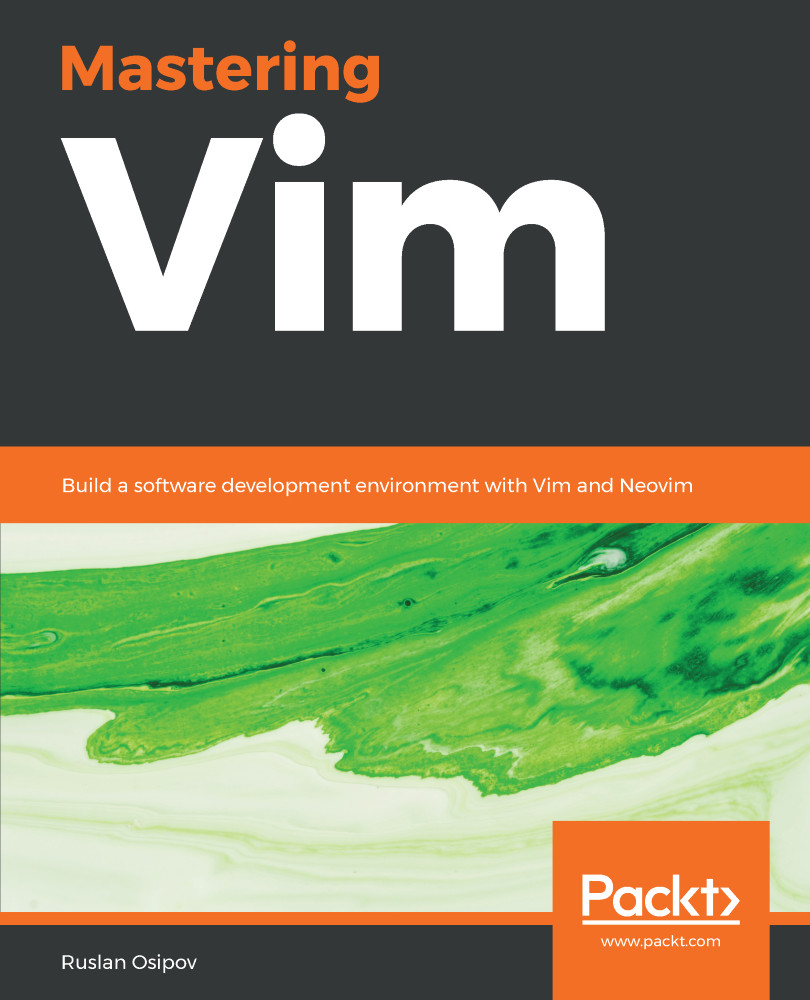
Mastering Vim

Mastering Vim

By : Ruslan Osipov
4.4 (9)
close
close
Mastering Vim

Mastering Vim

4.4 (9)
By: Ruslan Osipov

Overview of this book

Vim is a ubiquitous text editor that can be used for all programming languages. It has an extensive plugin system and integrates with many tools. Vim offers an extensible and customizable development environment for programmers, making it one of the most popular text editors in the world. Mastering Vim begins with explaining how the Vim editor will help you build applications efficiently. With the fundamentals of Vim, you will be taken through the Vim philosophy. As you make your way through the chapters, you will learn about advanced movement, text operations, and how Vim can be used as a Python (or any other language for that matter) IDE. The book will then cover essential tasks, such as refactoring, debugging, building, testing, and working with a version control system, as well as plugin configuration and management. In the concluding chapters, you will be introduced to additional mindset guidelines, learn to personalize your Vim experience, and go above and beyond with Vimscript. By the end of this book, you will be sufficiently confident to make Vim (or its fork, Neovim) your first choice when writing applications in Python and other programming languages.

Table of Contents (12 chapters)
close
close

Learning the syntax

Let's take a lightning-fast deep dive into Vimscript's syntax.

This section assumes you're comfortable with at least one programming language, conditional statements and loops in particular. If that's not the case, you will most certainly be better off finding a more extensive tutorial. Vimscript deserves its own book, and Steve Losh wrote just that: Learn Vimscript the Hard Way is easily the best Vimscript tutorial available (and it's free on the web!).

Setting variables

You've already discovered some basics of Vimscript syntax. To set internal Vim options, you use the set keyword:

set background=dark

To assign a value to a non-internal variable, use the let keyword:

let animal_name...
CONTINUE READING
83
Tech Concepts
36
Programming languages
73
Tech Tools
Icon Unlimited access to the largest independent learning library in tech of over 8,000 expert-authored tech books and videos.
Icon Innovative learning tools, including AI book assistants, code context explainers, and text-to-speech.
Icon 50+ new titles added per month and exclusive early access to books as they are being written.
Mastering Vim
notes
bookmark Notes and Bookmarks search Search in title playlist Add to playlist download Download options font-size Font size

Change the font size

margin-width Margin width

Change margin width

day-mode Day/Sepia/Night Modes

Change background colour

Close icon Search
Country selected

Close icon Your notes and bookmarks

Confirmation

Modal Close icon
claim successful

Buy this book with your credits?

Modal Close icon
Are you sure you want to buy this book with one of your credits?
Close
YES, BUY

Submit Your Feedback

Modal Close icon
Modal Close icon
Modal Close icon