
Sign In Start Free Trial
Account

Add to playlist

Create a Playlist

Modal Close icon
You need to login to use this feature.
  • Book Overview & Buying Mastering Vim
  • Table Of Contents Toc
Mastering Vim

Mastering Vim

By : Ruslan Osipov
4.4 (9)
close
close
Mastering Vim

Mastering Vim

4.4 (9)
By: Ruslan Osipov

Overview of this book

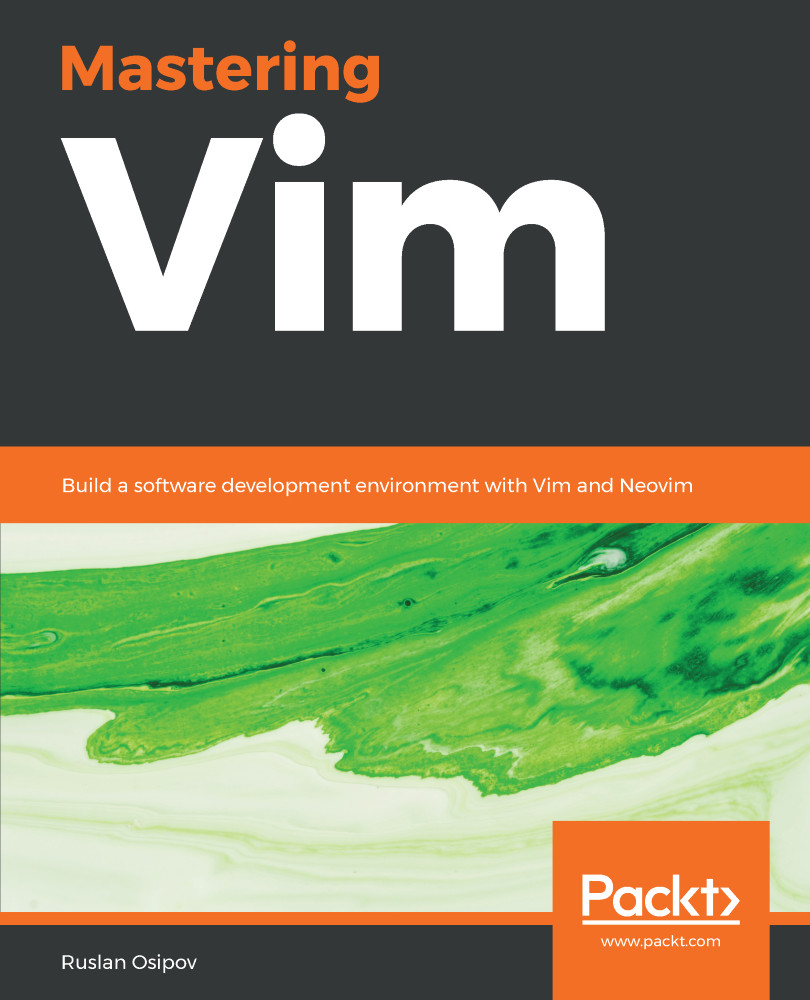
Vim is a ubiquitous text editor that can be used for all programming languages. It has an extensive plugin system and integrates with many tools. Vim offers an extensible and customizable development environment for programmers, making it one of the most popular text editors in the world. Mastering Vim begins with explaining how the Vim editor will help you build applications efficiently. With the fundamentals of Vim, you will be taken through the Vim philosophy. As you make your way through the chapters, you will learn about advanced movement, text operations, and how Vim can be used as a Python (or any other language for that matter) IDE. The book will then cover essential tasks, such as refactoring, debugging, building, testing, and working with a version control system, as well as plugin configuration and management. In the concluding chapters, you will be introduced to additional mindset guidelines, learn to personalize your Vim experience, and go above and beyond with Vimscript. By the end of this book, you will be sufficiently confident to make Vim (or its fork, Neovim) your first choice when writing applications in Python and other programming languages.
Table of Contents (12 chapters)
close
close

Follow the Leader - Plugin Management

Vim plugins are easy to make and the number of available plugins keeps growing every year. Some cater to a very narrow audience and improve on a very particular workflow, while others aim to make Vim more effective to use for the general public. This chapter will take a deep dive into installing plugins and customizing your workflow through remapping keys. This chapter will cover the following topics:

  • Ways to manage multiple plugins with vim-plug, Vundle, Pathogen, or a home-made solution
  • A way to profile slow plugins
  • An in-depth explanation of primary modes in Vim
  • Intricacies of remapping commands
  • The leader key and how it's useful for all kinds of custom shortcuts
  • Configuring and customizing plugins
Visually different images
CONTINUE READING
83
Tech Concepts
36
Programming languages
73
Tech Tools
Icon Unlimited access to the largest independent learning library in tech of over 8,000 expert-authored tech books and videos.
Icon Innovative learning tools, including AI book assistants, code context explainers, and text-to-speech.
Icon 50+ new titles added per month and exclusive early access to books as they are being written.
Mastering Vim
notes
bookmark Notes and Bookmarks search Search in title playlist Add to playlist download Download options font-size Font size

Change the font size

margin-width Margin width

Change margin width

day-mode Day/Sepia/Night Modes

Change background colour

Close icon Search
Country selected

Close icon Your notes and bookmarks

Confirmation

Modal Close icon
claim successful

Buy this book with your credits?

Modal Close icon
Are you sure you want to buy this book with one of your credits?
Close
YES, BUY

Submit Your Feedback

Modal Close icon
Modal Close icon
Modal Close icon