Sign In Start Free Trial
Account

Add to playlist

Create a Playlist

Modal Close icon
You need to login to use this feature.
  • Book Overview & Buying ETL with Azure Cookbook
  • Table Of Contents Toc
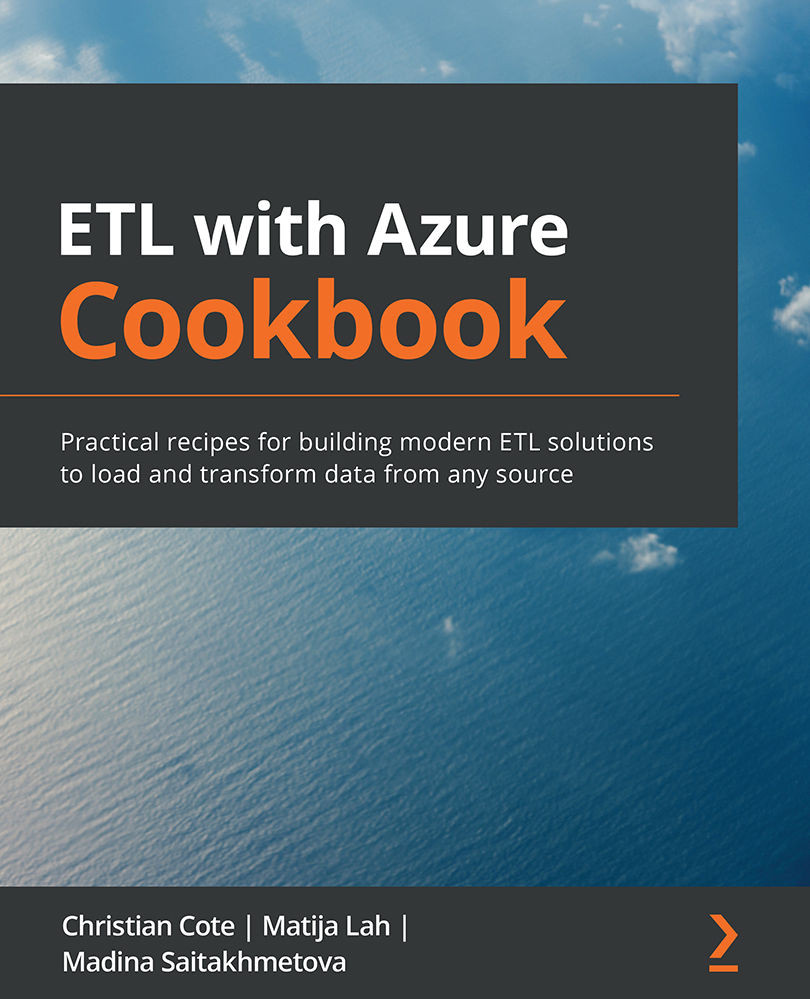
ETL with Azure Cookbook

ETL with Azure Cookbook

By : Cote, Lah, Saitakhmetova
4 (2)
close
close
ETL with Azure Cookbook

ETL with Azure Cookbook

4 (2)
By: Cote, Lah, Saitakhmetova

Overview of this book

ETL is one of the most common and tedious procedures for moving and processing data from one database to another. With the help of this book, you will be able to speed up the process by designing effective ETL solutions using the Azure services available for handling and transforming any data to suit your requirements. With this cookbook, you’ll become well versed in all the features of SQL Server Integration Services (SSIS) to perform data migration and ETL tasks that integrate with Azure. You’ll learn how to transform data in Azure and understand how legacy systems perform ETL on-premises using SSIS. Later chapters will get you up to speed with connecting and retrieving data from SQL Server 2019 Big Data Clusters, and even show you how to extend and customize the SSIS toolbox using custom-developed tasks and transforms. This ETL book also contains practical recipes for moving and transforming data with Azure services, such as Data Factory and Azure Databricks, and lets you explore various options for migrating SSIS packages to Azure. Toward the end, you’ll find out how to profile data in the cloud and automate service creation with Business Intelligence Markup Language (BIML). By the end of this book, you’ll have developed the skills you need to create and automate ETL solutions on-premises as well as in Azure.
Table of Contents (12 chapters)
close
close

Chapter 2: Introducing ETL

When I first started in the data warehousing business, something like 20 years ago, I was asked in an interview to define ETL. Being at my first job interview, I had no clue what the interviewer meant by ETL. Luckily, the interviewer kind of liked me and hired me anyway. He told me that I would know all about ETL quite soon. Being in data warehouse businesses for many years, and more recently a data engineer, ETL is what has kept me busy most of the time since then.

ETL stands for Extract, Transform, and Load. ETL is a data moving technique that has been used in various forms since the first enterprise data warehouses' inceptions.

Microsoft formalized the ETL concept near the end of the 1990s with a tool called DTS: Data Transformation Service. This ETL tool, aimed at helping database administrators load data into and from SQL Server, used SQL and ActiveX to move and transform data on-premises.

Microsoft brought its ETL tool to the cloud with the introduction of Azure Data Factory (ADF). In 2018, Microsoft extensively overhauled ADF to create Azure Data Factory v2, which allowed the user to complete many tasks within ADF that had previously required the use of more software.

Another commonly used Azure ETL tool is Databricks. This tool uses Apache Spark as a compute service, allowing developers to use many languages to develop their transformations: Python, Scala, R, and SQL. Java can also be used to develop shared components to be used by many ETL pipelines.

Doing ETL is a necessary step for any data warehouse or data science project. It is used in various forms and shapes in IT for tasks such as the following:

  • Storing procedures or script used in reports: Data is extracted from a data source first and transformed every time a column is created; a calculation is done for various reports' sections.
  • BI tools such as Power BI: This kind of tool has a model in which we can add measures or columns that fill some missing attributes in the data source.
  • Data warehouse and science projects: Every time a program or script cleans up data or transforms it for specific consumption purposes, we are doing ETL.

In the next chapters, we will explore all these tools and give you access to recipes that will show you how to do ETL in Azure.

In this chapter, we will cover the following recipes:

  • Creating a SQL Azure database
  • Connecting SQL Server Management Studio
  • Creating a simple ETL package
  • Loading data before its transformation
CONTINUE READING
83
Tech Concepts
36
Programming languages
73
Tech Tools
Icon Unlimited access to the largest independent learning library in tech of over 8,000 expert-authored tech books and videos.
Icon Innovative learning tools, including AI book assistants, code context explainers, and text-to-speech.
Icon 50+ new titles added per month and exclusive early access to books as they are being written.
ETL with Azure Cookbook
notes
bookmark Notes and Bookmarks search Search in title playlist Add to playlist download Download options font-size Font size

Change the font size

margin-width Margin width

Change margin width

day-mode Day/Sepia/Night Modes

Change background colour

Close icon Search
Country selected

Close icon Your notes and bookmarks

Confirmation

Modal Close icon
claim successful

Buy this book with your credits?

Modal Close icon
Are you sure you want to buy this book with one of your credits?
Close
YES, BUY

Submit Your Feedback

Modal Close icon
Modal Close icon
Modal Close icon