Sign In Start Free Trial
Account

Add to playlist

Create a Playlist

Modal Close icon
You need to login to use this feature.
  • Book Overview & Buying Exploratory Data Analysis with Python Cookbook
  • Table Of Contents Toc
Exploratory Data Analysis with Python Cookbook

Exploratory Data Analysis with Python Cookbook

By : Ayodele Oluleye
4.8 (5)
close
close
Exploratory Data Analysis with Python Cookbook

Exploratory Data Analysis with Python Cookbook

4.8 (5)
By: Ayodele Oluleye

Overview of this book

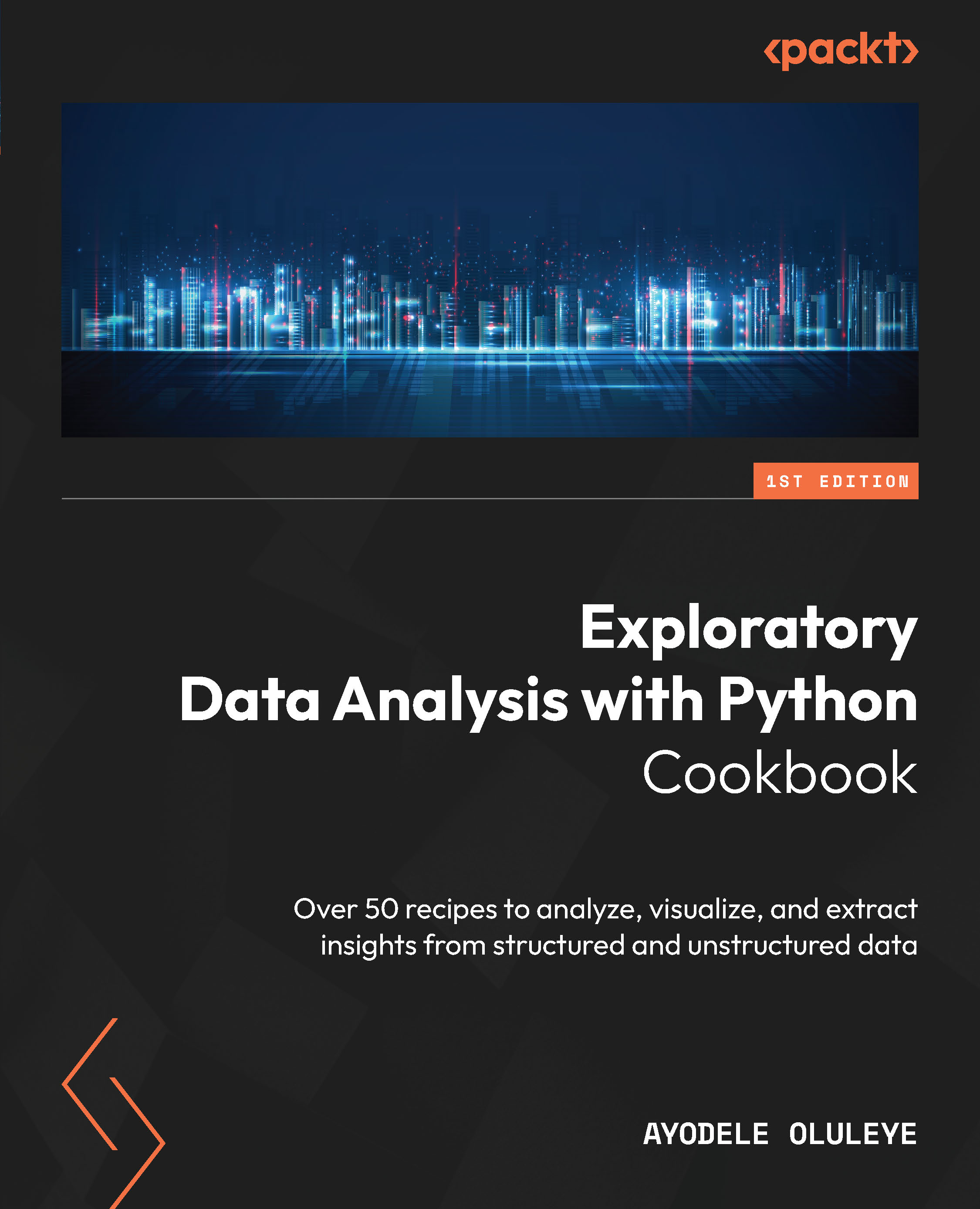
In today's data-centric world, the ability to extract meaningful insights from vast amounts of data has become a valuable skill across industries. Exploratory Data Analysis (EDA) lies at the heart of this process, enabling us to comprehend, visualize, and derive valuable insights from various forms of data. This book is a comprehensive guide to Exploratory Data Analysis using the Python programming language. It provides practical steps needed to effectively explore, analyze, and visualize structured and unstructured data. It offers hands-on guidance and code for concepts such as generating summary statistics, analyzing single and multiple variables, visualizing data, analyzing text data, handling outliers, handling missing values and automating the EDA process. It is suited for data scientists, data analysts, researchers or curious learners looking to gain essential knowledge and practical steps for analyzing vast amounts of data to uncover insights. Python is an open-source general purpose programming language which is used widely for data science and data analysis given its simplicity and versatility. It offers several libraries which can be used to clean, analyze, and visualize data. In this book, we will explore popular Python libraries such as Pandas, Matplotlib, and Seaborn and provide workable code for analyzing data in Python using these libraries. By the end of this book, you will have gained comprehensive knowledge about EDA and mastered the powerful set of EDA techniques and tools required for analyzing both structured and unstructured data to derive valuable insights.
Table of Contents (13 chapters)
close
close

Removing duplicate data

Duplicate data can be very misleading and can lead us to wrong conclusions about patterns and the distribution of our data. Therefore, it is very important to address duplicate data within our dataset before embarking on any analysis. Performing a quick duplicate check is good practice in EDA. When working with tabular datasets, we can identify duplicate values in specific columns or duplicate records (across multiple columns). A good understanding of our dataset and the domain will give us insight into what should be considered a duplicate. In pandas, the drop_duplicates method can help us with handling duplicate values or records within our dataset.

Getting ready

We will work with the full Marketing Campaign data for this recipe.

How to do it…

We will remove duplicate data using the pandas library:

  1. Import the pandas library:
    import pandas as pd
  2. Load the .csv file into a dataframe using read_csv. Then, subset the dataframe to include only relevant columns:
    marketing_data = pd.read_csv("data/marketing_campaign.csv")
    marketing_data = marketing_data[['Education','Marital_Status','Kidhome', 'Teenhome']]
  3. Inspect the data. Check the first few rows. Also, check the number of columns and rows:
    marketing_data.head()
            Education    Marital_Status    Kidhome    Teenhome
    0    Graduation    Single    0    0
    1    Graduation    Single    1    1
    2    Graduation    Together    0    0
    3    Graduation    Together    1    0
    4    PhD    Married    1    0
    marketing_data.shape
    (2240, 4)
  4. Remove duplicates across the four columns in our dataset:
    marketing_data_duplicate = marketing_data.drop_duplicates()
  5. Inspect the result:
    marketing_data_duplicate.head()
        Education    Marital_Status    Kidhome    Teenhome
    0    Graduation    Single    0    0
    1    Graduation    Single    1    1
    2    Graduation    Together    0    0
    3    Graduation    Together    1    0
    4    PhD    Married    1    0
    marketing_data_duplicate.shape
    (135,4)

We have now removed duplicates from our dataset.

How it works...

We refer to pandas as pd in step 1. In step 2, we use read_csv to load the .csv file into a pandas dataframe and call it marketing_data. We also subset the dataframe to include only four relevant columns. In step 3, we inspect the dataset using head() to see the first five rows in the dataset. Using the shape method, we get a sense of the number of rows and columns from the tuple respectively.

In step 4, we use the drop_duplicates method to remove duplicate rows that appear in the four columns of our dataset. We save the result in the marketing_data_duplicate variable. In step 5, we inspect the result using the head method to see the first five rows. We also leverage the shape method to inspect the number of rows and columns. We can see that the rows have decreased significantly from our original shape.

There’s more...

The drop_duplicates method gives some flexibility around dropping duplicates based on a subset of columns. By supplying the list of the subset columns as the first argument, we can drop all rows that contain duplicates based on those subset columns. This is useful when we have several columns and only a few key columns contain duplicate information. Also, it allows us to keep instances of duplicates, using the keep parameter. With the keep parameter, we can specify whether we want to keep the “first” or “last” instance or drop all instances of the duplicate information. By default, the method keeps the first instance.

CONTINUE READING
83
Tech Concepts
36
Programming languages
73
Tech Tools
Icon Unlimited access to the largest independent learning library in tech of over 8,000 expert-authored tech books and videos.
Icon Innovative learning tools, including AI book assistants, code context explainers, and text-to-speech.
Icon 50+ new titles added per month and exclusive early access to books as they are being written.
Exploratory Data Analysis with Python Cookbook
notes
bookmark Notes and Bookmarks search Search in title playlist Add to playlist download Download options font-size Font size

Change the font size

margin-width Margin width

Change margin width

day-mode Day/Sepia/Night Modes

Change background colour

Close icon Search
Country selected

Close icon Your notes and bookmarks

Confirmation

Modal Close icon
claim successful

Buy this book with your credits?

Modal Close icon
Are you sure you want to buy this book with one of your credits?
Close
YES, BUY

Submit Your Feedback

Modal Close icon
Modal Close icon
Modal Close icon