


-
Book Overview & Buying
-
Table Of Contents

Hands-On Graph Neural Networks Using Python
By :


Hands-On Graph Neural Networks Using Python
By:
Overview of this book
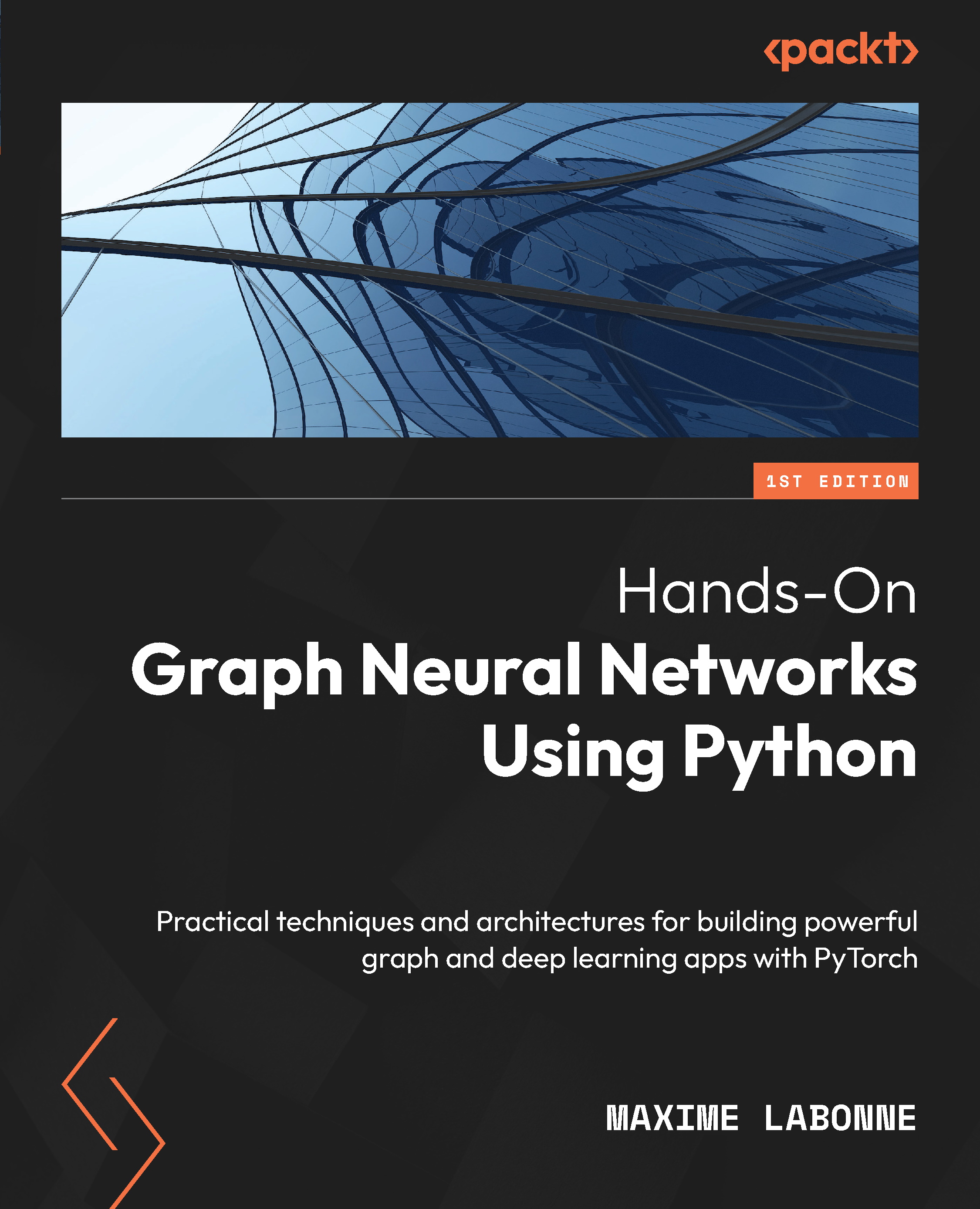
Graph neural networks are a highly effective tool for analyzing data that can be represented as a graph, such as networks, chemical compounds, or transportation networks. The past few years have seen an explosion in the use of graph neural networks, with their application ranging from natural language processing and computer vision to recommendation systems and drug discovery.
Hands-On Graph Neural Networks Using Python begins with the fundamentals of graph theory and shows you how to create graph datasets from tabular data. As you advance, you’ll explore major graph neural network architectures and learn essential concepts such as graph convolution, self-attention, link prediction, and heterogeneous graphs. Finally, the book proposes applications to solve real-life problems, enabling you to build a professional portfolio. The code is readily available online and can be easily adapted to other datasets and apps.
By the end of this book, you’ll have learned to create graph datasets, implement graph neural networks using Python and PyTorch Geometric, and apply them to solve real-world problems, along with building and training graph neural network models for node and graph classification, link prediction, and much more.
Table of Contents (25 chapters)
Preface


Part 1: Introduction to Graph Learning
 Free Chapter
Chapter 1: Getting Started with Graph Learning
Chapter 2: Graph Theory for Graph Neural Networks

Chapter 3: Creating Node Representations with DeepWalk
Part 2: Fundamentals
Chapter 4: Improving Embeddings with Biased Random Walks in Node2Vec
Chapter 5: Including Node Features with Vanilla Neural Networks
Chapter 6: Introducing Graph Convolutional Networks
Chapter 7: Graph Attention Networks
Part 3: Advanced Techniques
Chapter 8: Scaling Up Graph Neural Networks with GraphSAGE
Chapter 9: Defining Expressiveness for Graph Classification
Chapter 10: Predicting Links with Graph Neural Networks
Chapter 11: Generating Graphs Using Graph Neural Networks
Chapter 12: Learning from Heterogeneous Graphs
Chapter 13: Temporal Graph Neural Networks
Chapter 14: Explaining Graph Neural Networks
Part 4: Applications
Chapter 15: Forecasting Traffic Using A3T-GCN
Chapter 16: Detecting Anomalies Using Heterogeneous GNNs
Chapter 17: Building a Recommender System Using LightGCN
Chapter 18: Unlocking the Potential of Graph Neural Networks for Real-World Applications
Index


