-
Book Overview & Buying
-
Table Of Contents
Learning Construct 2
By :
Construct 2 is an authoring tool that makes the process of game development really easy. It can be used by a variety of people, from complete beginners in game development to experts who want to make a prototype quickly or even use Construct 2 to make games faster than ever. It is created by Scirra Ltd, a company based in London, and right now it can run on the Windows desktop platform, although you can export your games to multiple platforms.
Construct 2 is an HTML5-based game editor with a lot of features, enough for people beginning to work with game development to make their first 2D game. Some of them are:
Note that writing plugins is outside the scope of this book. If you have a JavaScript background and want to try your hand at writing plugins, you can access the JavaScript SDK and documentation at https://www.scirra.com/manual/15/sdk.
You can use Construct 2 to virtually create all kinds of 2D games, from platformer, endless run, tower defense, casual, top-down shooting, and many more.
Construct 2 can be downloaded from Scirra's website (https://www.scirra.com/), which only requires you to click on the download button in order to get started. At the time of writing this book, the latest stable version is r184, and this tutorial is written using this version. Another great thing about Construct 2 is that it is actively developed, and the developer frequently releases beta features to gather feedback and perform bug testing.
There are two different builds of Construct 2: beta build and stable build. Choosing which one to download depends on your preference when using Construct 2. If you'd like to get your hands on the latest features, then you should choose the beta build; just remember that beta builds often have bugs. If you want a bug-proof version, then choose the stable build, but you won't be the first one to use the new features.
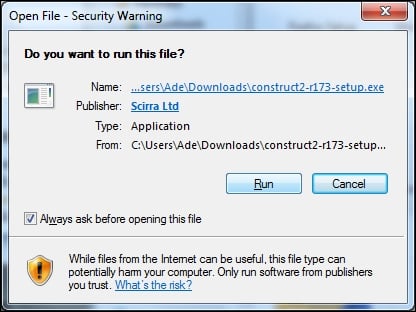
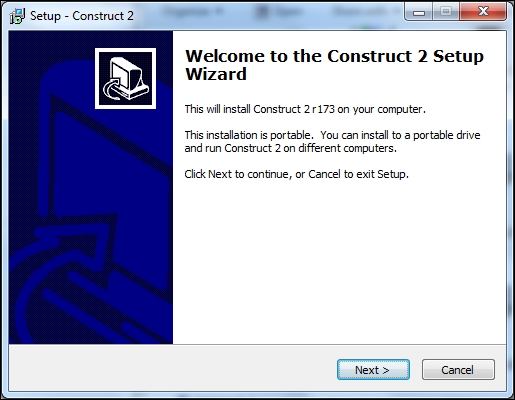
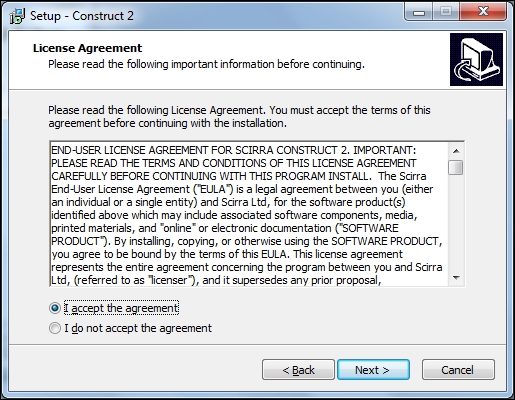
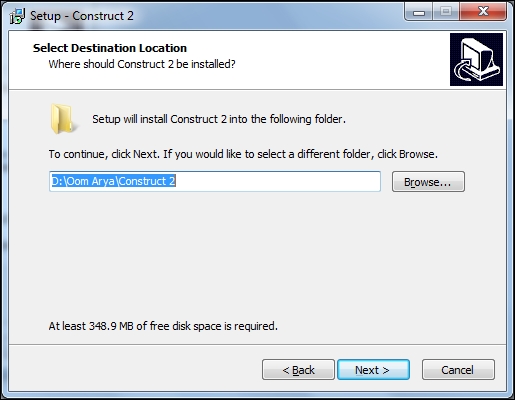
The installation process is really straightforward. You're free to skip this section if you like, because all you need to do is open the file and follow the instructions there.
If you're installing a newer version of Construct 2, it will uninstall the older version automatically for you!
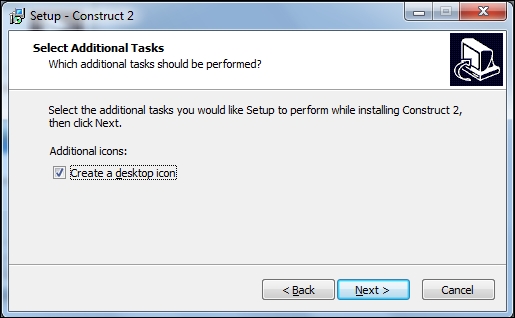
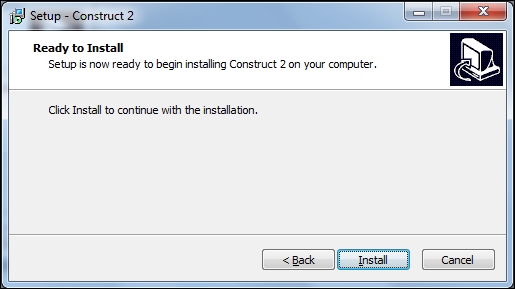
To install Construct 2, perform the following steps:


After it's done installing, you can find Construct 2 in its installation folder or on the desktop (if you created a desktop icon earlier). After the installation, Construct 2 will ask if you would like to update your graphics driver. If you don't know whether your graphics driver is up to date, it is recommended that you update it as many issues with Construct 2 not working tend to be related to the graphics driver.
Change the font size
Change margin width
Change background colour