Sign In Start Free Trial
Account

Add to playlist

Create a Playlist

Modal Close icon
You need to login to use this feature.
  • Book Overview & Buying Building Open World Landscapes with Unreal Engine 5
  • Table Of Contents Toc
Building Open World Landscapes with Unreal Engine 5

Building Open World Landscapes with Unreal Engine 5

By : David Ignacio García, Ramón Olivero
close
close
Building Open World Landscapes with Unreal Engine 5

Building Open World Landscapes with Unreal Engine 5

By: David Ignacio García, Ramón Olivero

Overview of this book

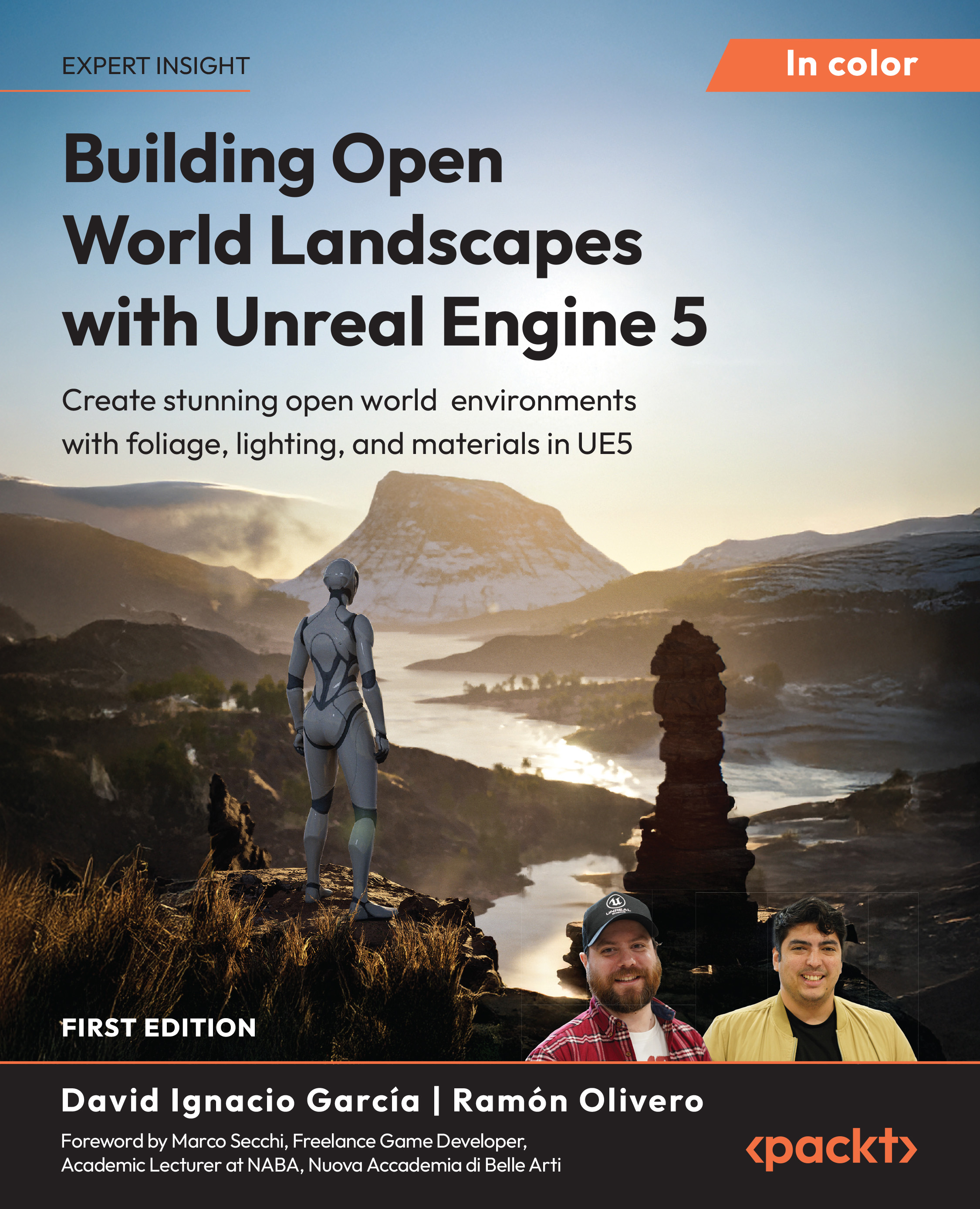
Creating expansive open worlds in Unreal Engine 5 (UE5) can be daunting, especially if you’re just starting out. In this practical guide, the authors leverage their vast experience to break down the essential tools and workflows needed to design immersive environments with ease. The book guides you step by step through sculpting landscapes, painting foliage, setting up lighting, and applying post-processing effects to elevate your outdoor scenes. The chapters will walk you through the UE5 interface and core tools such as Landscape Mode, Foliage Mode, and related features. You’ll also sculpt terrain that evokes emotion in practical projects, design materials that bring surfaces to life, and create lush foliage to transform your landscapes into vibrant ecosystems. You’ll explore level design techniques, world composition, and World Partition for seamless integration of large environments. You’ll enhance visual fidelity with real-time lighting and post-processing techniques and gain the skills to optimize your creations for smooth performance. By the end of this UE5 book, you’ll have the confidence and technical foundation to create stylized and realistic outdoor environments and continue refining your UE5 skills. *Email sign-up and proof of purchase required
Table of Contents (20 chapters)
close
close
Preface
chevron up
Lock Free Chapter
1
Part I: Setting Up Your Scene in Unreal Engine
6
Part II: Creating and Detailing Your Open World
11
Part III: Lighting and Post-Processing for Realism
14
Part IV: Blueprints, Testing, and Optimization
17
Unlock Your Exclusive Benefits
18
Other Books You May Enjoy
19
Index

Preface

Creating natural and believable open worlds has always been one of the greatest challenges in game development. The vast scale, fine detail, and technical complexity they demand often make the process overwhelming for artists and designers alike. The goal of Building Open World Landscapes with Unreal Engine 5 is to make that journey approachable. It provides a structured and practical framework to help you understand how Unreal Engine 5 (UE5) equips you with the tools needed to design, build, and optimize large-scale environments with confidence and artistic intent.

Throughout the book’s chapters, we will explore every key stage of world creation from initial project setup and efficient asset management, through level organization and World Partition, to terrain sculpting, material creation, foliage workflows, lighting design, and performance optimization. Each topic connects seamlessly to the next, guiding you from core principles to advanced techniques for building production-quality environments.

This book follows a hands-on learning methodology: each concept is introduced through real-world examples and step-by-step exercises that reflect professional studio practices. The focus is not only on gaining expertise at using the tools, but also on understanding the reasoning behind each decision, helping you develop both technical proficiency and creative judgment.

By the end of this journey, you will have built your own optimized open world environment in UE5. More importantly, you will understand the complete workflow required to take an idea from early reference gathering and world planning to a visually rich, efficient, and scalable environment. Whether your goal is game development, cinematic production, or virtual production, this book will provide you with the insight and skills to transform your creative vision into a compelling world.

Who this book is for

If you want to use UE5 to create convincing open world environments, this book is for you. It’s a practical guide for aspiring level and game designers, environment and technical artists, indie developers, and educators or students who need a clear, production-ready workflow.

You’ll learn studio-relevant skills: sculpting terrains, building landscape materials, painting vegetation and foliage, setting up lighting, and optimizing large levels. Along the way, you’ll work with World Partition for streaming, tap into Quixel Megascans for high-quality assets, and apply profiling techniques to keep performance on target. The result is portfolio-ready worlds you can iterate on for gameplay, cinematics, or virtual production.

No prior expertise is required, only a basic familiarity with Unreal Engine and core 3D concepts. The book takes you step by step from first principles to confident execution, so you can ship environments that look great and run efficiently.

What this book covers

Chapter 1, Starting a Project in Unreal Engine, establishes the development environment and core terminology. It walks you through installing UE5, creating a new project from templates, and navigating the interface, viewports, and essential panels. By the end of the chapter, you will be able to configure basic project settings and understand the key tools needed to begin building environments.

Chapter 2, Quixel Bridge, Megascans, and Fab, maps the UE5 asset ecosystem and shows how to source and manage production-ready content. It introduces Fab as a unified marketplace, then demonstrates using Quixel Bridge inside the editor to browse, import, and organize Megascans assets, including surfaces, 3D models, and digital humans.

Chapter 3, Ingestion and Static Meshes, focuses on importing and validating static meshes for real-time use in UE5. It covers clean ingestion workflows, scale and orientation checks, common import issues, and optimization techniques, including Level of Detail (LODs), mesh simplification, and efficient UVs. The chapter also applies materials to meshes and demonstrates practical exercises that balance visual fidelity with performance.

Chapter 4, Project Structure and Naming Conventions, establishes a clear folder hierarchy and consistent naming to keep UE5 projects scalable and team-friendly. It references the Allar style guide as a practical baseline, then shows how to apply conventions to assets, actors, and code. The chapter also introduces version control options (Git, Perforce, Plastic, and SVN) and best practices for repositories, enabling reliable collaboration and safer iteration.

Chapter 5, Managing Levels and Layers, explains how UE5 organizes game worlds and why that structure matters for scale, collaboration, and performance. It introduces levels, lighting scenarios, and layers, then contrasts traditional level/sublevel hierarchies with World Partition, detailing streaming, region-based editing, and multi-user workflows.

Chapter 6, Building Your Landscape, moves from planning to hands-on environment creation in UE5. It introduces practical methods to translate ideas into a playable scene, covering project/template selection, early scene blocking, and validation techniques, then guides you through Landscape and Sculpt tools for shaping natural terrain.

Chapter 7, Populating Your World with Foliage, introduces UE5 tools for adding, managing, and optimizing plant life to shape mood, narrative, and atmosphere. It explains foliage terminology, demonstrates Foliage Mode for rapid painting and editing of large areas, and outlines procedural options for broad coverage. The chapter concludes with performance tips for density, LODs, culling, and instancing to keep rich scenes efficient at scale.

Chapter 8, Introduction to Materials, explains how surfaces respond to light and how to build physically based materials in UE5. It orients you to the Material Editor interface, common nodes, and texture inputs, then walks through Physically Based Rendering (PBR) workflows for creating consistent, reusable materials and material instances. The chapter also highlights practical tips for organization and performance when authoring shaders at scale.

Chapter 9, Create Your World’s Atmospheric Lighting, focuses on building believable, performant open world lighting in UE5. It introduces the Environment Light Mixer and key actors for physically grounded ambience, then explains Lumen, Virtual Shadow Maps, and Nanite considerations for quality and performance, including tuning exposure, shadows, and time-of-day for consistent results.

Chapter 10, Setting Up Your Post Process Volume, shows how to control a scene’s final look using global volumes. It covers setup and tuning of core effects: color grading and tonemapping, Bloom, and Depth of Field, plus blending, priorities for consistent art direction. The chapter closes with best practices for dynamic changes and performance in large open world levels.

Chapter 11, Understanding Programming Logic and Blueprints, introduces UE5’s visual scripting for building game and tool logic without writing code. It explains the node-based workflow, core concepts (variables, events, functions, and the Construction Script), and common Blueprint types. The chapter then walks through creating a Blueprint Class and shows how to prototype reusable tools that streamline environment creation and iteration.

Chapter 12, Optimizing and Testing Your Scene, reframes world-building with performance as a continuous design constraint. It explains the real-time rendering pipeline and shows how to profile scenes to locate bottlenecks, then applies best practices across meshes, materials, lighting, collisions, and LODs for open world scale.

To get the most out of this book

You should feel comfortable with basic 3D concepts such as meshes, UVs, textures, materials, and lighting, as well as with Unreal Engine’s navigation and interface. If you’ve already opened a project, moved the camera, and placed a few Actors in a scene, you’re ready to begin.

Recommended knowledge (helpful, but not required)

Some familiarity with asset management tools such as Fab or Quixel Bridge, project organization, and real-time performance concepts (LODs, draw calls, and culling) will help you follow along more easily. A basic understanding of Blueprints will also make the exercises more intuitive.

Additional skills that accelerate learning

Knowing how to use version control systems such as Git, Perforce, and Tortoise can make experimentation safer. Building and maintaining mood boards or visual reference folders helps define a consistent artistic direction. Understanding scale, proportion, and composition supports better design decisions in large environments, while a grasp of PBR materials and texture maps (Base Color, Normal, Roughness, Metallic, and Ambient Occlusion) ensures that surfaces react to light realistically.

Software/hardware requirements

To follow along smoothly, make sure your system meets or exceeds the following specifications. All examples and screenshots in this book were developed and tested on Windows 10/11, which is the recommended platform. While macOS users can complete most exercises, minor interface differences and some performance variations may occur.

Software covered in the book

Details

Unreal Engine 5.5 or later

Available for free through the Epic Games Launcher. Ensure that the Starter Content and Quixel Bridge plugins are installed

Epic Games Launcher

Required for downloading Unreal Engine, managing updates, and accessing Fab (the unified marketplace)

Quixel Bridge / Fab integration

Required for asset browsing and importing from the Megascans library

Visual Studio 2022 (Community Edition) or Rider for Unreal Engine

Version Control Client

Git, Perforce, or Plastic SCM is recommended for managing project iterations

Image editing software (optional)

Adobe Photoshop, GIMP, or Substance 3D Sampler for creating or adjusting textures

Web browser

Required to access online references

Hardware covered in the book

Specifications

Operating System

Windows 10/11 (recommended) or macOS Monterey (or newer).

Processor (CPU)

6-core or higher (Intel i7 / AMD Ryzen 7 or equivalent)

Memory (RAM)

Minimum 16 GB, 32 GB recommended for open world projects

Graphics (GPU)

NVIDIA RTX 3060/AMD RX 6700 XT or better, 8 GB VRAM or higher

Storage

SSD with at least 100 GB of free space for Unreal Engine, project files, and assets

Display

1080p minimum; 1440p or higher recommended for comfortable workspace visibility

Internet Connection

Required for downloading Unreal Engine, Megascans assets, and updates.

Note for macOS users: Unreal Engine 5.5 runs on macOS, but some GPU-dependent features, such as Nanite and Lumen, may be limited or perform differently compared to Windows. Where relevant, equivalent workflows will be noted, but all examples and optimizations are demonstrated on Windows.

To make the most of the book, work chapter by chapter, take notes, and profile your scenes regularly (in fps). Keep your project well structured and under version control. Good organization saves time and helps you iterate efficiently as your world grows.

Note that the authors acknowledge the use of cutting-edge AI, such as ChatGPT, with the sole aim of enhancing the language and clarity within the book, thereby ensuring a smooth reading experience for readers. It’s important to note that the content itself has been crafted by the author and edited by a professional publishing team.

Download the color images

To help you follow the Unreal Engine 5 workflows more easily, we also provide a PDF file containing all screenshots in color. This PDF allows you to zoom in and view settings, parameters, and UI elements. You can download the PDF file here: https://packt.link/gbp/9781835085578

Conventions used

There are a number of text conventions used throughout this book.

CodeInText: Indicates code words in text, database table names, folder names, filenames, file extensions, pathnames, dummy URLs, user input, and X (formerly, Twitter) handles. For example: “After creating our level, it’s a good time to save it in the OpenWorldLevel folder created in the previous step before starting to work on any modifications:”

Bold: Indicates a new term, an important word, or words that you see on the screen. For instance, words in menus or dialog boxes appear in the text like this. For example: “The next step is to add the Scale variable and connect it to the Relative Transform Scale of the Add Static Mesh Component node. This will allow us to configure the global scale of all Static Meshes created from the editor.”

Warnings or important notes appear like this.

Tips and tricks appear like this.

Get in touch

Feedback from our readers is always welcome.

General feedback: If you have questions about any aspect of this book or have any general feedback, please email us at [email protected] and mention the book’s title in the subject of your message.

Errata: Although we have taken every care to ensure the accuracy of our content, mistakes do happen. If you have found a mistake in this book, we would be grateful if you reported this to us. Please visit http://www.packt.com/submit-errata, click Submit Errata, and fill in the form.

Piracy: If you come across any illegal copies of our works in any form on the internet, we would be grateful if you would provide us with the location address or website name. Please contact us at [email protected] with a link to the material.

If you are interested in becoming an author: If there is a topic that you have expertise in and you are interested in either writing or contributing to a book, please visit http://authors.packt.com/.

Share your thoughts

Once you’ve read Building Open World Landscapes with Unreal Engine 5, we’d love to hear your thoughts! Please click here to go straight to the Amazon review page for this book and share your feedback.

Your review is important to us and the tech community and will help us make sure we’re delivering excellent quality content.

Free Benefits with Your Book

This book comes with free benefits to support your learning. Activate them now for instant access (see the “How to Unlock” section for instructions).

Here’s a quick overview of what you can instantly unlock with your purchase:

PDF and ePub Copies

Next-Gen Web-Based Reader

Access a DRM-free PDF copy of this book to read anywhere, on any device.

Multi-device progress sync: Pick up where you left off, on any device.

Use a DRM-free ePub version with your favorite e-reader.

Highlighting and notetaking: Capture ideas and turn reading into lasting knowledge.

Bookmarking: Save and revisit key sections whenever you need them.

Dark mode: Reduce eye strain by switching to dark or sepia themes.

How to Unlock

Scan the QR code (or go to packtpub.com/unlock). Search for this book by name, confirm the edition, and then follow the steps on the page.

Note: Keep your invoice handy. Purchases made directly from Packt don’t require one.

CONTINUE READING
83
Tech Concepts
36
Programming languages
73
Tech Tools
Icon Unlimited access to the largest independent learning library in tech of over 8,000 expert-authored tech books and videos.
Icon Innovative learning tools, including AI book assistants, code context explainers, and text-to-speech.
Icon 50+ new titles added per month and exclusive early access to books as they are being written.
Building Open World Landscapes with Unreal Engine 5
notes
bookmark Notes and Bookmarks search Search in title playlist Add to playlist font-size Font size

Change the font size

margin-width Margin width

Change margin width

day-mode Day/Sepia/Night Modes

Change background colour

Close icon Search
Country selected

Close icon Your notes and bookmarks

Confirmation

Modal Close icon
claim successful

Buy this book with your credits?

Modal Close icon
Are you sure you want to buy this book with one of your credits?
Close
YES, BUY

Submit Your Feedback

Modal Close icon
Modal Close icon
Modal Close icon