Sign In Start Free Trial
Account

Add to playlist

Create a Playlist

Modal Close icon
You need to login to use this feature.
  • Book Overview & Buying CryENGINE 3 Game Development: Beginner's Guide
  • Table Of Contents Toc
CryENGINE 3 Game Development: Beginner's Guide

CryENGINE 3 Game Development: Beginner's Guide

By : Sean P Tracy, Paul Reindell
4 (10)
close
close
CryENGINE 3 Game Development: Beginner's Guide

CryENGINE 3 Game Development: Beginner's Guide

4 (10)
By: Sean P Tracy, Paul Reindell

Overview of this book

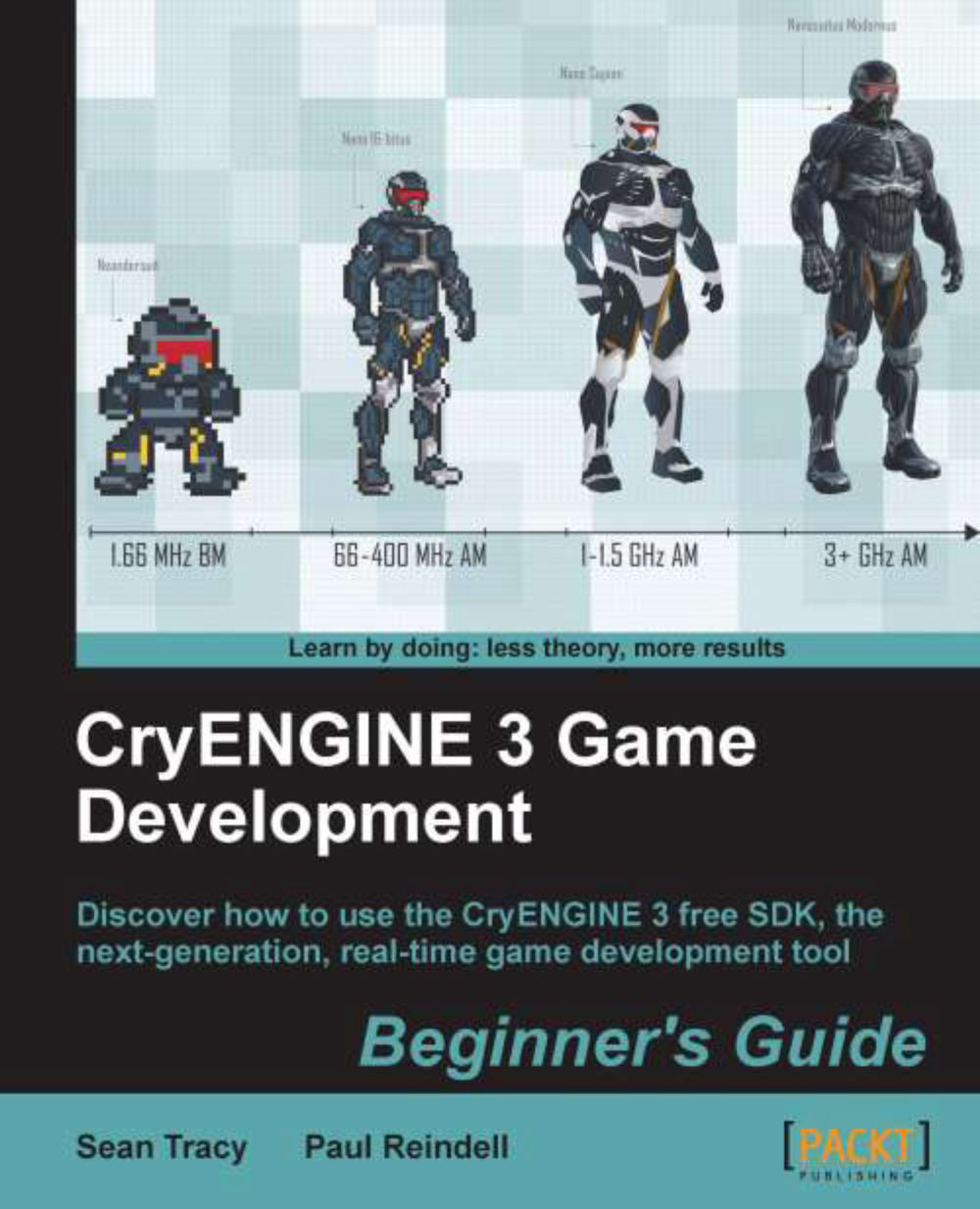
CryENGINE is a complete game development environment used by AAA game development studio Crytek to produce blockbuster games such as Crysis 1, 2 and 3. This complete Beginner's Guide takes the would be game developer through the steps required to create a game world complete with event scripting, user interface and 3D environment in the free CryENGINE SDK. Learn to create game worlds with the CryENGINE 3 Sandbox, the tool used to create AAA games like the soon to be released Crysis 3. Follow straightforward examples to sculpt the terrain, place vegetation, set up lighting, create game sounds, script with Lua and code with C++. Learn to navigate the interface within the CryENGINE 3 Sandbox, the tool used to create AAA games like Crysis 1 and 2, as well as the soon to be released Crysis 3. Learn to create your own worlds by following straight forward examples to sculpt the terrain, place vegetation, set up lighting, create game sounds, and script with the Lua language. The book covers all beginner aspects of game development including an introduction to C++ for non- coders.
Table of Contents (13 chapters)
close
close
12
Index

Time for action - creating a patrolling AI


An enemy that is guarding something, for example, does not just stand still. This would be very awkward and would break immersion. Usually, this can be solved by giving the AI entity some task or job in the world, which would give his presence much more sense and make him act more lifelike.

In this example, we will create an AI entity that will patrol between some predefined points. We will set this AI to start his patrol when the player enters a particular trigger:

  1. To begin, open a new level where you'd like to place AI, or use the level created in the previous example.

  2. Make sure you have generated the AI navigation for the level by using the AI menu and selecting Generate All Navigation.

  3. Place a SpawnPoint and Proximity Trigger into the level, as we did in the previous examples.

  4. Next, drag-and-drop a Grunt entity from the AI entities in the RollupBar tab.

    This Grunt will be our enemy AI.

  5. Place a TagPoint in a location near the AI entity. TagPoint entities...

CONTINUE READING
83
Tech Concepts
36
Programming languages
73
Tech Tools
Icon Unlimited access to the largest independent learning library in tech of over 8,000 expert-authored tech books and videos.
Icon Innovative learning tools, including AI book assistants, code context explainers, and text-to-speech.
Icon 50+ new titles added per month and exclusive early access to books as they are being written.
CryENGINE 3 Game Development: Beginner's Guide
notes
bookmark Notes and Bookmarks search Search in title playlist Add to playlist font-size Font size

Change the font size

margin-width Margin width

Change margin width

day-mode Day/Sepia/Night Modes

Change background colour

Close icon Search
Country selected

Close icon Your notes and bookmarks

Confirmation

Modal Close icon
claim successful

Buy this book with your credits?

Modal Close icon
Are you sure you want to buy this book with one of your credits?
Close
YES, BUY

Submit Your Feedback

Modal Close icon
Modal Close icon
Modal Close icon