
Sign In Start Free Trial
Account

Add to playlist

Create a Playlist

Modal Close icon
You need to login to use this feature.
  • Book Overview & Buying Blender Quick Start Guide
  • Table Of Contents Toc
Blender Quick Start Guide

Blender Quick Start Guide

By : Brito
1.7 (7)
close
close
Blender Quick Start Guide

Blender Quick Start Guide

1.7 (7)
By: Brito

Overview of this book

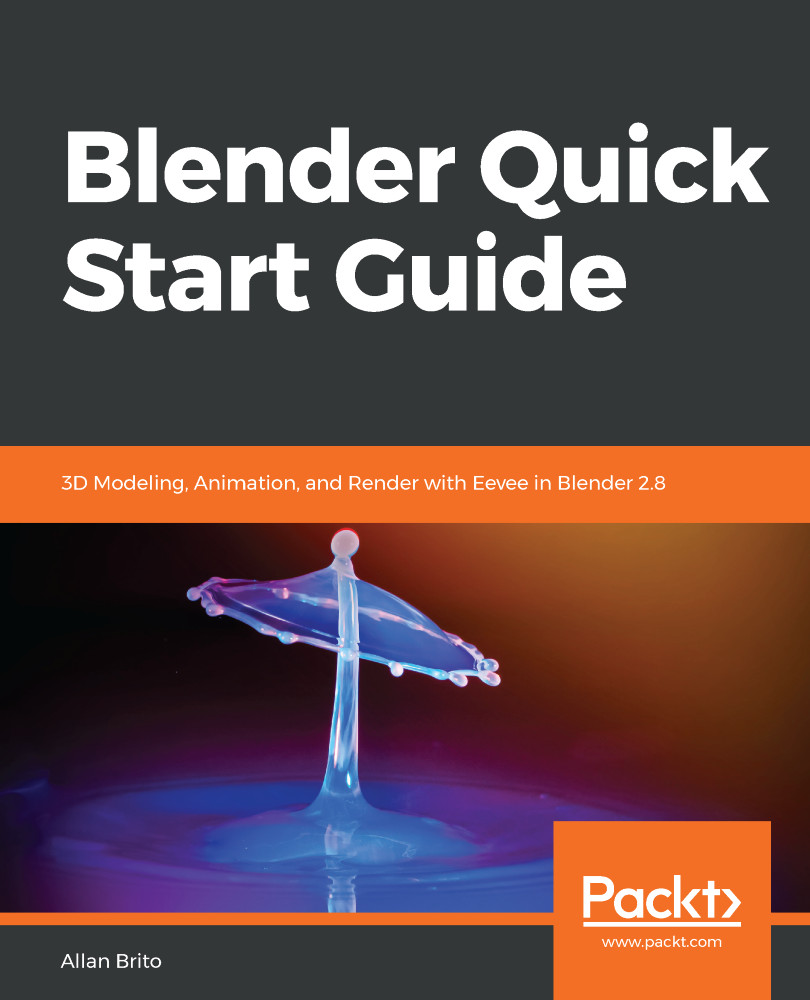
Blender is open source 3D creation software. With a long history and an enthusiastic community of users, it is the ideal choice for almost any kind of work with 3D modeling or animation. However, for new users, its power and ?exibillity can sometimes be daunting, and that’s when you need this book! The book starts by showing you round the all-new Blender 2.8 user interface. You'll look at the most commonly-used options and tools, such as navigating in 3D and selecting objects. You will then use and manipulate one of the most important windows of the interface, the 3D View. You'll learn how to use essential tools for working with 3D modeling. To give your models the feel of real-world objects, you'll learn how to create materials and set up surfaces. You'll see how to use Physically-Based Rendering (PBR), which allows you to craft realistic surfaces such as wood, stone, and metal. You will also work with Eevee, a new real-time render engine in Blender. You will see how to add motion to objects, making use of Blender's impressive 3D animation features. Finally, you'll learn how to create scenes and organize them for rendering, and later add titles and effects using built-in Blender tools. By the end of the book, you will be able to use Blender 2.8 new UI, Create 3D Models with textures, Animations, and Render them in real-time using Eevee.
Table of Contents (10 chapters)
close
close

Using Blender 2.8 UI, Shading and Navigator Widget

Finding your way around Blender is the first step to starting to create astonishing 3D models or animations with the software; knowing the interface is critical. In the following chapters, you will learn how to use and manipulate the new user interface of Blender 2.8, and some render options with the OpenGL options.

Blender 2.8 is a huge milestone for the software and you will get to know a lot of the new tools, like the new Eevee renderer. You will also learn how to create 3D models using polygons and even create a quick animation using 3D text.

This first chapter will focus on getting you around the interface! Here is a list of what you will learn:

  • Managing the user interface
  • 3D navigation
  • Selecting objects
  • Applying 3D transformations
  • Using keyboard shortcuts in Blender
CONTINUE READING
83
Tech Concepts
36
Programming languages
73
Tech Tools
Icon Unlimited access to the largest independent learning library in tech of over 8,000 expert-authored tech books and videos.
Icon Innovative learning tools, including AI book assistants, code context explainers, and text-to-speech.
Icon 50+ new titles added per month and exclusive early access to books as they are being written.
Blender Quick Start Guide
notes
bookmark Notes and Bookmarks search Search in title playlist Add to playlist download Download options font-size Font size

Change the font size

margin-width Margin width

Change margin width

day-mode Day/Sepia/Night Modes

Change background colour

Close icon Search
Country selected

Close icon Your notes and bookmarks

Confirmation

Modal Close icon
claim successful

Buy this book with your credits?

Modal Close icon
Are you sure you want to buy this book with one of your credits?
Close
YES, BUY

Submit Your Feedback

Modal Close icon
Modal Close icon
Modal Close icon