-
Book Overview & Buying
-
Table Of Contents
Learning Xamarin studio
By :
Xcode is Apple's premier (and free for all OS X users) integrated development environment to develop Mac, iPad, iPhone, and iPod Touch applications. Additionally, the iOS SDK comes bundled with Xcode upon installation. Since the Xcode application's release cycle closely matches that of the Mac and iOS platforms, you as a developer can expect to always have access to the tools needed to develop applications that target the latest iOS platforms.
Although Xamarin Studio 5 comes bundled with its own interface builder, this tool only supports storyboard development as of the time this was written. Xcode provides an interface builder to create graphical user interfaces for iOS and Mac development using storyboards as well as XIB files. Also, the package includes Instruments, which is a graphical user interface tool for application performance analysis and visualization. We will discuss Instruments more in Chapter 7, Testing and Debugging.
If you do not intend to develop iOS applications, you may skip this section for now and come back to it whenever you're ready. However, you will not be able to install Xamarin.iOS or Xamarin.Mac until Xcode and the iOS SDK have been installed.
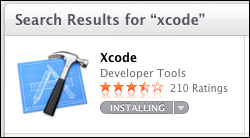
To install Xcode, perform the following steps:
xcode and begin the search.
Xcode is not a simple application, and the initial download is just over 2 GB in size. Therefore, depending on your connection speed, you may need to wait for some time. If you get bored and want to see how things are progressing, hover over launchpad in the Dock and you will see the current download/installation progress. Alternatively, you can open launchpad and view the progress there as well.
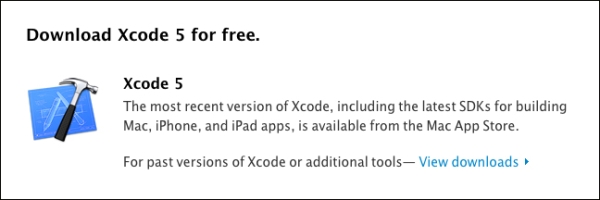
On the other hand, if you don't have an App Store account or for some reason you don't want to use one for this purpose, you can also download the Xcode installer manually from https://developer.apple.com/xcode/.

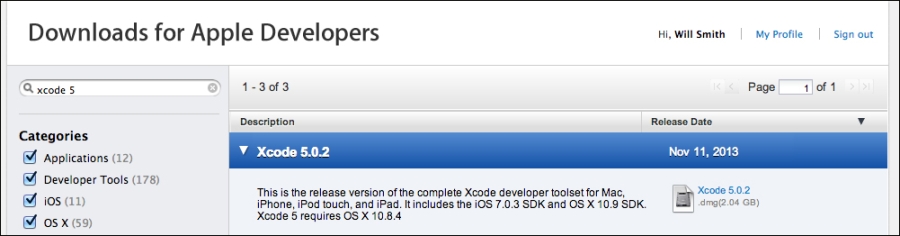
Perform the following steps to download Xcode manually:
xcode 5 in the search field and hit Enter.
Once the download has completed, we will still need to open Xcode from the launcher to begin to finalize the installation. The steps are as follows:
Change the font size
Change margin width
Change background colour