Sign In Start Free Trial
Account

Add to playlist

Create a Playlist

Modal Close icon
You need to login to use this feature.
  • Book Overview & Buying Elevate SwiftUI Skills by Building Projects
  • Table Of Contents Toc
Elevate SwiftUI Skills by Building Projects

Elevate SwiftUI Skills by Building Projects

By : Frahaan Hussain
5 (15)
close
close
Elevate SwiftUI Skills by Building Projects

Elevate SwiftUI Skills by Building Projects

5 (15)
By: Frahaan Hussain

Overview of this book

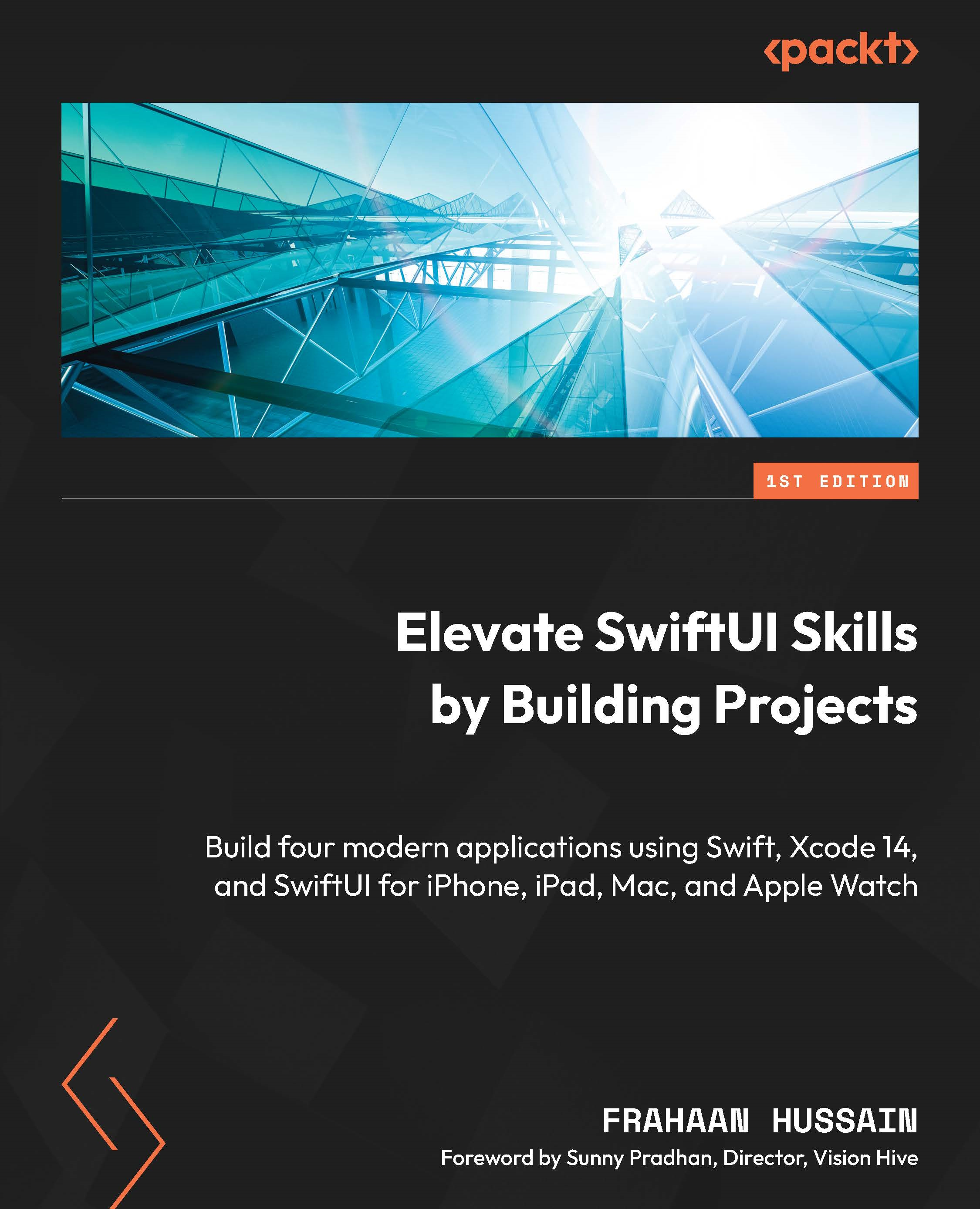
Elevate SwiftUI Skills by Building Projects helps you harness the cutting-edge potential of SwiftUI and its innovative and user-friendly approach to crafting user interfaces for Apple platforms with the power of Swift. This book will enhance your UI programming skills with SwiftUI through a project-based methodology, guiding you to create four real-world projects. Starting with a quick recap of Swift and SwiftUI, you’ll gradually develop projects tailored for iPhone, iPad, macOS, and watchOS using Swift and Xcode. You’ll experience SwiftUI’s versatility in action as you build a tax calculator for iPhone and a photo gallery for the iPad, which uses a larger display to enhance the viewing experience. You’ll also create an app store for Mac and, finally, get to grips with the power of SwiftUI for smaller devices such as the Apple Watch by designing a Fitness Companion app. By the end of this book, you'll have built fully functional projects across multiple platforms and gained the expertise needed to excel as a professional SwiftUI developer.
Table of Contents (12 chapters)
close
close

iPhone Project – Tax Calculator Functionality

In this chapter, we will work on implementing the tax calculation and page navigation functionality in our first project, the tax calculator. In the previous chapter, we looked at the design of the calculator and broke it down into two views and all the components required. We then implemented all the components using SwiftUI. At the end of the previous chapter, we effectively only had a fancy wireframe. Now, we will implement all the functionality to provide navigation between the two views, calculating the tax breakdown and displaying the calculation.

This chapter will be split into the following sections:

  • Navigating from ContentView to ResultsView
  • Input validation
  • Calculating tax breakdown
  • Extra tasks

By the end of this chapter, you will have created a fully functional tax calculator that can be used as a foundation. I’ll provide exercises as we reach the end of the chapter to implement more...

CONTINUE READING
83
Tech Concepts
36
Programming languages
73
Tech Tools
Icon Unlimited access to the largest independent learning library in tech of over 8,000 expert-authored tech books and videos.
Icon Innovative learning tools, including AI book assistants, code context explainers, and text-to-speech.
Icon 50+ new titles added per month and exclusive early access to books as they are being written.
Elevate SwiftUI Skills by Building Projects
notes
bookmark Notes and Bookmarks search Search in title playlist Add to playlist download Download options font-size Font size

Change the font size

margin-width Margin width

Change margin width

day-mode Day/Sepia/Night Modes

Change background colour

Close icon Search
Country selected

Close icon Your notes and bookmarks

Confirmation

Modal Close icon
claim successful

Buy this book with your credits?

Modal Close icon
Are you sure you want to buy this book with one of your credits?
Close
YES, BUY

Submit Your Feedback

Modal Close icon
Modal Close icon
Modal Close icon