Sign In Start Free Trial
Account

Add to playlist

Create a Playlist

Modal Close icon
You need to login to use this feature.
  • Book Overview & Buying CiviCRM Cookbook
  • Table Of Contents Toc
CiviCRM Cookbook

CiviCRM Cookbook

By : Tony Horrocks
4.7 (6)
close
close
CiviCRM Cookbook

CiviCRM Cookbook

4.7 (6)
By: Tony Horrocks

Overview of this book

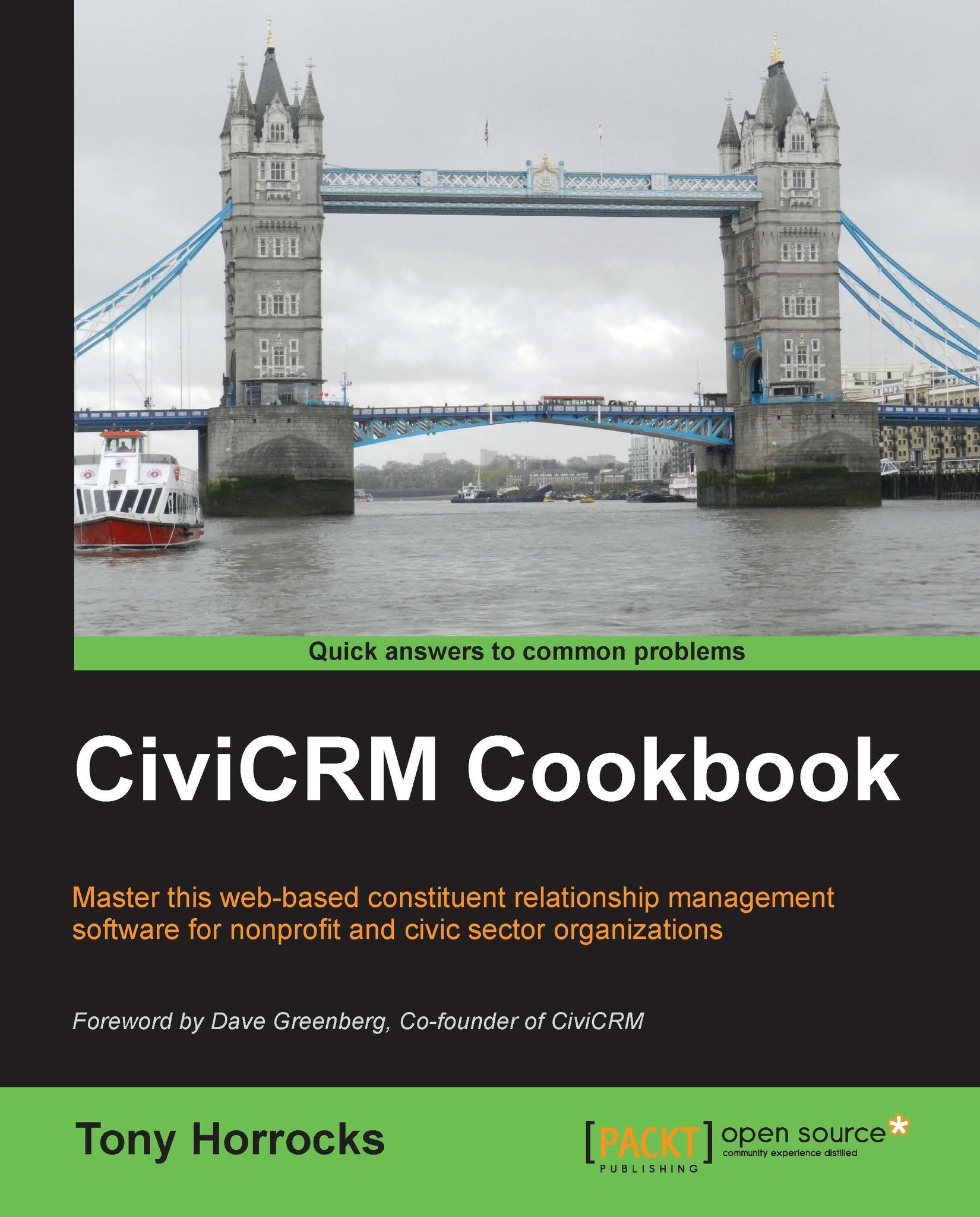
CiviCRM is a web-based, open source, Constituent Relationship Management (CRM) software geared toward meeting the needs of non-profit and other civic-sector organizations.Organizations realize their mission via CiviCRM through contact management, fundraising, event management, member management, mass e-mail marketing, peer-to-peer campaigns, case management, and much more.CiviCRM is localized in over 20 languages including: Chinese (Taiwan, China), Dutch, English (Australia, Canada, U.S., UK), French (France, Canada), German, Italian, Japanese, Russian, and Swedish.CiviCRM Cookbook will enhance your CiviCRM skills. It has recipes to help you use CiviCRM more efficiently, integrate it with CMSs, and also develop CiviCRM.This book begins with recipes that help save time and effort with CiviCRM. This is followed by recipes for organizing data more efficiently and managing profiles.Then you will learn authentication and authorization and managing communication with contacts.Then you will be guided on using the searching feature and preparing reports. We will then talk about integrating Drupal and CiviCRM. You will also be taught to manage events effectively. Finally, learn about CiviCampaign, Civimember, and developing CiviCRM.
Table of Contents (13 chapters)
close
close
12
Index

Setting up a local development environment

A local development environment means installation of CiviCRM on your own computer so that you can do development without having to connect to a remote server on the Internet. We have seen in other recipes that having a local installation of CiviCRM makes things such as importing contacts faster and easier.

In this recipe—more of a set of guidelines—we explore how to set up such an environment.

How to do it…

We need five ingredients for our local installation to work:

  • A web server: Apache will serve our CiviCRM pages
  • A database: MySQL will store our CiviCRM data
  • A PHP interpreter: This works with Apache and MySQL to interpret the PHP code we write and sends us back pages of HTML
  • A good text editor
  • A good MySQL manager

Our own computers will have an operating system such as Linux, Windows, or Mac OS, and you may have come across acronyms such as a LAMP environment (Linux, Apache, MySQL, PHP). So, we also have WAMP for Windows, and...

CONTINUE READING
83
Tech Concepts
36
Programming languages
73
Tech Tools
Icon Unlimited access to the largest independent learning library in tech of over 8,000 expert-authored tech books and videos.
Icon Innovative learning tools, including AI book assistants, code context explainers, and text-to-speech.
Icon 50+ new titles added per month and exclusive early access to books as they are being written.
CiviCRM Cookbook
notes
bookmark Notes and Bookmarks search Search in title playlist Add to playlist font-size Font size

Change the font size

margin-width Margin width

Change margin width

day-mode Day/Sepia/Night Modes

Change background colour

Close icon Search
Country selected

Close icon Your notes and bookmarks

Confirmation

Modal Close icon
claim successful

Buy this book with your credits?

Modal Close icon
Are you sure you want to buy this book with one of your credits?
Close
YES, BUY

Submit Your Feedback

Modal Close icon
Modal Close icon
Modal Close icon