Sign In Start Free Trial
Account

Add to playlist

Create a Playlist

Modal Close icon
You need to login to use this feature.
  • Book Overview & Buying CiviCRM Cookbook
  • Table Of Contents Toc
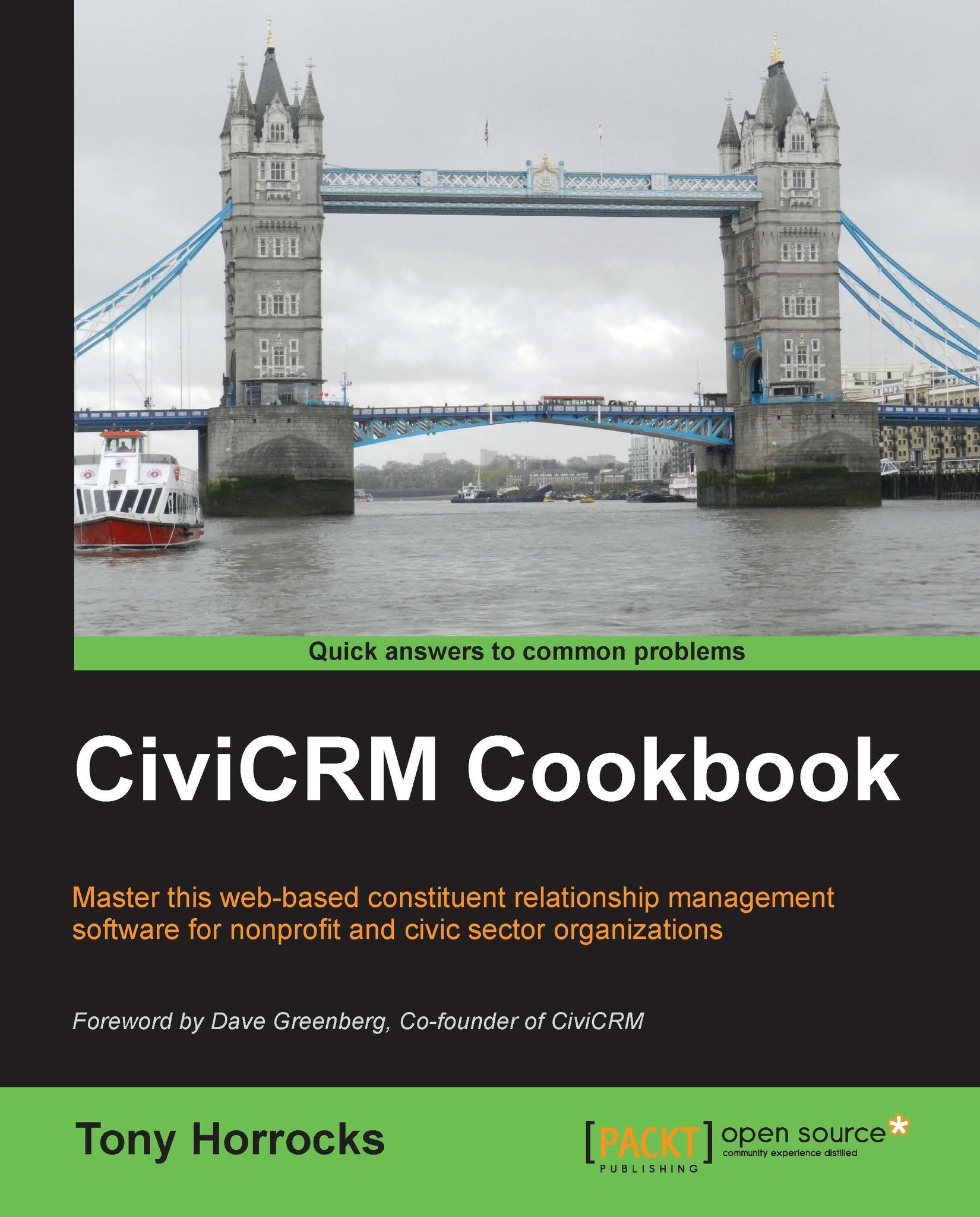
CiviCRM Cookbook

CiviCRM Cookbook

By : Tony Horrocks
4.7 (6)
close
close
CiviCRM Cookbook

CiviCRM Cookbook

4.7 (6)
By: Tony Horrocks

Overview of this book

CiviCRM is a web-based, open source, Constituent Relationship Management (CRM) software geared toward meeting the needs of non-profit and other civic-sector organizations.Organizations realize their mission via CiviCRM through contact management, fundraising, event management, member management, mass e-mail marketing, peer-to-peer campaigns, case management, and much more.CiviCRM is localized in over 20 languages including: Chinese (Taiwan, China), Dutch, English (Australia, Canada, U.S., UK), French (France, Canada), German, Italian, Japanese, Russian, and Swedish.CiviCRM Cookbook will enhance your CiviCRM skills. It has recipes to help you use CiviCRM more efficiently, integrate it with CMSs, and also develop CiviCRM.This book begins with recipes that help save time and effort with CiviCRM. This is followed by recipes for organizing data more efficiently and managing profiles.Then you will learn authentication and authorization and managing communication with contacts.Then you will be guided on using the searching feature and preparing reports. We will then talk about integrating Drupal and CiviCRM. You will also be taught to manage events effectively. Finally, learn about CiviCampaign, Civimember, and developing CiviCRM.
Table of Contents (13 chapters)
close
close
12
Index

Using tag sets to quickly organize data


Tags are a way of organizing your contacts, activities, and cases within CiviCRM. You can regard a tag as a way of describing data and as a powerful way to segment your contacts. Any tags you create are visible on the contact edit screen so they are great with getting summary information about a contact quickly. You need to include tags in your data plan for CiviCRM, otherwise your screens can get overrun by redundant tags.

How to do it…

Tag sets allow you to add tags on the fly without going to the Manage Tags screen. Here are the following steps to do so:

  1. Navigate to Contacts | Manage tags and click on Add a Tag Set.

  2. Enter the name and description for your tag set, and apply it to Contacts, Activities, Cases, or any combination of these.

  3. Navigate to a contact record and click on the Tags tab.

  4. Now start typing in new tags into the Reasons for joining box on the edit screen.

  5. CiviCRM turns this into a tag option (in black). Click on the tag option to add...

CONTINUE READING
83
Tech Concepts
36
Programming languages
73
Tech Tools
Icon Unlimited access to the largest independent learning library in tech of over 8,000 expert-authored tech books and videos.
Icon Innovative learning tools, including AI book assistants, code context explainers, and text-to-speech.
Icon 50+ new titles added per month and exclusive early access to books as they are being written.
CiviCRM Cookbook
notes
bookmark Notes and Bookmarks search Search in title playlist Add to playlist font-size Font size

Change the font size

margin-width Margin width

Change margin width

day-mode Day/Sepia/Night Modes

Change background colour

Close icon Search
Country selected

Close icon Your notes and bookmarks

Confirmation

Modal Close icon
claim successful

Buy this book with your credits?

Modal Close icon
Are you sure you want to buy this book with one of your credits?
Close
YES, BUY

Submit Your Feedback

Modal Close icon
Modal Close icon
Modal Close icon