Sign In Start Free Trial
Account

Add to playlist

Create a Playlist

Modal Close icon
You need to login to use this feature.
  • Book Overview & Buying Learning Python Design Patterns - Second Edition
  • Table Of Contents Toc
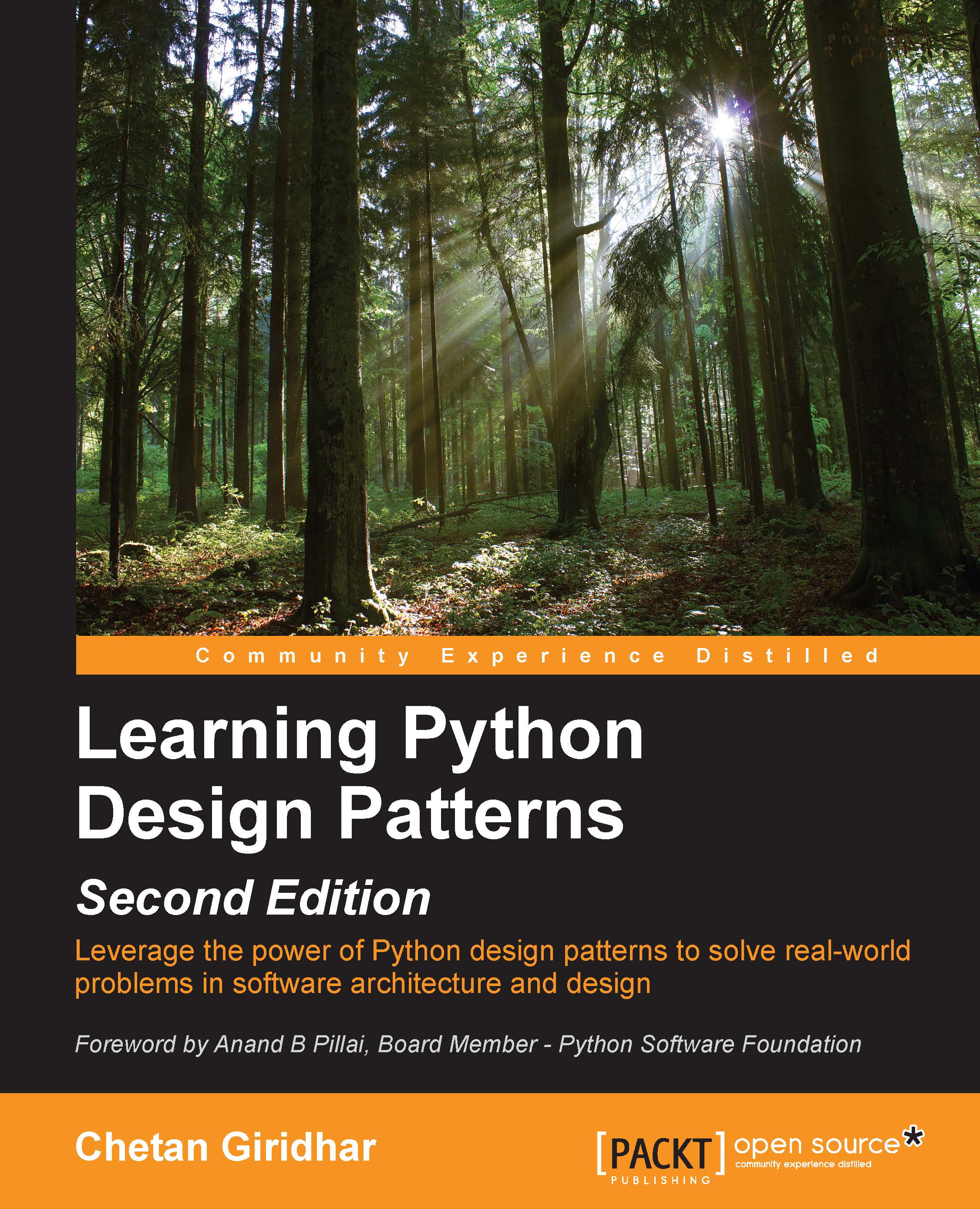
Learning Python Design Patterns - Second Edition

Learning Python Design Patterns - Second Edition - Second Edition

By : Giridhar, Zlobin
2.8 (13)
close
close
Learning Python Design Patterns - Second Edition

Learning Python Design Patterns - Second Edition

2.8 (13)
By: Giridhar, Zlobin

Overview of this book

With the increasing focus on optimized software architecture and design it is important that software architects think about optimizations in object creation, code structure, and interaction between objects at the architecture or design level. This makes sure that the cost of software maintenance is low and code can be easily reused or is adaptable to change. The key to this is reusability and low maintenance in design patterns. Building on the success of the previous edition, Learning Python Design Patterns, Second Edition will help you implement real-world scenarios with Python’s latest release, Python v3.5. We start by introducing design patterns from the Python perspective. As you progress through the book, you will learn about Singleton patterns, Factory patterns, and Façade patterns in detail. After this, we’ll look at how to control object access with proxy patterns. It also covers observer patterns, command patterns, and compound patterns. By the end of the book, you will have enhanced your professional abilities in software architecture, design, and development.
Table of Contents (13 chapters)
close
close
12
Index

Conventions

In this book, you will find a number of text styles that distinguish between different kinds of information. Here are some examples of these styles and an explanation of their meaning.

Code words in text, database table names, folder names, filenames, file extensions, pathnames, dummy URLs, user input, and Twitter handles are shown as follows: "The Car object will have attributes such as fuel level, isSedan, speed, and steering wheel and coordinates."

A block of code is set as follows:

class Person(object):
    def __init__(self, name, age):  #constructor
        self.name = name    #data members/ attributes
        self.age = age
    def get_person(self,):   # member function
         return "<Person (%s, %s)>" % (self.name, self.age)


p = Person("John", 32)    # p is an object of type Person
print("Type of Object:", type(p), "Memory Address:", id(p))

New terms and important words are shown in bold. Words that you see on the screen, for example, in menus or dialog boxes, appear in the text like this: "In Python, the concept of encapsulation (data and method hiding) is not implicit, as it doesn't have keywords such as public, private, and protected (in languages such as C++ or Java) that are required to support encapsulation."

Note

Warnings or important notes appear in a box like this.

Tip

Tips and tricks appear like this.

CONTINUE READING
83
Tech Concepts
36
Programming languages
73
Tech Tools
Icon Unlimited access to the largest independent learning library in tech of over 8,000 expert-authored tech books and videos.
Icon Innovative learning tools, including AI book assistants, code context explainers, and text-to-speech.
Icon 50+ new titles added per month and exclusive early access to books as they are being written.
Learning Python Design Patterns - Second Edition
notes
bookmark Notes and Bookmarks search Search in title playlist Add to playlist font-size Font size

Change the font size

margin-width Margin width

Change margin width

day-mode Day/Sepia/Night Modes

Change background colour

Close icon Search
Country selected

Close icon Your notes and bookmarks

Confirmation

Modal Close icon
claim successful

Buy this book with your credits?

Modal Close icon
Are you sure you want to buy this book with one of your credits?
Close
YES, BUY

Submit Your Feedback

Modal Close icon
Modal Close icon
Modal Close icon