Sign In Start Free Trial
Account

Add to playlist

Create a Playlist

Modal Close icon
You need to login to use this feature.
  • Book Overview & Buying Force.com Enterprise Architecture
  • Table Of Contents Toc
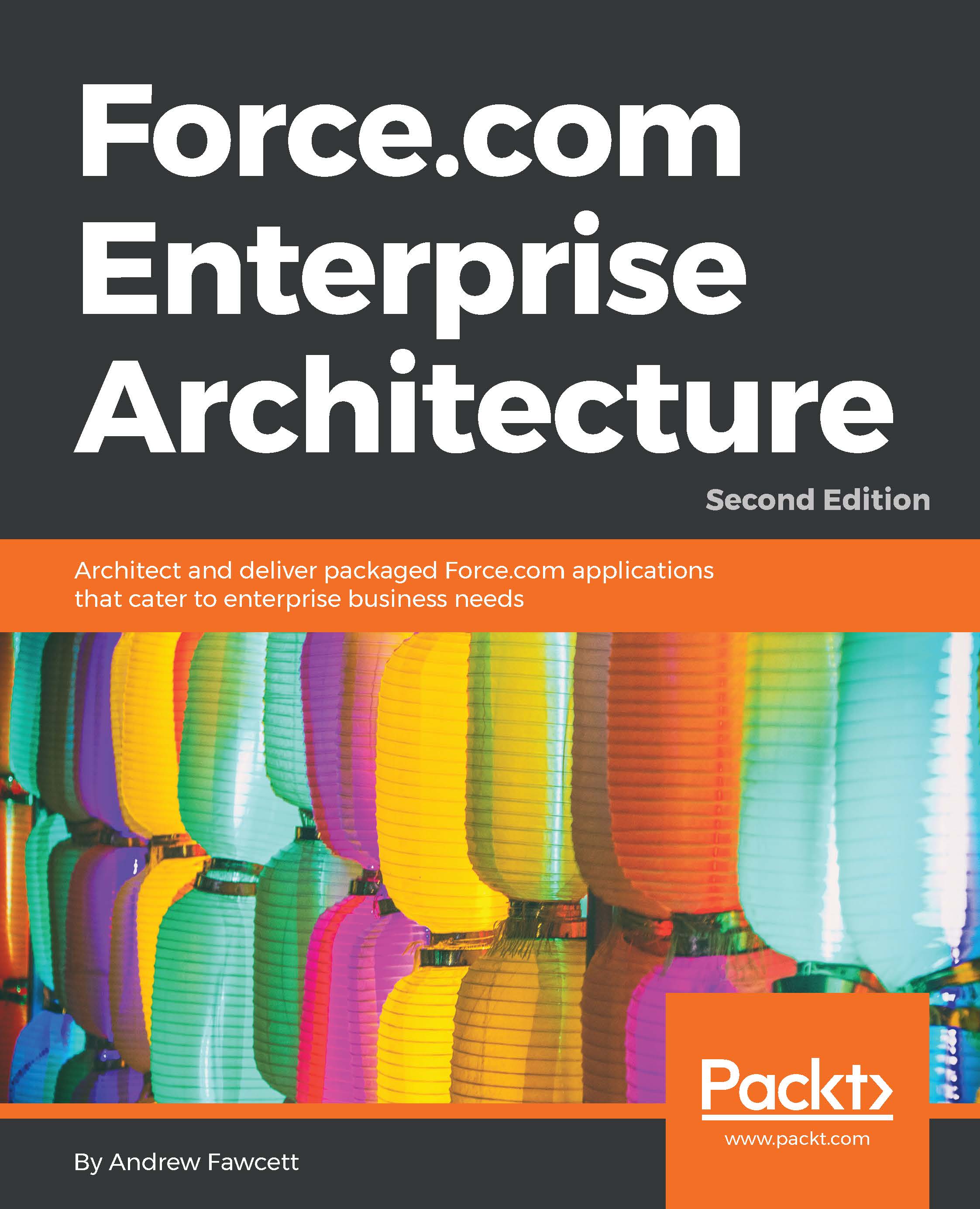
Force.com Enterprise Architecture

Force.com Enterprise Architecture - Second Edition

By : Andrew Fawcett
4.5 (6)
close
close
Force.com Enterprise Architecture

Force.com Enterprise Architecture

4.5 (6)
By: Andrew Fawcett

Overview of this book

Companies of all sizes have seen the need for Force.com's architectural strategy focused on enabling their business objectives. Successful enterprise applications require planning, commitment, and investment in the best tools, processes, and features available. This book will teach you how to architect and support enduring applications for enterprise clients with Salesforce by exploring how to identify architecture needs and design solutions based on industry standard patterns. There are several ways to build solutions on Force.com, and this book will guide you through a logical path and show you the steps and considerations required to build packaged solutions from start to finish. It covers all aspects, from engineering to getting your application into the hands of your customers, and ensuring that they get the best value possible from your Force.com application. You will get acquainted with extending tools such as Lightning App Builder, Process Builder, and Flow with your own application logic. In addition to building your own application API, you will learn the techniques required to leverage the latest Lightning technologies on desktop and mobile platforms.
Table of Contents (15 chapters)
close
close
14
Index

Localization and translation


It is important to take localization and translation into consideration from the beginning as it can become difficult and costly to apply it later. Fortunately, the platform can do a lot of work for you.

Localization

When using the native user interface, it automatically formats the values of the numeric and date fields according to the Locale field on the user profile. Visualforce pages using the apex:outputField and apex:inputField components will automatically format values, and outputting local sensitive values in any other way will need to be handled manually in your Apex Controller code or in your JavaScript code.

Tip

It's not always possible to use the Visualforce apex:inputField and apex:outputField tags as described earlier in this chapter. For example, if the information you are displaying is not contained within a Custom Object field, but in some calculated view state in your Apex Controller. The format methods on various type classes such as Date, DateTime...

Visually different images
CONTINUE READING
83
Tech Concepts
36
Programming languages
73
Tech Tools
Icon Unlimited access to the largest independent learning library in tech of over 8,000 expert-authored tech books and videos.
Icon Innovative learning tools, including AI book assistants, code context explainers, and text-to-speech.
Icon 50+ new titles added per month and exclusive early access to books as they are being written.
Force.com Enterprise Architecture
notes
bookmark Notes and Bookmarks search Search in title playlist Add to playlist font-size Font size

Change the font size

margin-width Margin width

Change margin width

day-mode Day/Sepia/Night Modes

Change background colour

Close icon Search
Country selected

Close icon Your notes and bookmarks

Confirmation

Modal Close icon
claim successful

Buy this book with your credits?

Modal Close icon
Are you sure you want to buy this book with one of your credits?
Close
YES, BUY

Submit Your Feedback

Modal Close icon
Modal Close icon
Modal Close icon