Sign In Start Free Trial
Account

Add to playlist

Create a Playlist

Modal Close icon
You need to login to use this feature.
  • Book Overview & Buying Force.com Enterprise Architecture
  • Table Of Contents Toc
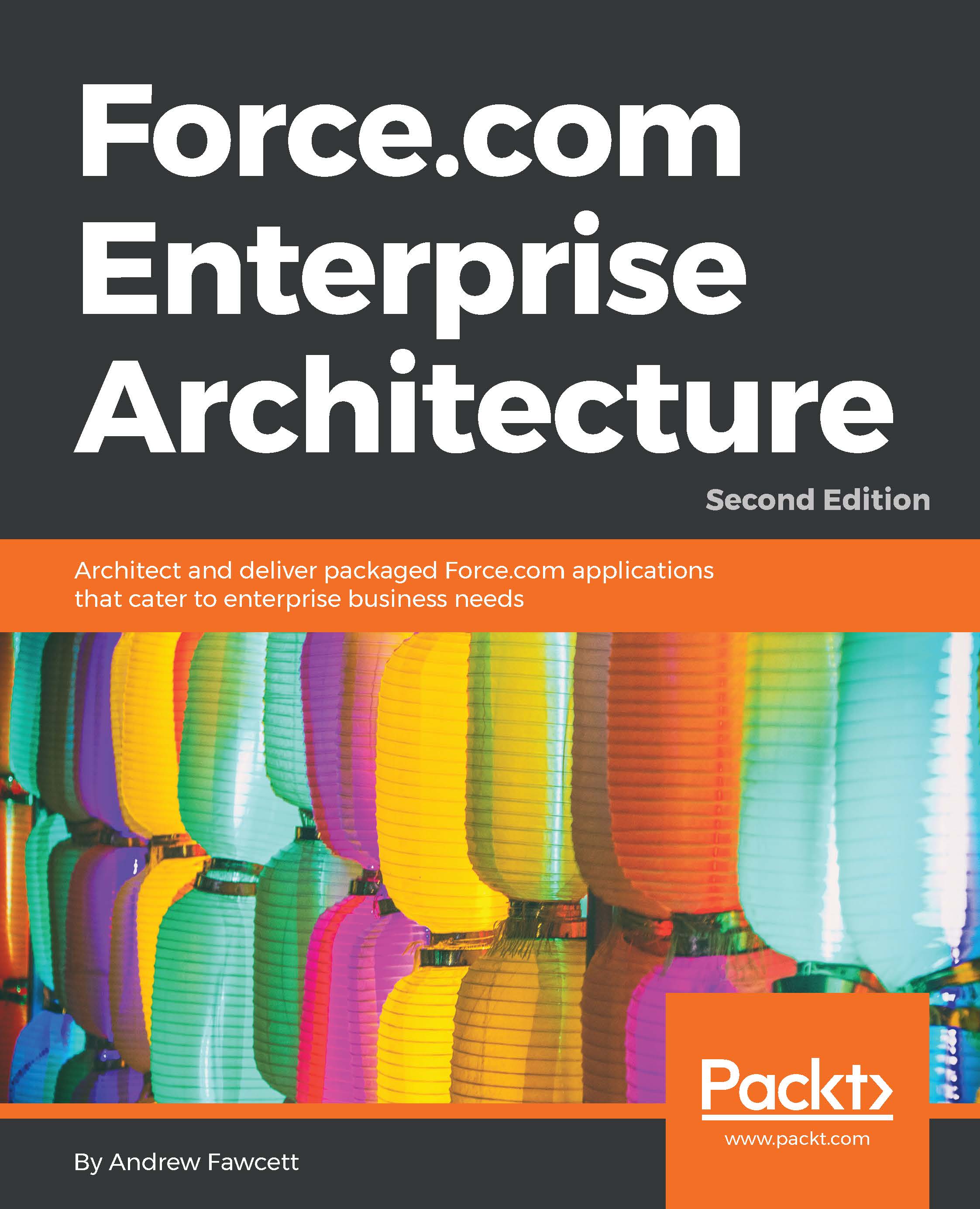
Force.com Enterprise Architecture

Force.com Enterprise Architecture - Second Edition

By : Andrew Fawcett
4.5 (6)
close
close
Force.com Enterprise Architecture

Force.com Enterprise Architecture

4.5 (6)
By: Andrew Fawcett

Overview of this book

Companies of all sizes have seen the need for Force.com's architectural strategy focused on enabling their business objectives. Successful enterprise applications require planning, commitment, and investment in the best tools, processes, and features available. This book will teach you how to architect and support enduring applications for enterprise clients with Salesforce by exploring how to identify architecture needs and design solutions based on industry standard patterns. There are several ways to build solutions on Force.com, and this book will guide you through a logical path and show you the steps and considerations required to build packaged solutions from start to finish. It covers all aspects, from engineering to getting your application into the hands of your customers, and ensuring that they get the best value possible from your Force.com application. You will get acquainted with extending tools such as Lightning App Builder, Process Builder, and Flow with your own application logic. In addition to building your own application API, you will learn the techniques required to leverage the latest Lightning technologies on desktop and mobile platforms.
Table of Contents (15 chapters)
close
close
14
Index

Customer support

Now that you are the proud owner of a Packt book, we have a number of things to help you to get the most from your purchase.

Downloading the example code

You can download the example code files for this book from your account at http://www.packtpub.com. If you purchased this book elsewhere, you can visit http://www.packtpub.com/support and register to have the files e-mailed directly to you.

You can download the code files by following these steps:

  1. Log in or register to our website using your e-mail address and password.
  2. Hover the mouse pointer on the SUPPORT tab at the top.
  3. Click on Code Downloads & Errata.
  4. Enter the name of the book in the Search box.
  5. Select the book for which you're looking to download the code files.
  6. Choose from the drop-down menu where you purchased this book from.
  7. Click on Code Download.

You can also download the code files by clicking on the Code Files button on the book's webpage at the Packt Publishing website. This page can be accessed by entering the book's name in the Search box. Please note that you need to be logged into your Packt account.

Once the file is downloaded, please make sure that you unzip or extract the folder using the latest version of:

  • WinRAR / 7-Zip for Windows
  • Zipeg / iZip / UnRarX for Mac
  • 7-Zip / PeaZip for Linux

The collective source code for the application built throughout the book is available in the main branch. For each chapter, a branch has been provided containing the code added during that chapter building from the previous one, for example, branch chapter-02 will contain code from chapter-01.

The repository for this book can be found at https://github.com/afawcett/forcedotcom-enterprise-architecture.

An alternate way to download the source code is to navigate to www.github.com in your browser using the link given in the preceding section, locate the repository and branch you want to download, either the main branch or a specific chapter branch, and then click on the Download Zip button in the sidebar on the right.

Downloading the example code

Alternatively, you can download the GitHub desktop clients as listed above and click on the Clone in Desktop button.

Downloading the example code

Of course, if you are familiar with Git, you are free to use the tool of your choice.

Deploying the source code

Once you have the source code downloaded for your chosen chapter, you should execute the Ant build script to deploy the code into your chosen Salesforce Developer Edition org (as described in Chapter 1, Building, Publishing, and Supporting Your Application).

Open a command line and navigate to the root folder where you downloaded the source code (this should be the folder with the build.xml file in it). To deploy the code, execute the following command, all on one line:

# ant deploy 
  [email protected] 
  -Dsf.password=mypasswordmytoken 

Remember that the password and token are concatenated together.

Keep in mind that each chapter branch builds incrementally from the last and will overlay new files as well as changes into your chosen DE org. So, each branch may overwrite changes you make to existing files as you have been exploring that chapter. If you are concerned about this, it is best to use one of the desktop development tools listed earlier, and prior to running the previous command, download the code from the server for safe keeping.

Downloading the color images of this book

We also provide you with a PDF file that has color images of the screenshots/diagrams used in this book. The color images will help you better understand the changes in the output. You can download this file from https://www.packtpub.com/sites/default/files/downloads/ForcedotcomEnterpriseArchitectureSecondEdition_ColorImages.pdf.

Errata

Although we have taken every care to ensure the accuracy of our content, mistakes do happen. If you find a mistake in one of our books—maybe a mistake in the text or the code—we would be grateful if you could report this to us. By doing so, you can save other readers from frustration and help us improve subsequent versions of this book. If you find any errata, please report them by visiting http://www.packtpub.com/submit-errata, selecting your book, clicking on the Errata Submission Form link, and entering the details of your errata. Once your errata are verified, your submission will be accepted and the errata will be uploaded to our website or added to any list of existing errata under the Errata section of that title.

To view the previously submitted errata, go to https://www.packtpub.com/books/content/support and enter the name of the book in the search field. The required information will appear under the Errata section.

Piracy

Piracy of copyrighted material on the Internet is an ongoing problem across all media. At Packt, we take the protection of our copyright and licenses very seriously. If you come across any illegal copies of our works in any form on the Internet, please provide us with the location address or website name immediately so that we can pursue a remedy.

Please contact us at with a link to the suspected pirated material.

We appreciate your help in protecting our authors and our ability to bring you valuable content.

Questions

If you have a problem with any aspect of this book, you can contact us at , and we will do our best to address the problem.

CONTINUE READING
83
Tech Concepts
36
Programming languages
73
Tech Tools
Icon Unlimited access to the largest independent learning library in tech of over 8,000 expert-authored tech books and videos.
Icon Innovative learning tools, including AI book assistants, code context explainers, and text-to-speech.
Icon 50+ new titles added per month and exclusive early access to books as they are being written.
Force.com Enterprise Architecture
notes
bookmark Notes and Bookmarks search Search in title playlist Add to playlist font-size Font size

Change the font size

margin-width Margin width

Change margin width

day-mode Day/Sepia/Night Modes

Change background colour

Close icon Search
Country selected

Close icon Your notes and bookmarks

Confirmation

Modal Close icon
claim successful

Buy this book with your credits?

Modal Close icon
Are you sure you want to buy this book with one of your credits?
Close
YES, BUY

Submit Your Feedback

Modal Close icon
Modal Close icon
Modal Close icon