Sign In Start Free Trial
Account

Add to playlist

Create a Playlist

Modal Close icon
You need to login to use this feature.
  • Book Overview & Buying Go Design Patterns
  • Table Of Contents Toc
  • Feedback & Rating feedback
Go Design Patterns

Go Design Patterns

By : Castro Contreras
1.8 (6)
close
close
Go Design Patterns

Go Design Patterns

1.8 (6)
By: Castro Contreras

Overview of this book

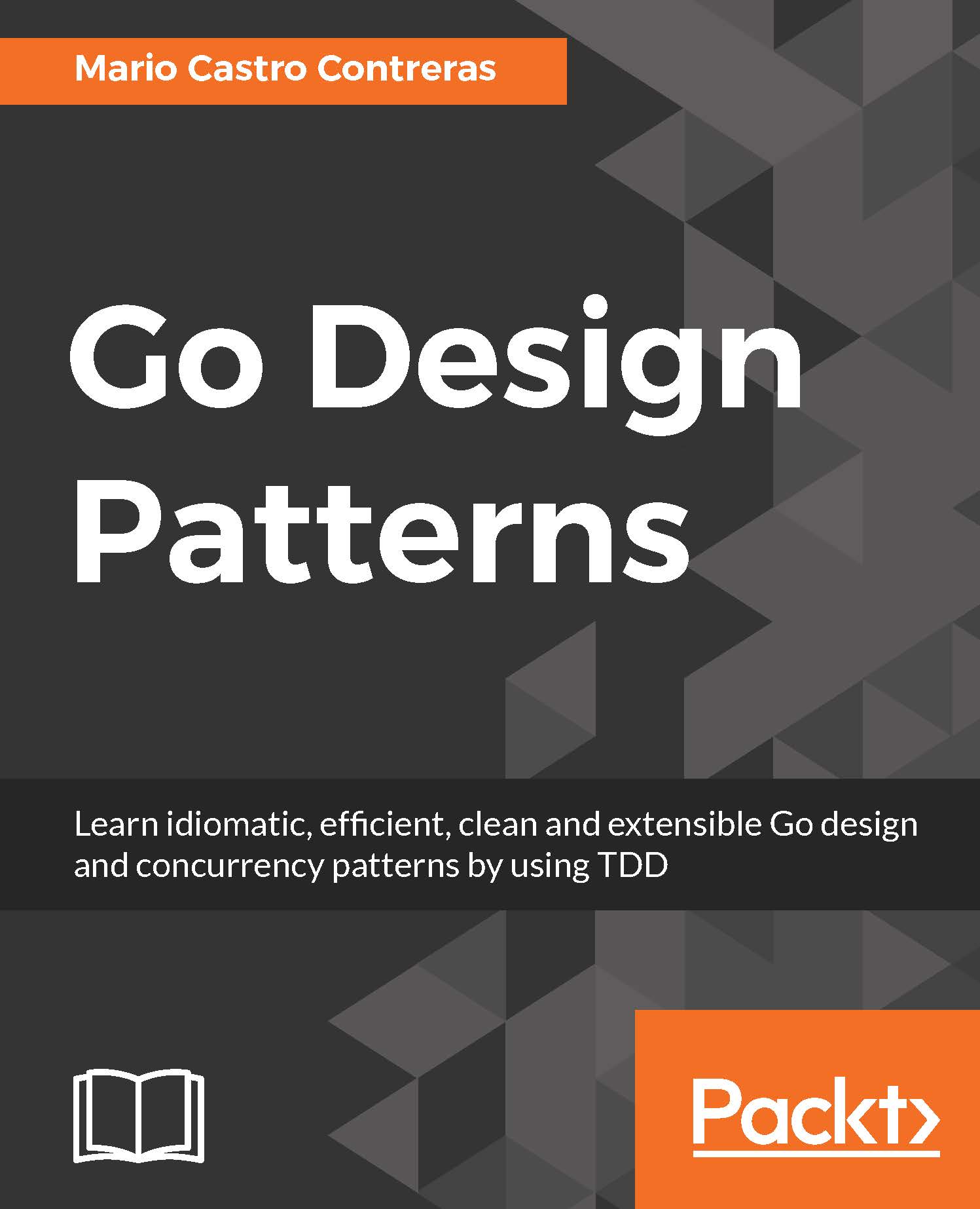
Go is a multi-paradigm programming language that has built-in facilities to create concurrent applications. Design patterns allow developers to efficiently address common problems faced during developing applications. Go Design Patterns will provide readers with a reference point to software design patterns and CSP concurrency design patterns to help them build applications in a more idiomatic, robust, and convenient way in Go. The book starts with a brief introduction to Go programming essentials and quickly moves on to explain the idea behind the creation of design patterns and how they appeared in the 90’s as a common "language" between developers to solve common tasks in object-oriented programming languages. You will then learn how to apply the 23 Gang of Four (GoF) design patterns in Go and also learn about CSP concurrency patterns, the "killer feature" in Go that has helped Google develop software to maintain thousands of servers. With all of this the book will enable you to understand and apply design patterns in an idiomatic way that will produce concise, readable, and maintainable software.
Table of Contents (11 chapters)
close
close

Flow control

Flow control is referred as the ability to decide which portion of code or how many times you execute some code on a condition. In Go, it is implemented using familiar imperative clauses like if, else, switch and for. The syntax is easy to grasp. Let´s review major flow control statements in Go.

The if... else statement

Go language, like most programming languages, has if…else conditional statement for flow control. The Syntax is similar to other languages but you don't need to encapsulate the condition between parenthesis:

ten := 10 
if ten == 20 { 
    println("This shouldn't be printed as 10 isn't equal to 20") 
} else { 
    println("Ten is not equals to 20"); 
} 

The else...if condition works in a similar fashion, you don't need parentheses either and they are declared as programmer would expect:

if "a" == "b" ||  10 == 10 || true == false { 
    println("10 is equal to 10") 
  } else if 11 == 11 &&"go" == "go" { 
  println("This isn't print because previous condition was satisfied"); 
    } else { 
        println("In case no condition is satisfied, print this") 
    } 
} 

Note

Go does not have ternary conditions like condition ? true : false.

The switch statement

The switch statement is also similar to most imperative languages. You take a variable and check possible values for it:

number := 3 
switch(number){ 
    case 1: 
        println("Number is 1") 
    case 2: 
        println("Number is 2") 
    case 3: 
        println("Number is 3") 
} 

The for…range statement

The _for_ loop is also similar than in common programming languages but you don't use parentheses either

for i := 0; i<=10; i++ { 
    println(i) 
} 

As you have probably imagined if you have computer science background, we infer an int variable defined as 0 and execute the code between the brackets while the condition (i<=10) is satisfied. Finally, for each execution, we added 1 to the value of i. This code will print the numbers from 0 to 10. You also have a special syntax to iterate over arrays or slices which is range:

for index, value := range my_array { 
    fmt.Printf("Index is %d and value is %d", index, value) 
} 

First, the fmt (format) is a very common Go package that we will use extensively to give shape to the message that we will print in the console.

Regarding for, you can use the range keyword to retrieve every item in a collection like my_array and assign them to the value temporal variable. It will also give you an index variable to know the position of the value you're retrieving. It's equivalent to write the following:

for index := 0, index < len(my_array); index++ { 
    value := my_array[index] 
    fmt.Printf("Index is %d and value is %d", index, value) 
} 

Tip

The len method is used to know the length of a collection.

If you execute this code, you'll see that the result is the same.

Visually different images
CONTINUE READING
83
Tech Concepts
36
Programming languages
73
Tech Tools
Icon Unlimited access to the largest independent learning library in tech of over 8,000 expert-authored tech books and videos.
Icon Innovative learning tools, including AI book assistants, code context explainers, and text-to-speech.
Icon 50+ new titles added per month and exclusive early access to books as they are being written.
Go Design Patterns
notes
bookmark Notes and Bookmarks search Search in title playlist Add to playlist download Download options font-size Font size

Change the font size

margin-width Margin width

Change margin width

day-mode Day/Sepia/Night Modes

Change background colour

Close icon Search
Country selected

Close icon Your notes and bookmarks

Confirmation

Modal Close icon
claim successful

Buy this book with your credits?

Modal Close icon
Are you sure you want to buy this book with one of your credits?
Close
YES, BUY

Submit Your Feedback

Modal Close icon
Modal Close icon
Modal Close icon