
Sign In Start Free Trial
Account

Add to playlist

Create a Playlist

Modal Close icon
You need to login to use this feature.
  • Book Overview & Buying Learn Python in 7 Days
  • Table Of Contents Toc
  • Feedback & Rating feedback
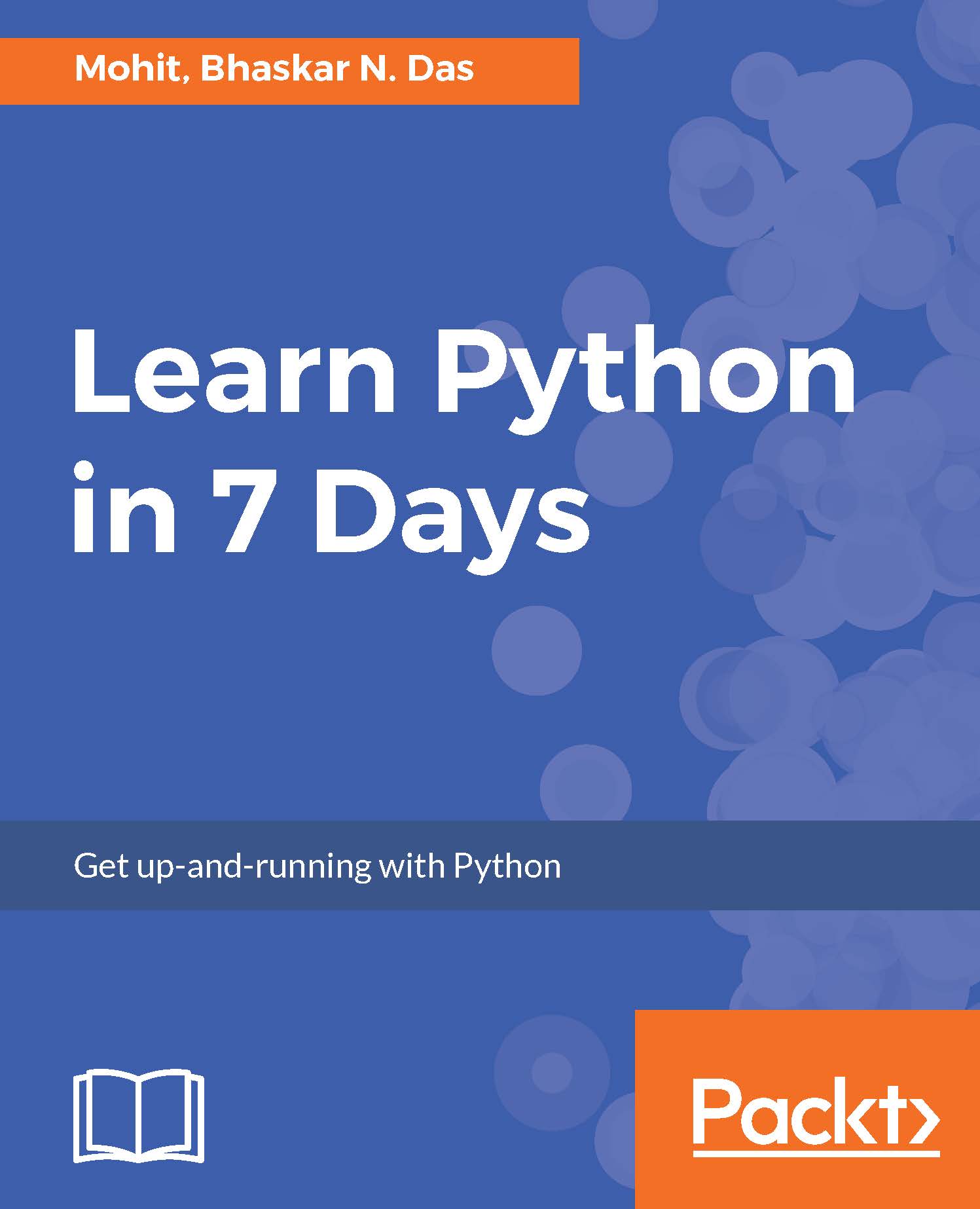
Learn Python in 7 Days

Learn Python in 7 Days

By : Das
1.5 (2)
close
close
Learn Python in 7 Days

Learn Python in 7 Days

1.5 (2)
By: Das

Overview of this book

Python is a great language to get started in the world of programming and application development. This book will help you to take your skills to the next level having a good knowledge of the fundamentals of Python. We begin with the absolute foundation, covering the basic syntax, type variables and operators. We'll then move on to concepts like statements, arrays, operators, string processing and I/O handling. You’ll be able to learn how to operate tuples and understand the functions and methods of lists. We’ll help you develop a deep understanding of list and tuples and learn python dictionary. As you progress through the book, you’ll learn about function parameters and how to use control statements with the loop. You’ll further learn how to create modules and packages, storing of data as well as handling errors. We later dive into advanced level concepts such as Python collections and how to use class, methods, objects in python. By the end of this book, you will be able to take your skills to the next level having a good knowledge of the fundamentals of Python.
Table of Contents (12 chapters)
close
close
2
Type Variables and Operators

Conventions

In this book, you will find a number of text styles that distinguish between different kinds of information. Here are some examples of these styles and an explanation of their meaning.

Code words in text, database table names, folder names, filenames, file extensions, pathnames, dummy URLs, user input, and Twitter handles are shown as follows: "The next step is to edit build.properties file."

A block of code is set as follows:

print "Name Marks Age" 
print ( "%s %14.2f %11d" % ("John Doe", 80.67, 27))
print ( "%s %12.2f %11d" %("Bhaskar" ,76.901, 27))
print ( "%s %3.2f %11d" %("Mohit", 56.98, 25))

Any command-line input or output is written as follows:

    $ brew install python

New terms and important words are shown in bold. Words that you see on the screen, for example, in menus or dialog boxes, appear in the text like this: "Once done, click on Activate."

Warnings or important notes appear in a box like this.
Tips and tricks appear like this.
Visually different images
CONTINUE READING
83
Tech Concepts
36
Programming languages
73
Tech Tools
Icon Unlimited access to the largest independent learning library in tech of over 8,000 expert-authored tech books and videos.
Icon Innovative learning tools, including AI book assistants, code context explainers, and text-to-speech.
Icon 50+ new titles added per month and exclusive early access to books as they are being written.
Learn Python in 7 Days
notes
bookmark Notes and Bookmarks search Search in title playlist Add to playlist download Download options font-size Font size

Change the font size

margin-width Margin width

Change margin width

day-mode Day/Sepia/Night Modes

Change background colour

Close icon Search
Country selected

Close icon Your notes and bookmarks

Confirmation

Modal Close icon
claim successful

Buy this book with your credits?

Modal Close icon
Are you sure you want to buy this book with one of your credits?
Close
YES, BUY

Submit Your Feedback

Modal Close icon
Modal Close icon
Modal Close icon