Sign In Start Free Trial
Account

Add to playlist

Create a Playlist

Modal Close icon
You need to login to use this feature.
  • Book Overview & Buying Serverless Integration Design Patterns with Azure
  • Table Of Contents Toc
  • Feedback & Rating feedback
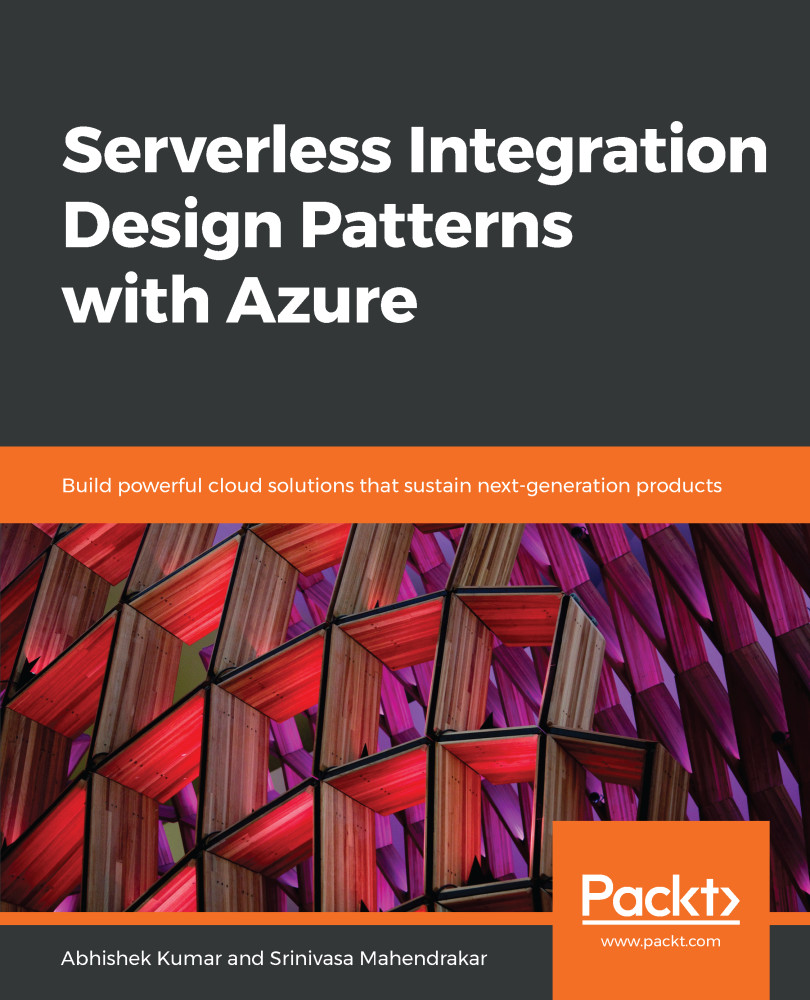
Serverless Integration Design Patterns with Azure

Serverless Integration Design Patterns with Azure

By : Abhishek Kumar, Mahendrakar
4 (1)
close
close
Serverless Integration Design Patterns with Azure

Serverless Integration Design Patterns with Azure

4 (1)
By: Abhishek Kumar, Mahendrakar

Overview of this book

With more enterprises adapting cloud-based and API-based solutions, application integration has become more relevant and significant than ever before. Parallelly, Serverless Integration has gained popularity, as it helps agile organizations to build integration solutions quickly without having to worry about infrastructure costs. With Microsoft Azure’s serverless offerings, such as Logic Apps, Azure Functions, API Management, Azure Event Grid and Service Bus, organizations can build powerful, secure, and scalable integration solutions with ease. The primary objective of this book is to help you to understand various serverless offerings included within Azure Integration Services, taking you through the basics and industry practices and patterns. This book starts by explaining the concepts of services such as Azure Functions, Logic Apps, and Service Bus with hands-on examples and use cases. After getting to grips with the basics, you will be introduced to API Management and building B2B solutions using Logic Apps Enterprise Integration Pack. This book will help readers to understand building hybrid integration solutions and touches upon Microsoft Cognitive Services and leveraging them in modern integration solutions. Industry practices and patterns are brought to light at appropriate opportunities while explaining various concepts.

Table of Contents (15 chapters)
close
close

Setting up monitoring in Serverless360

In Serverless360, an alarm is a logical container in which you configure all kinds of monitoring rules. Once you've done that, you can map artifacts you want to monitor to that alarm. In other words, to create an alarm in Serverless360, we will perform the following steps:

  1. Create an alarm: Give the alarm a name, configure the type of the alarm and how notifications should be transmitted to stakeholders
  2. Map artifacts to the alarm: Associate the artifacts that should be monitored with the alarm

Both steps are described in more detail next.

Creating an alarm

In Serverless360, you can create alarms from a couple of different places in the user interface:

  • In the Overview screen of...
Visually different images
CONTINUE READING
83
Tech Concepts
36
Programming languages
73
Tech Tools
Icon Unlimited access to the largest independent learning library in tech of over 8,000 expert-authored tech books and videos.
Icon Innovative learning tools, including AI book assistants, code context explainers, and text-to-speech.
Icon 50+ new titles added per month and exclusive early access to books as they are being written.
Serverless Integration Design Patterns with Azure
notes
bookmark Notes and Bookmarks search Search in title playlist Add to playlist download Download options font-size Font size

Change the font size

margin-width Margin width

Change margin width

day-mode Day/Sepia/Night Modes

Change background colour

Close icon Search
Country selected

Close icon Your notes and bookmarks

Confirmation

Modal Close icon
claim successful

Buy this book with your credits?

Modal Close icon
Are you sure you want to buy this book with one of your credits?
Close
YES, BUY

Submit Your Feedback

Modal Close icon
Modal Close icon
Modal Close icon