Sign In Start Free Trial
Account

Add to playlist

Create a Playlist

Modal Close icon
You need to login to use this feature.
  • Book Overview & Buying Tkinter GUI Programming by Example
  • Table Of Contents Toc
  • Feedback & Rating feedback
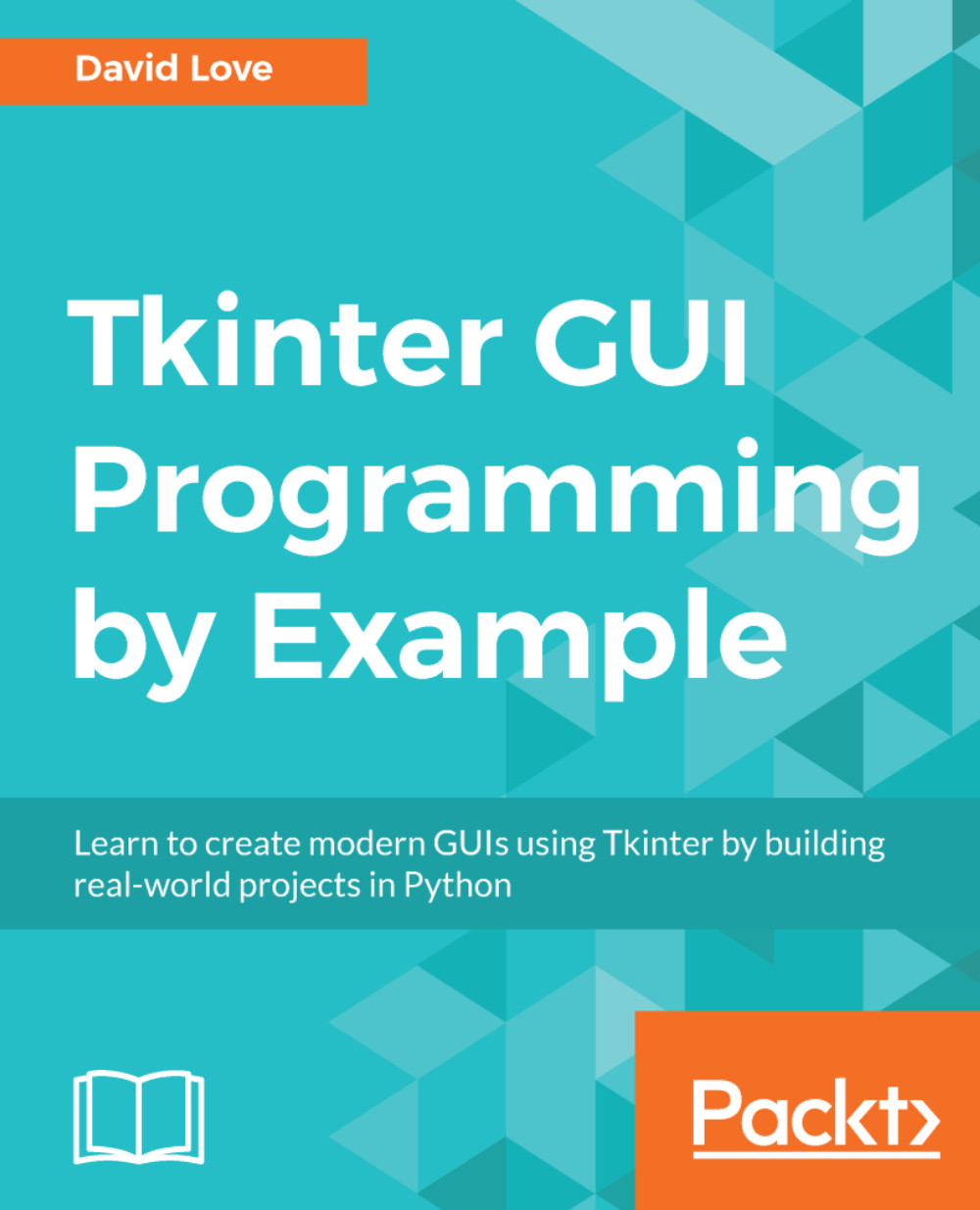
Tkinter GUI Programming by Example

Tkinter GUI Programming by Example

By : David Love
1 (3)
close
close
Tkinter GUI Programming by Example

Tkinter GUI Programming by Example

1 (3)
By: David Love

Overview of this book

Tkinter is a modular, cross-platform application development toolkit for Python. When developing GUI-rich applications, the most important choices are which programming language(s) and which GUI framework to use. Python and Tkinter prove to be a great combination. This book will get you familiar with Tkinter by having you create fun and interactive projects. These projects have varying degrees of complexity. We'll start with a simple project, where you'll learn the fundamentals of GUI programming and the basics of working with a Tkinter application. After getting the basics right, we'll move on to creating a project of slightly increased complexity, such as a highly customizable Python editor. In the next project, we'll crank up the complexity level to create an instant messaging app. Toward the end, we'll discuss various ways of packaging our applications so that they can be shared and installed on other machines without the user having to learn how to install and run Python programs.
Table of Contents (13 chapters)
close
close

The Menu widget


As its name implies, the Menu widget is a widget that can hold many selectable options. Each option can be assigned a label, such as paste, and a command, which (like many other widgets) allows us to call a Python function when the user clicks on it.

We will be adding two different types of menus to our text editor in this chapter: a menu bar along the top of the window and a right-click context menu. Both are implemented using the same widget, but the way in which the widgets are added to the application differs.

Let's take some time to look at each method we will be using to add menus into our text editor, beginning with the top menu bar.

A menu bar

The top menu bar of an application usually just contains other menus, such as file and edit. These are known as "cascades" in Tkinter, and are essentially a menu inside a menu. This may be confusing at first, so let's begin with a very simple example to demonstrate the difference between a menu and a cascade.

Create a new Python...

Visually different images
CONTINUE READING
83
Tech Concepts
36
Programming languages
73
Tech Tools
Icon Unlimited access to the largest independent learning library in tech of over 8,000 expert-authored tech books and videos.
Icon Innovative learning tools, including AI book assistants, code context explainers, and text-to-speech.
Icon 50+ new titles added per month and exclusive early access to books as they are being written.
Tkinter GUI Programming by Example
notes
bookmark Notes and Bookmarks search Search in title playlist Add to playlist download Download options font-size Font size

Change the font size

margin-width Margin width

Change margin width

day-mode Day/Sepia/Night Modes

Change background colour

Close icon Search
Country selected

Close icon Your notes and bookmarks

Confirmation

Modal Close icon
claim successful

Buy this book with your credits?

Modal Close icon
Are you sure you want to buy this book with one of your credits?
Close
YES, BUY

Submit Your Feedback

Modal Close icon
Modal Close icon
Modal Close icon